



Meccha Craft Hub | Minecraft Map
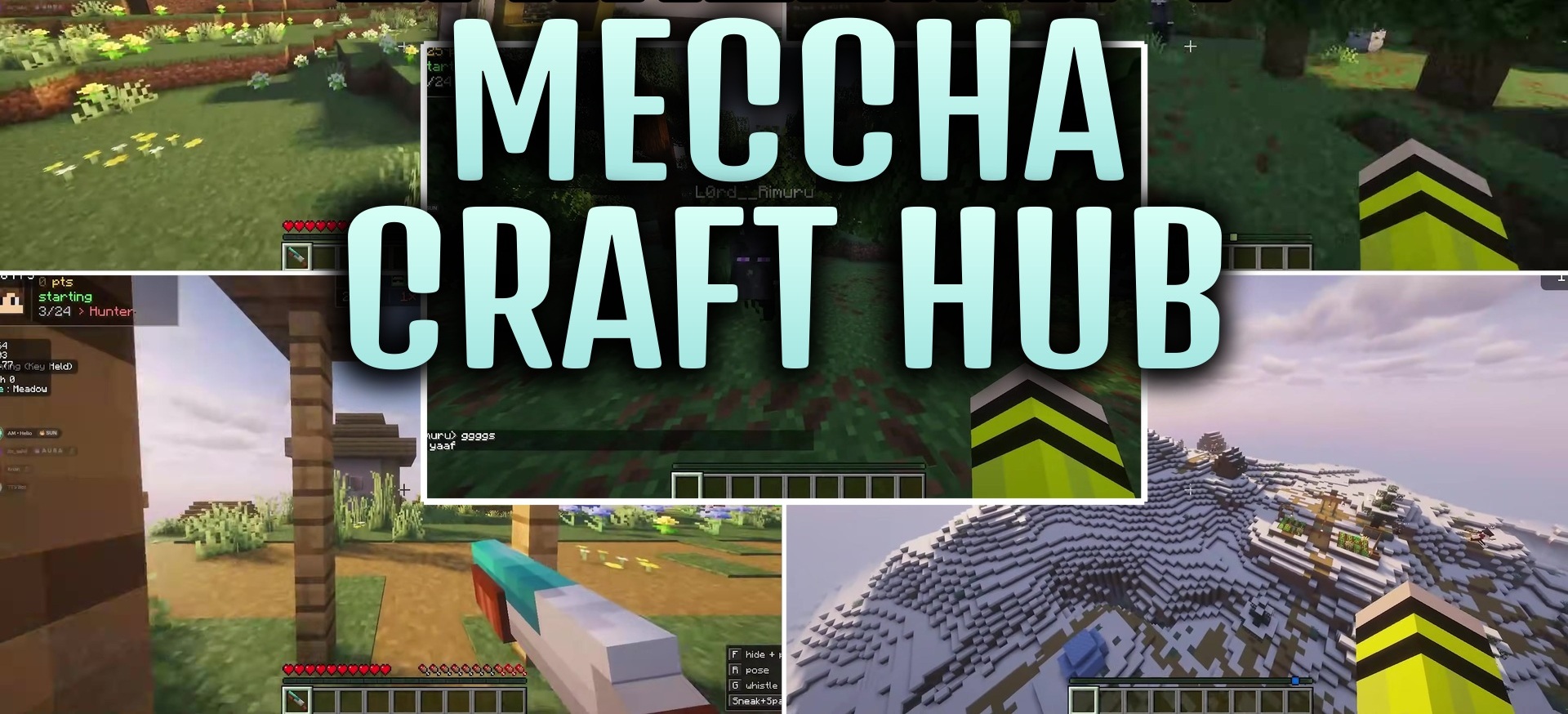
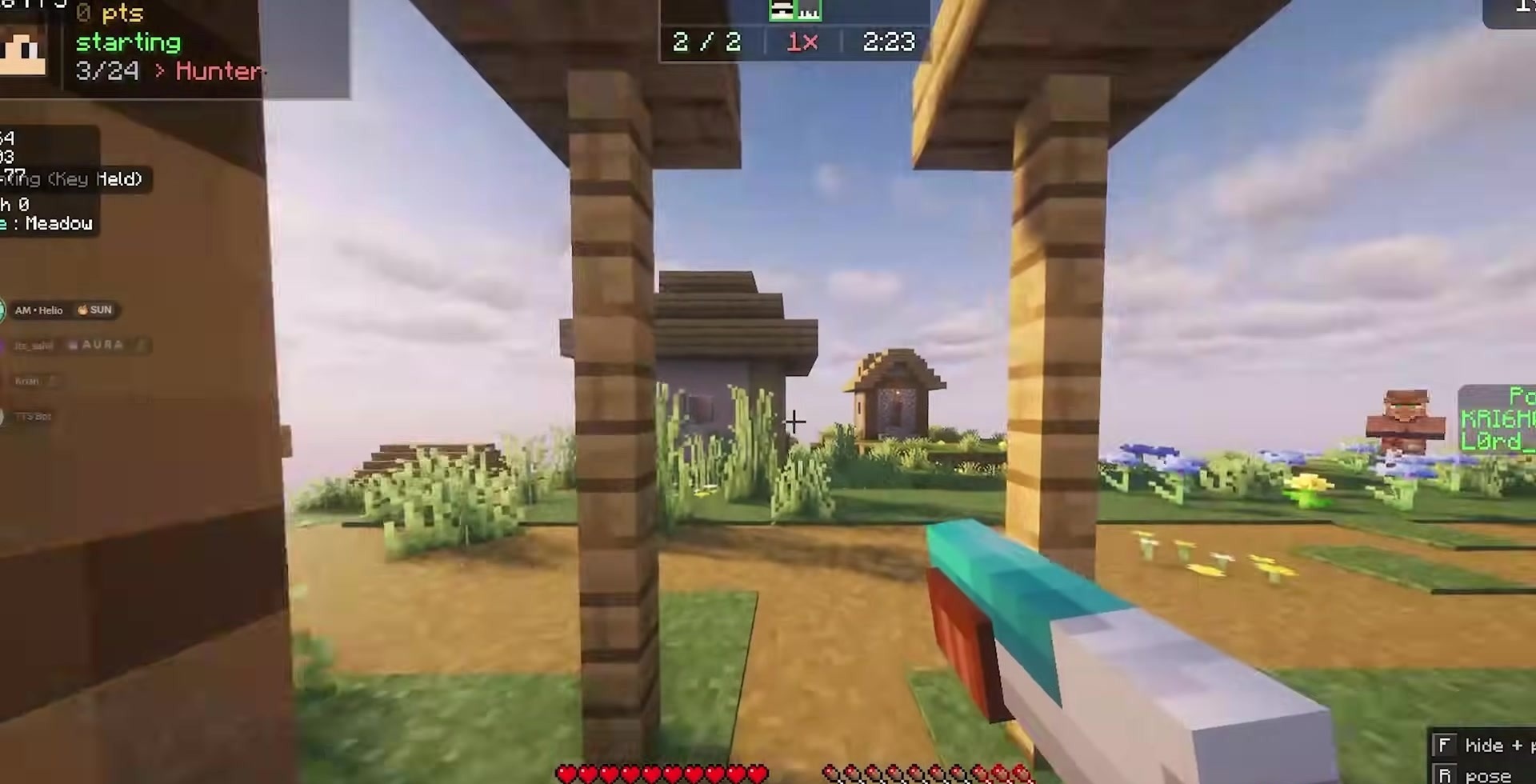
Meccha Craft Hub brings together more than twenty mini-games within a single world. After spawning, the player enters a central area, where they can choose a suitable challenge and immediately move to it. There is no need to load separate maps or return to the main menu every time: switching between activities happens directly within the shared space.
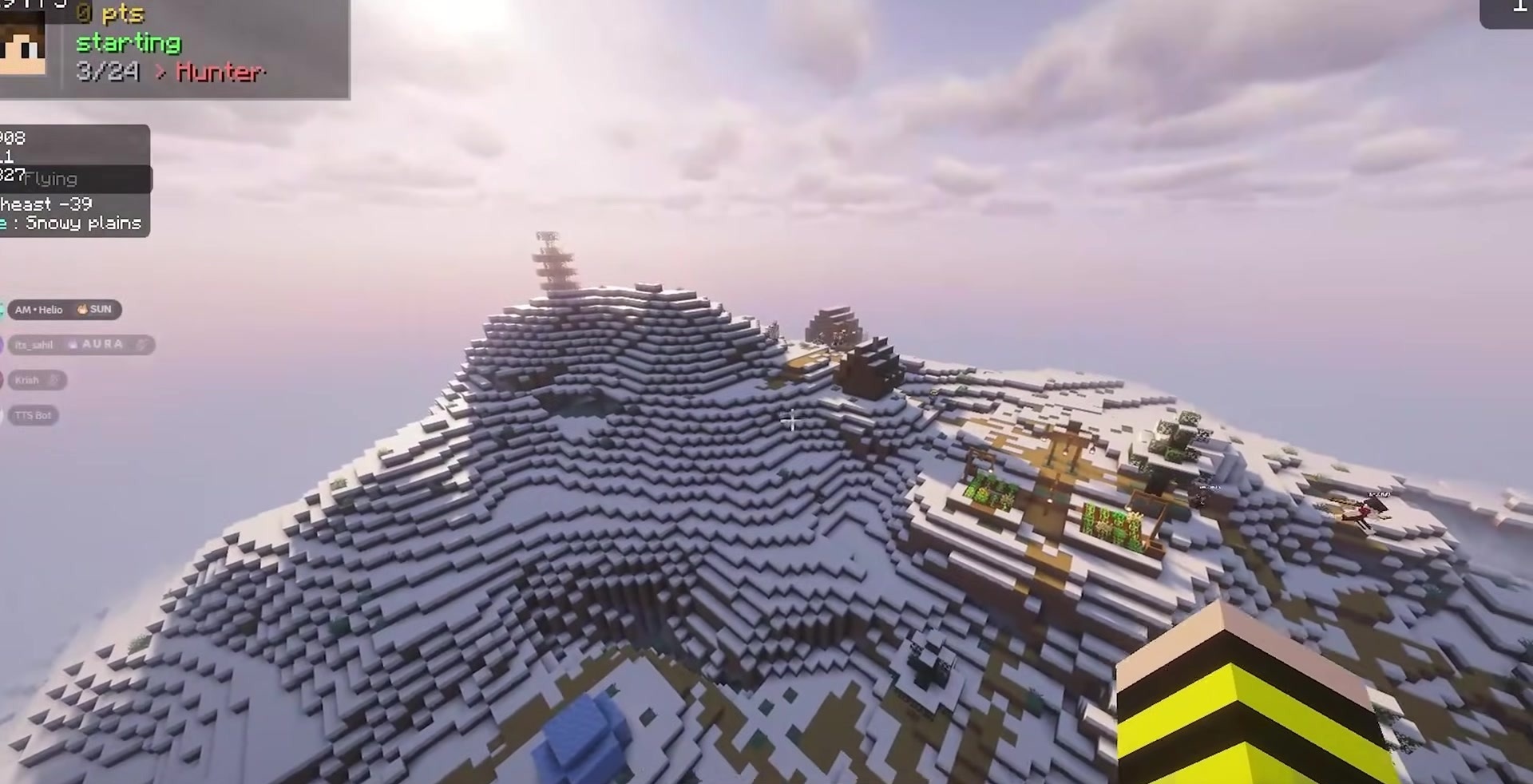
The collection is suitable for a group of friends who do not want to limit themselves to one mode in advance. Players can quickly move from competitions to cooperative tasks and then choose the next activity. The map is especially convenient for server gatherings and short gaming sessions.
How to install a map:
1) Download the archive with a map.
2) Unpack the archive to extract a folder.
3) Copy the folder with Meccha Craft Hub map to .minecraft/saves (if this folder does not exist, create it yourself).
4) Find this map in the "Singleplayer" tab of the main menu.
Comments (0)