



Medieval Building Pack | Minecraft Map
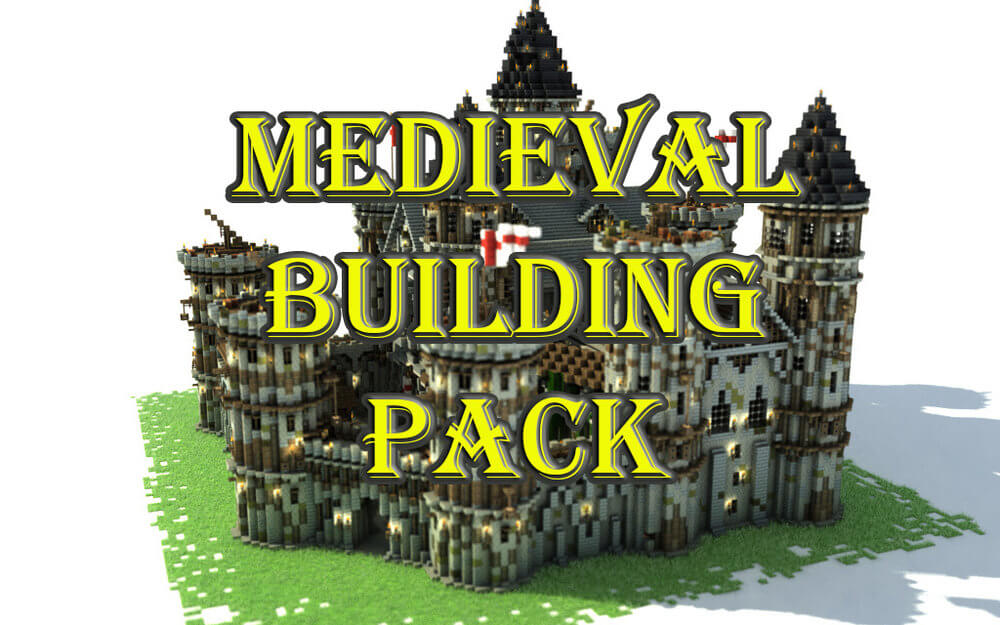 The Medieval Building Pack map for Minecraft offers fans of the blocky world a unique opportunity to explore some of the structures featured in the computer strategy game of the same name, Medieval.
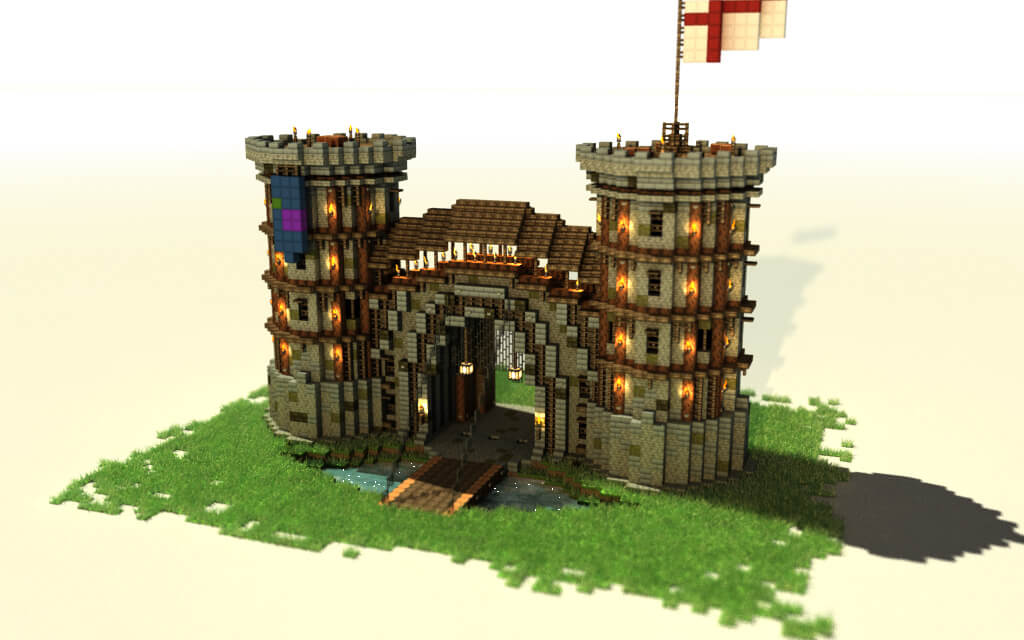
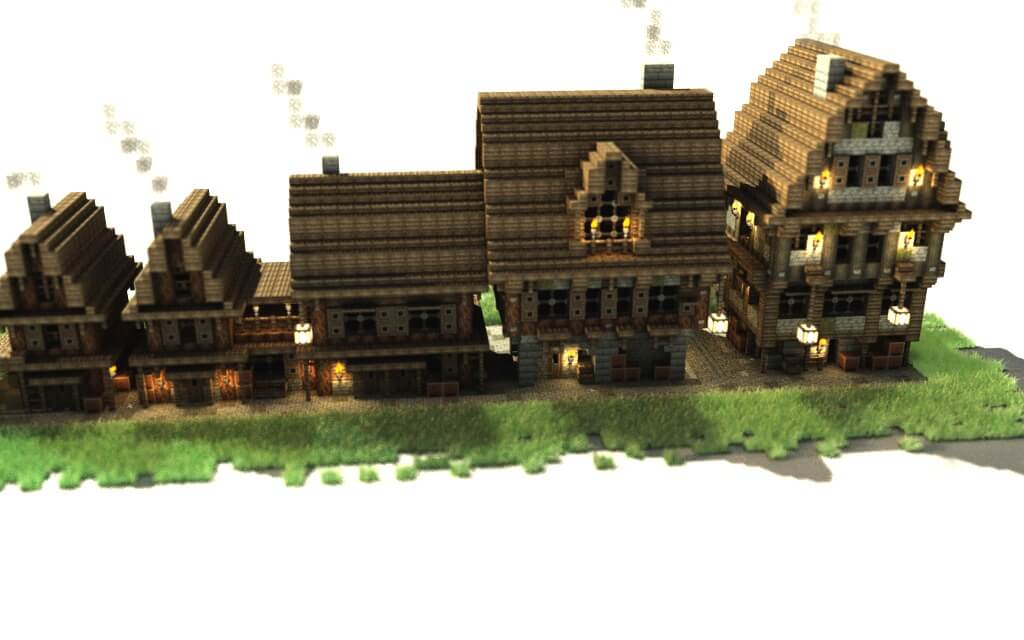
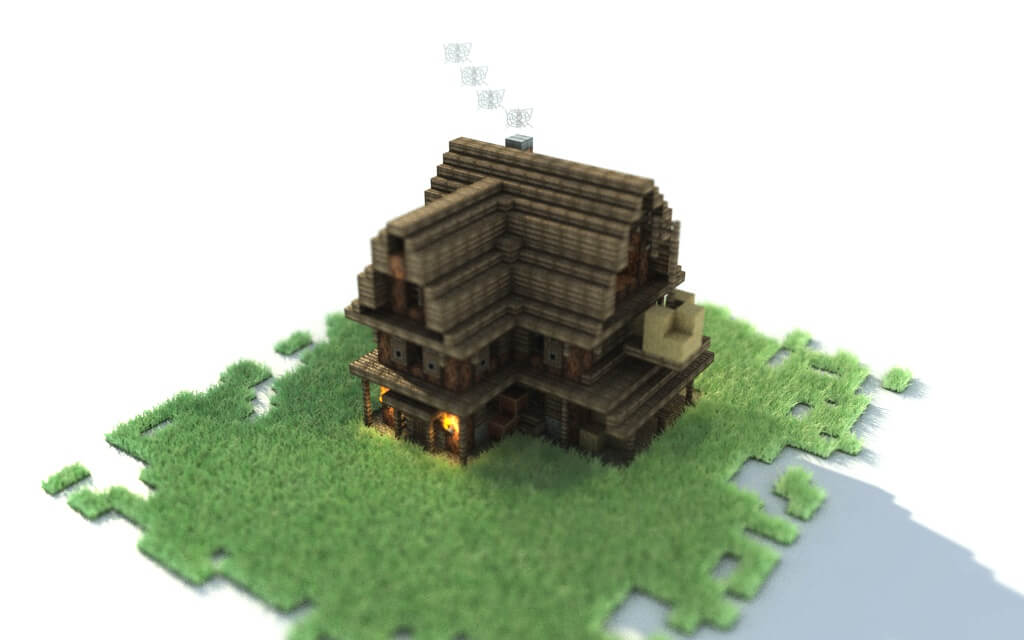 The developers of the Medieval Building Pack map invite players to explore several new textures brought into Minecraft, including the main fort, the central entrance to the castle, a watermill, and five types of houses inhabited by wealthy, moderately well-off, and impoverished peasants. Thanks to the creators’ efforts, every building from the strategy game has been recreated with the utmost accuracy, which will particularly delight fans of Medieval.
How to install the map:
Step 1: Download the archive containing the map.
Step 2: Extract the archive to create a folder.
Step 3: Copy the Medieval building pack map folder to the .minecraft/saves directory (if this folder does not exist, create it yourself).
Step 4: Find this map under the "Single-player" tab in the menu.
Comments (0)