



Modern Mountain Neighborhood | Minecraft Map
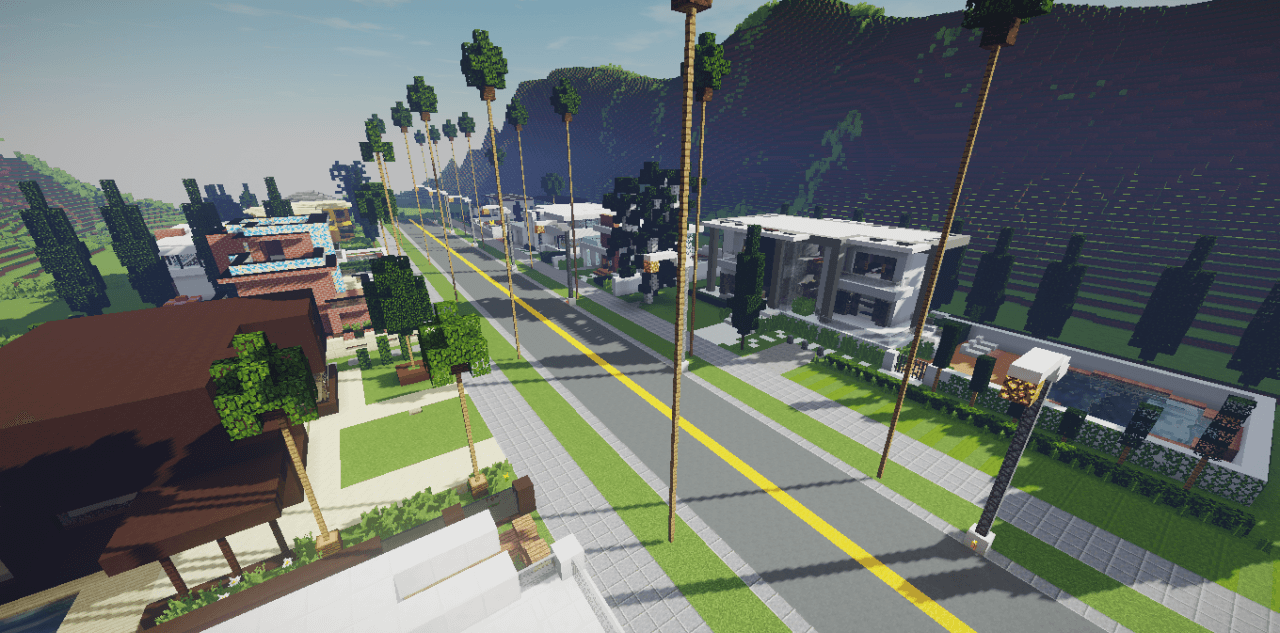
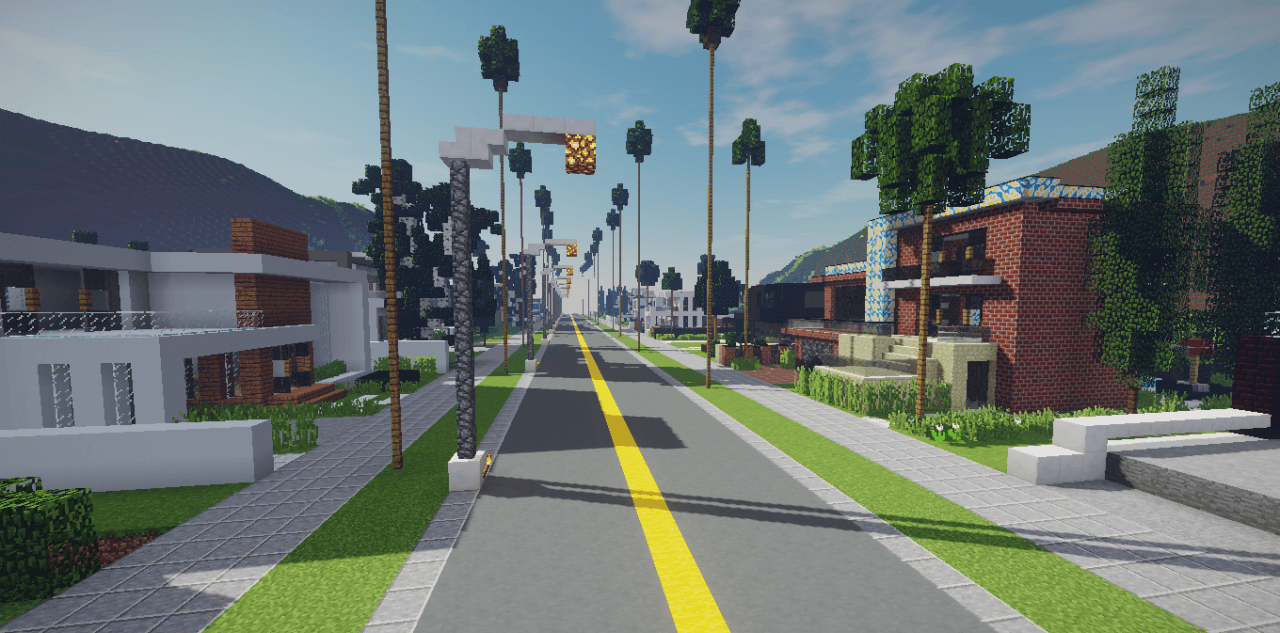
The wonderful Modern Mountain Neighborhood map for version 1.12.2 is among the latest Minecraft releases. Players must get to know the city neighbourhood where they will settle.
You can settle in on your own or with friends. Choose whichever suits you best. You’ll be living on a street where all the houses are designed in a modern style and are unique – in other words, no two are alike. There are no restrictions on what you can do on the map, so make the most of all the opportunities available to you to progress further.
How to install the map:
Step 1: Download the map archive.
Step 2: Extract the archive to create a folder.
Step 3: Copy the folder containing the Modern Mountain Neighborhood map to the .minecraft/saves directory (if this folder does not exist, create it yourself).
Step 4: Find this map under the ‘Singleplayer’ tab in the menu.
Comments (6)