



Mountain | Minecraft Map
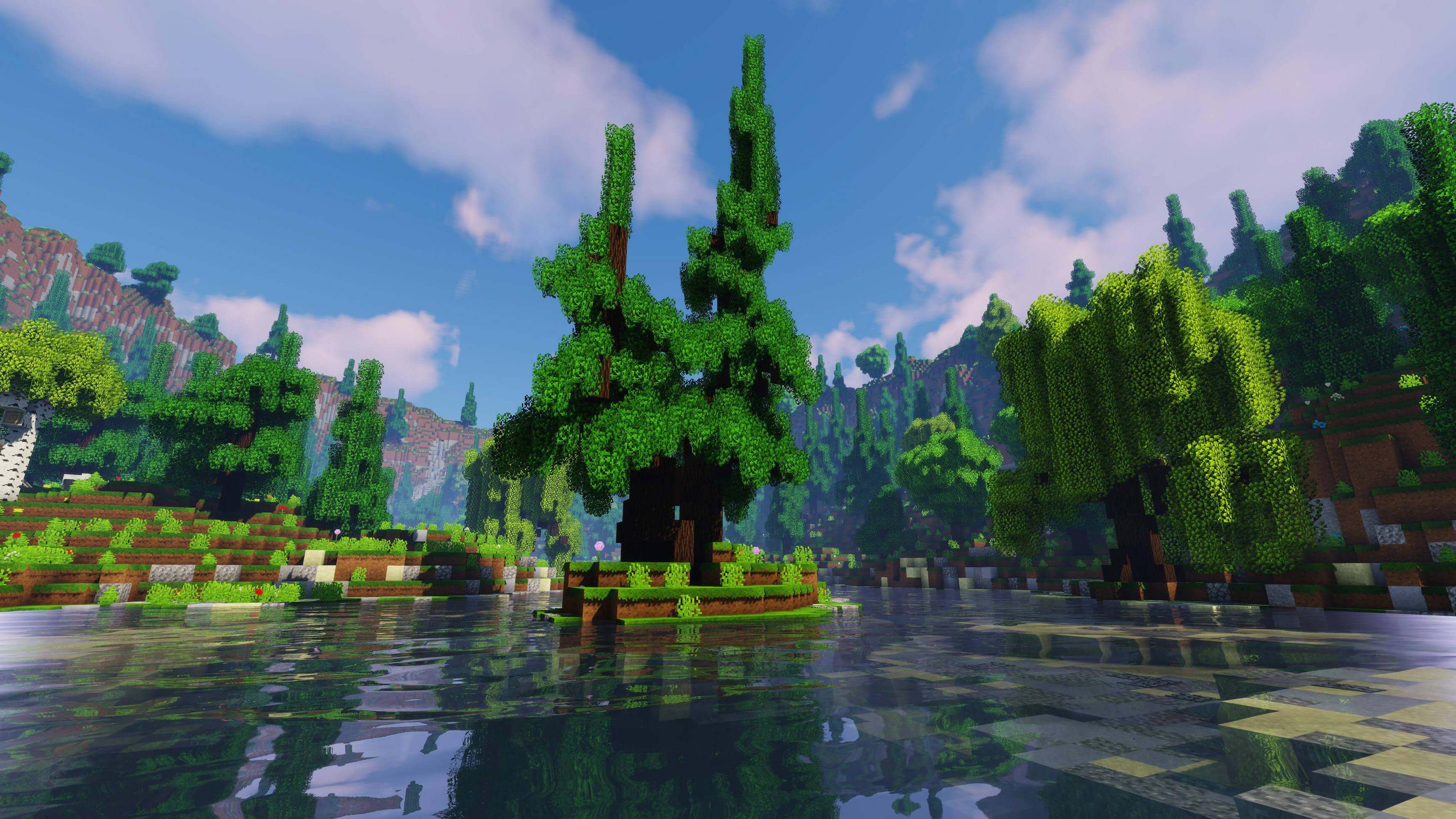
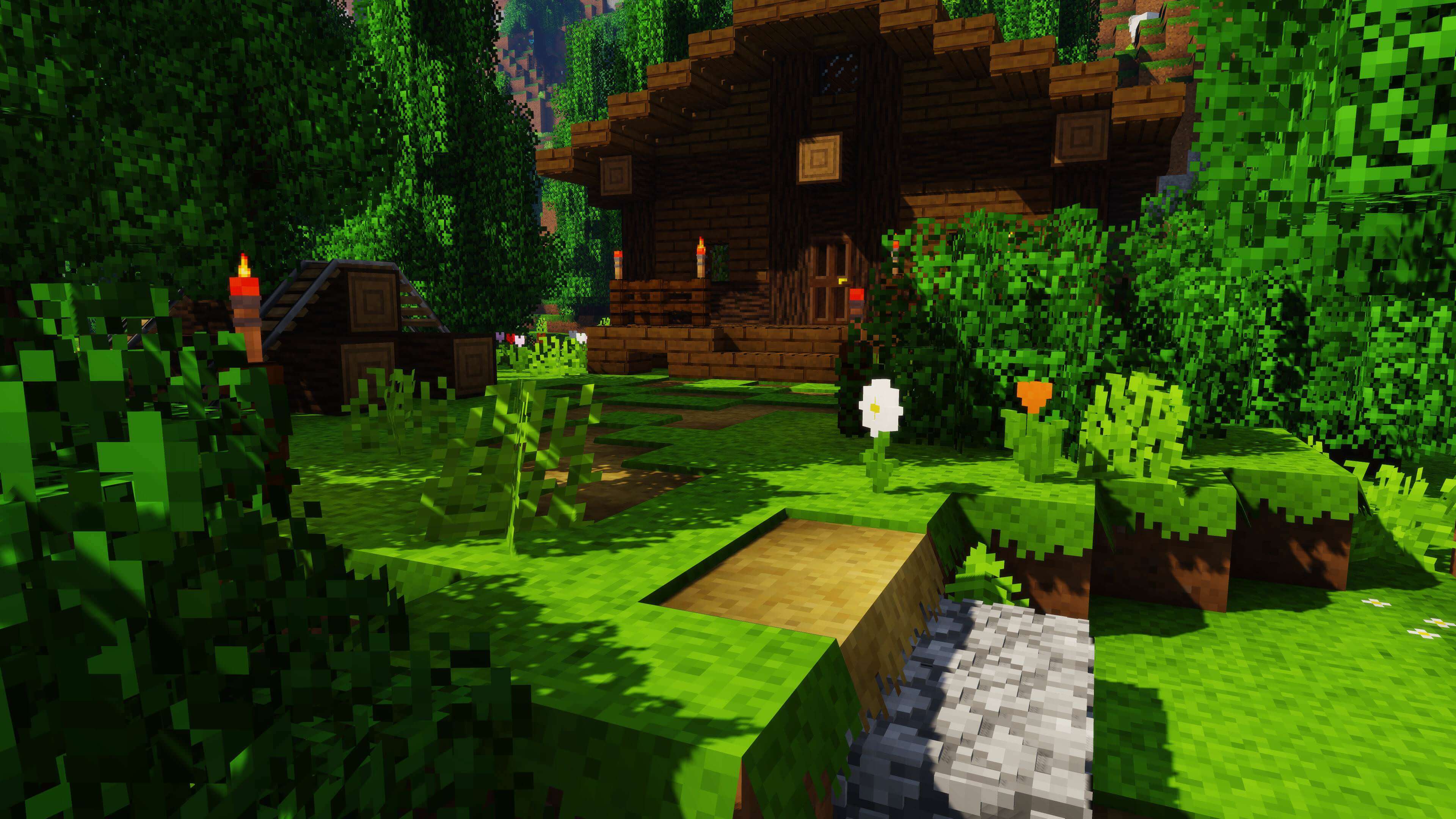 It’s time to embark on the most dangerous adventure in the world of this game. The Mountain map for Minecraft is now available to you, offering unusual challenges.
For example, you’ll need to be extremely careful during your adventures, as you cannot change the gamma setting or use cheats. Every resource will be vital, and any mistake or oversight will lead to serious problems.
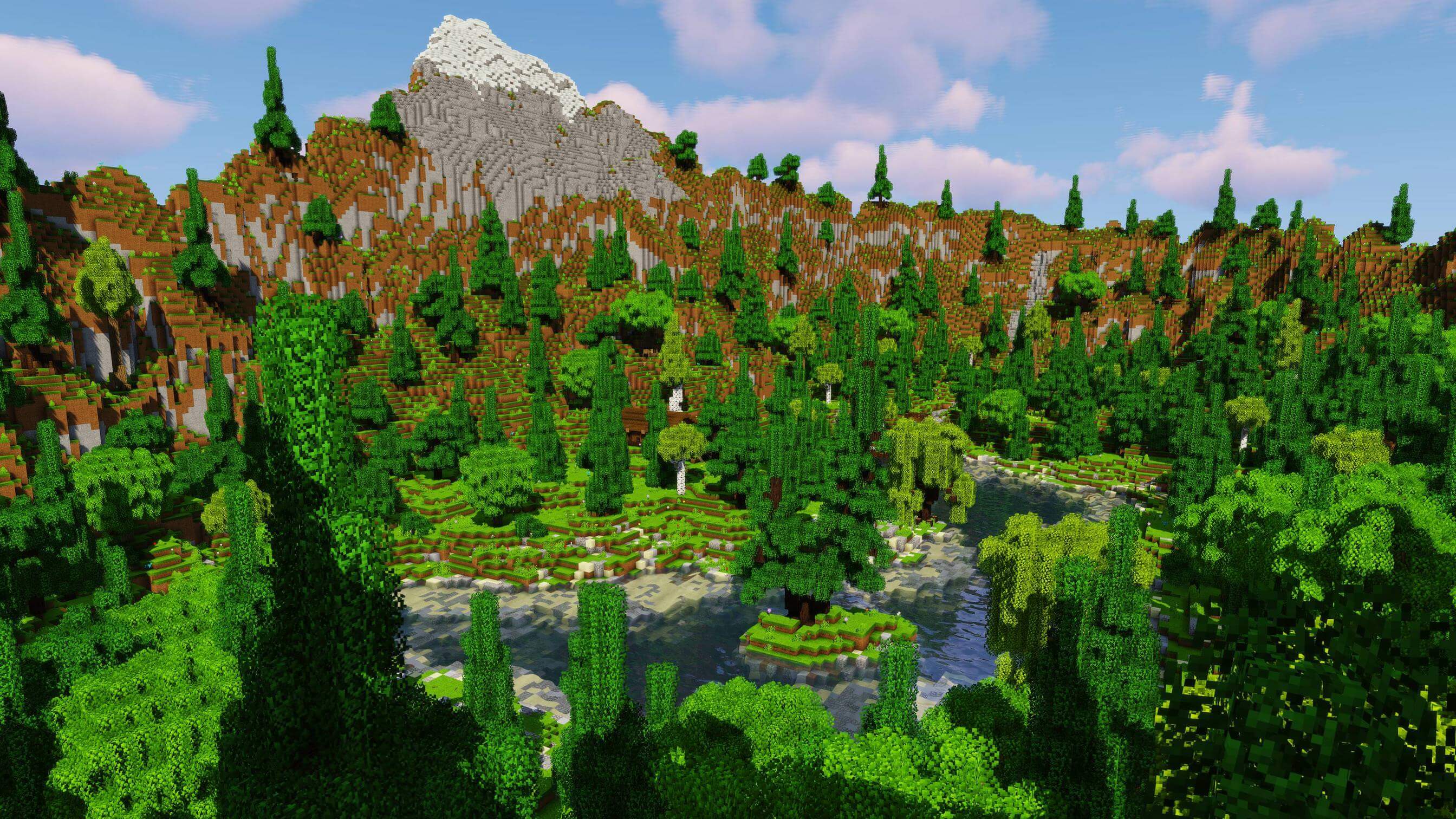
You haven’t faced such a heavy burden of responsibility before, so we recommend preparing yourself mentally, as the difficulty level really does matter here. Are you ready for such challenges? Then take your first steps.
How to install the map:
Step one: Download the map archive.
Step two: Extract the archive to create a folder.
Step three: Copy the folder containing the Mountain map to the .minecraft/saves directory (if this folder does not exist, create it yourself).
Step four: Find this map under the "Singleplayer" tab in the menu.
Comments (2)