



Mundo | Minecraft Map
 If you’ve been struggling to find a really interesting place for active recreation and fun, we suggest taking a look at the Mundo map for Minecraft.
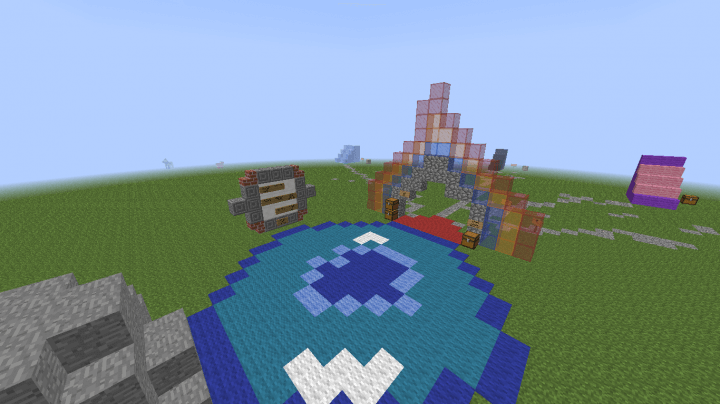
This time, you’ll need to try to use a variety of interesting elements in your adventure, though there won’t be as many as you might expect. For example, the new map features a small pond and a glass cliff.
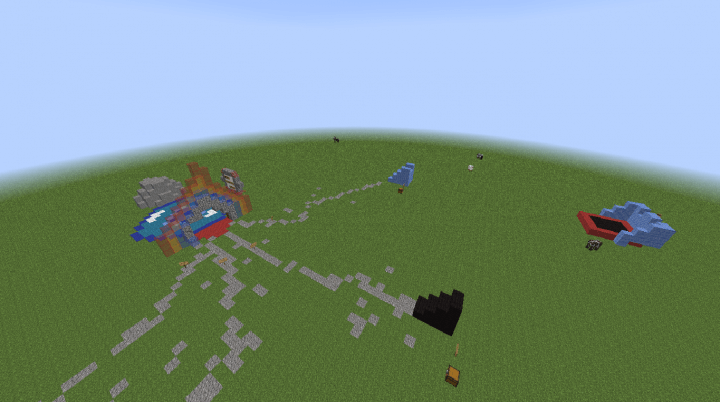
It’s up to you to decide exactly how to use all this splendour; the main thing is to try to unravel the mystery of this place. Whether you succeed remains to be seen. We wish you good luck and all the best!
How to install the map:
Step one: Download the map archive.
Step two: Extract the archive to get a folder.
Step three: Copy the Mundo map folder to .minecraft/saves (if this folder does not exist, create it yourself).
Step four: Find this map under “Singleplayer” in the menu.
Comments (0)