



No More Checkpoints | Minecraft Map

With the release of a new map called No More Checkpoints for version 1.16.1, players will be able to tackle exciting challenges with great enthusiasm.
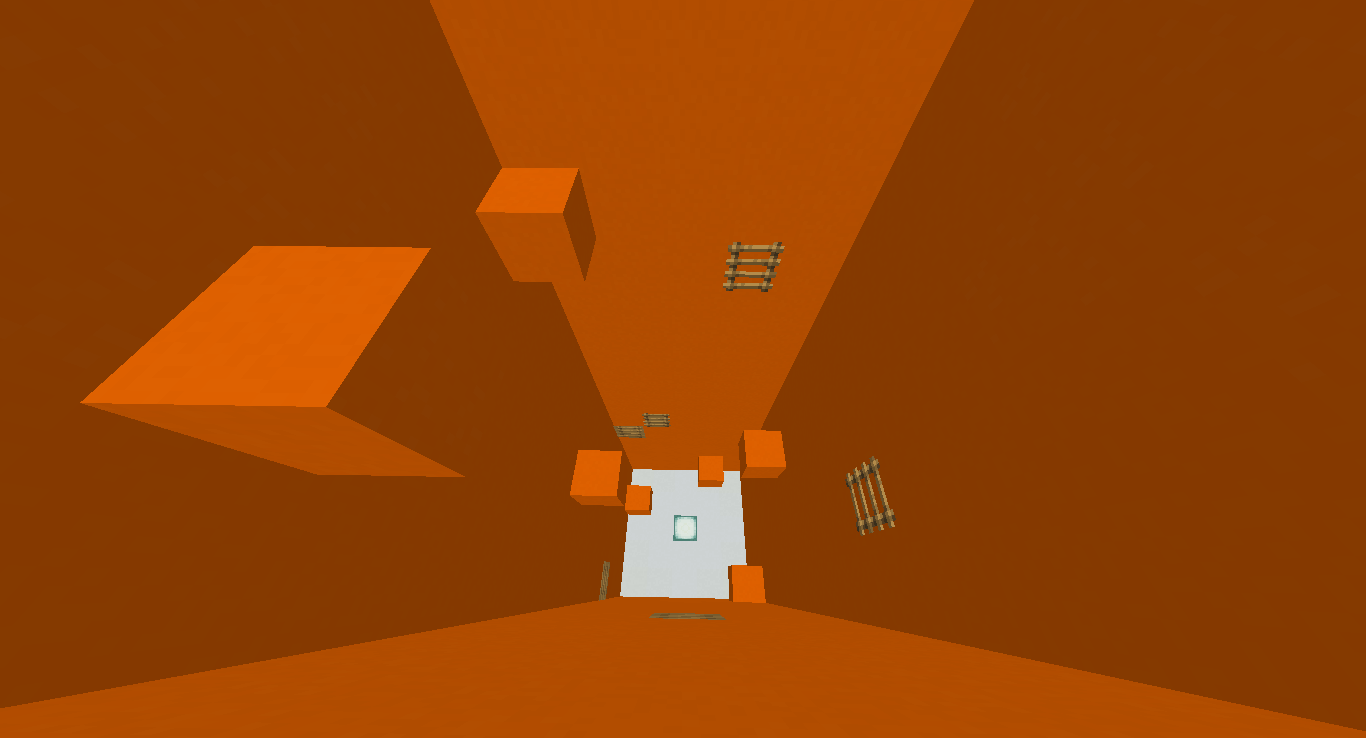
These challenges will be puzzles. In total, players will need to complete ten levels prepared by the map’s creator. Players face one mandatory condition – they must complete the challenges on the first attempt, as there are no checkpoints. Players will need to show their mettle while completing the challenges, demonstrating their gaming knowledge and skills. As soon as you’ve downloaded the map, you can start playing straight away.
How to install the map:
Step 1: Download the archive containing the map.
Step 2: Extract the archive to create a folder.
Step 3: Copy the folder containing the No More Checkpoints map to the .minecraft/saves directory (if this folder does not exist, create it yourself).
Step 4: Find this map under the ‘Singleplayer’ tab in the menu.
Comments (1)