



Open World Zombie Apocalypse | Minecraft Map
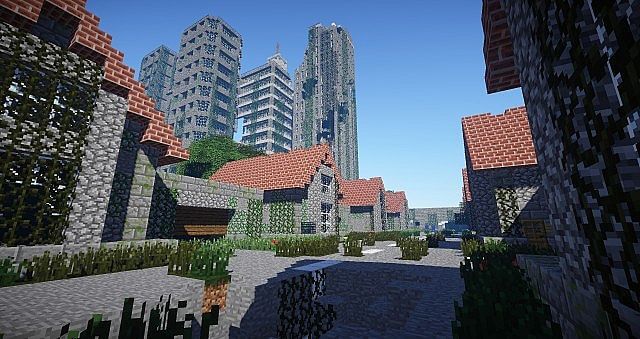
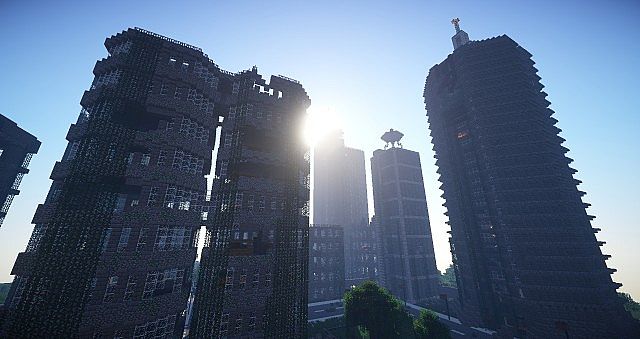
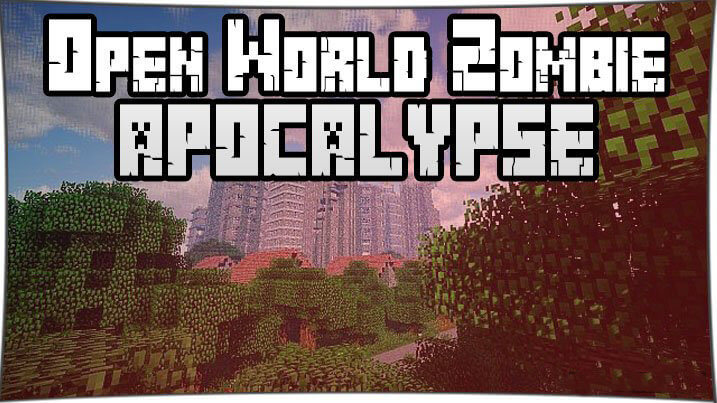 Immerse yourself in a world where zombies have wiped out humanity and only you and your friends can stop the living dead. Here, you can rob people, hear stories from other survivors, roam the wastelands, survive and master the apocalypse, hang out and kill a few zombies.
The map is always active, changing and updating to new versions as you play and gain experience. No one will spare you here, as the living dead are everywhere.
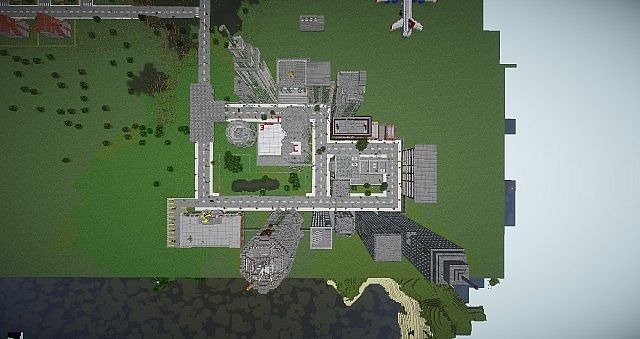 It’s entirely up to you whether you can survive in this brutal world. Set off on adventures in a world where you and your friends may be the last survivors.
How to install the map:
Step 1: Download the map archive.
Step 2: Extract the archive to create a folder.
Step 3: Copy the Open World Zombie Apocalypse map folder to the .minecraft/saves directory (if this folder does not exist, create it yourself).
Step 4: Find this map under “Single Player” in the menu.
Comments (159)