



Pirate’s Island | Minecraft Map
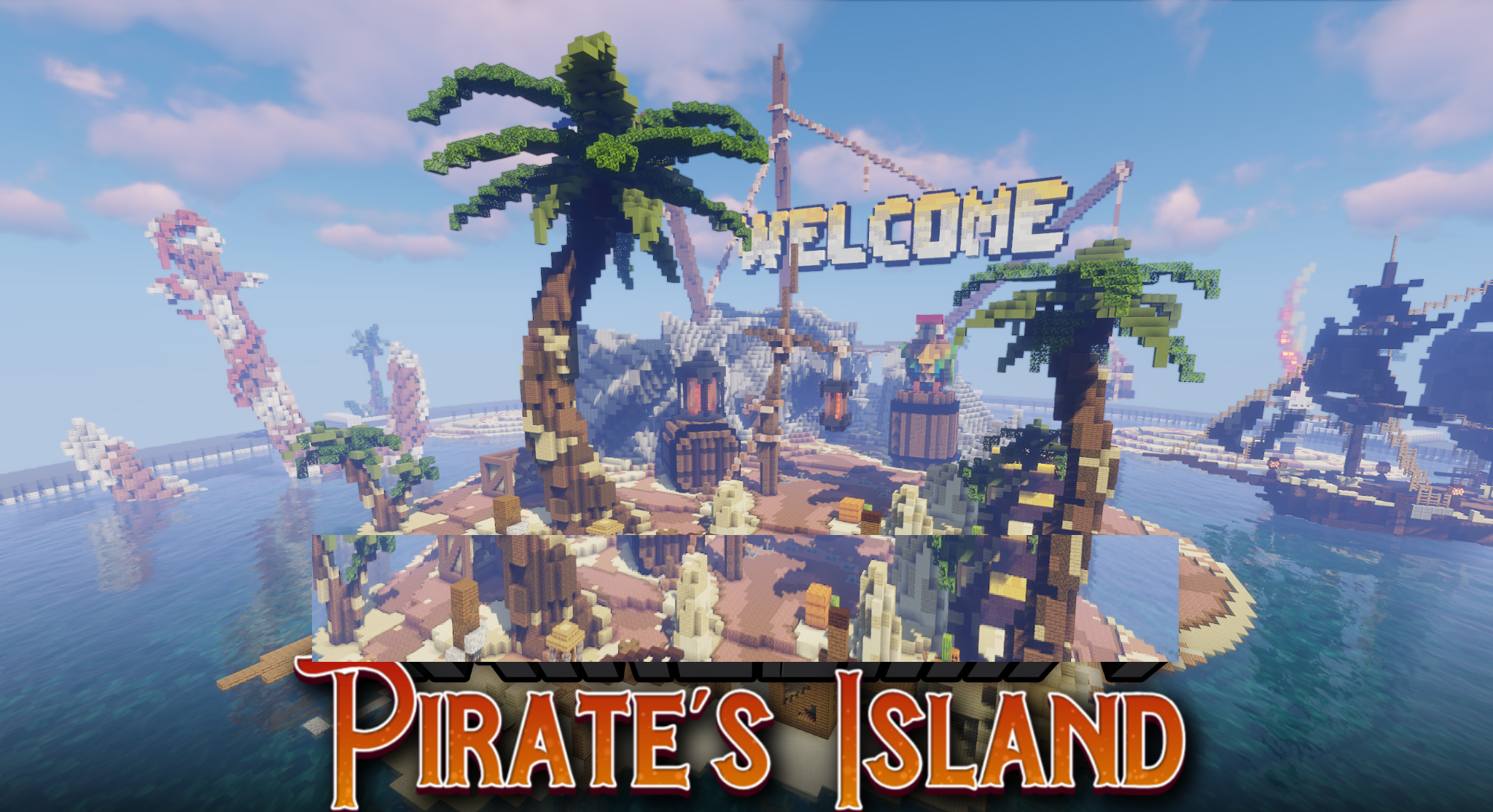
The tropical bay immediately creates a pirate atmosphere: water, sand, palm trees, and a ship near the shore work together as a single starting scene. Pirate’s Island is designed as a lobby or spawn area with a large wooden vessel under black sails, treasure chests, wooden cranes, and decorative statues.
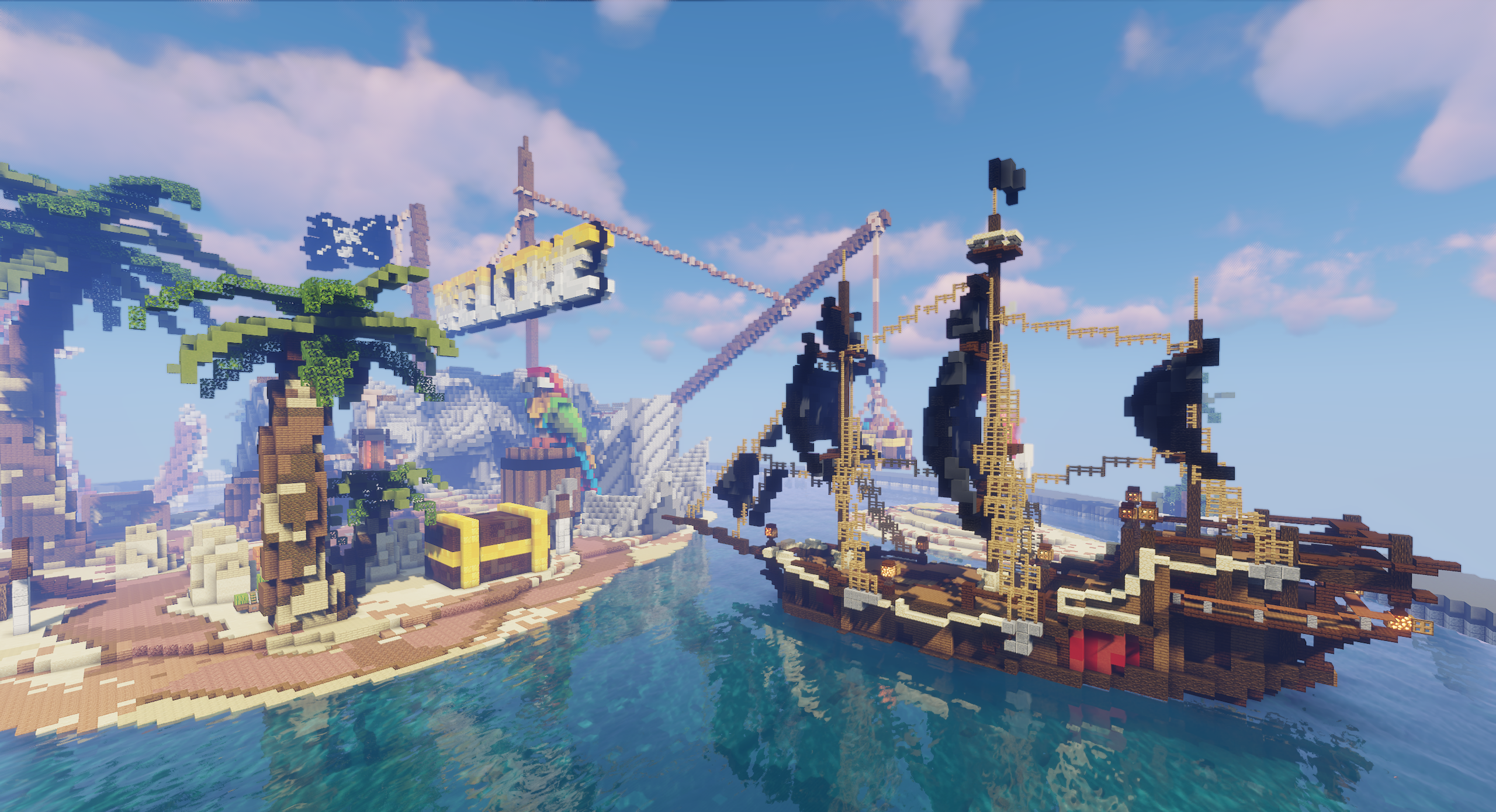
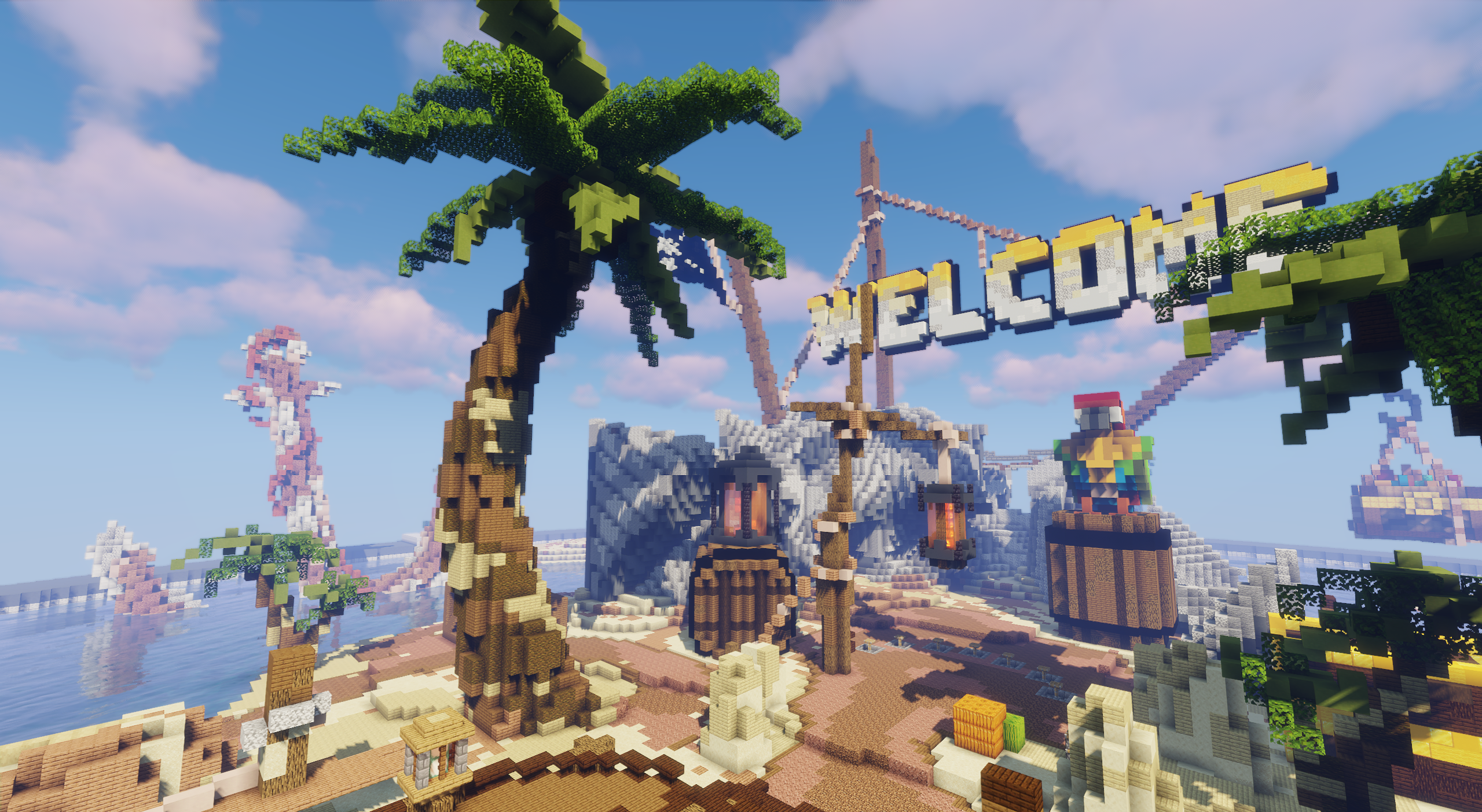
A welcome sign is placed on the cliffs, making the map easy to recognize as an entrance area for a server. Among the details, the enormous skull, colorful parrot, lanterns, and beach buildings stand out. The space is not enclosed: players can walk around the island, look at the ship, move along the shore, and gather before the game mode begins.
How to install a map:
1) Download the archive with a map.
2) Unpack the archive to extract a folder.
3) Copy the folder with Pirate’s Island map to .minecraft/saves (if this folder does not exist, create it yourself).
4) Find this map in the "Singleplayer" tab of the main menu.
Comments (0)