



Search for Emeralds in the Village | Minecraft Map

If you’ve got some spare time and fancy trying something new as you journey through the vast world of Minecraft, be sure to download the ‘Search for Emeralds in the Village’ map for version 1.14.4.
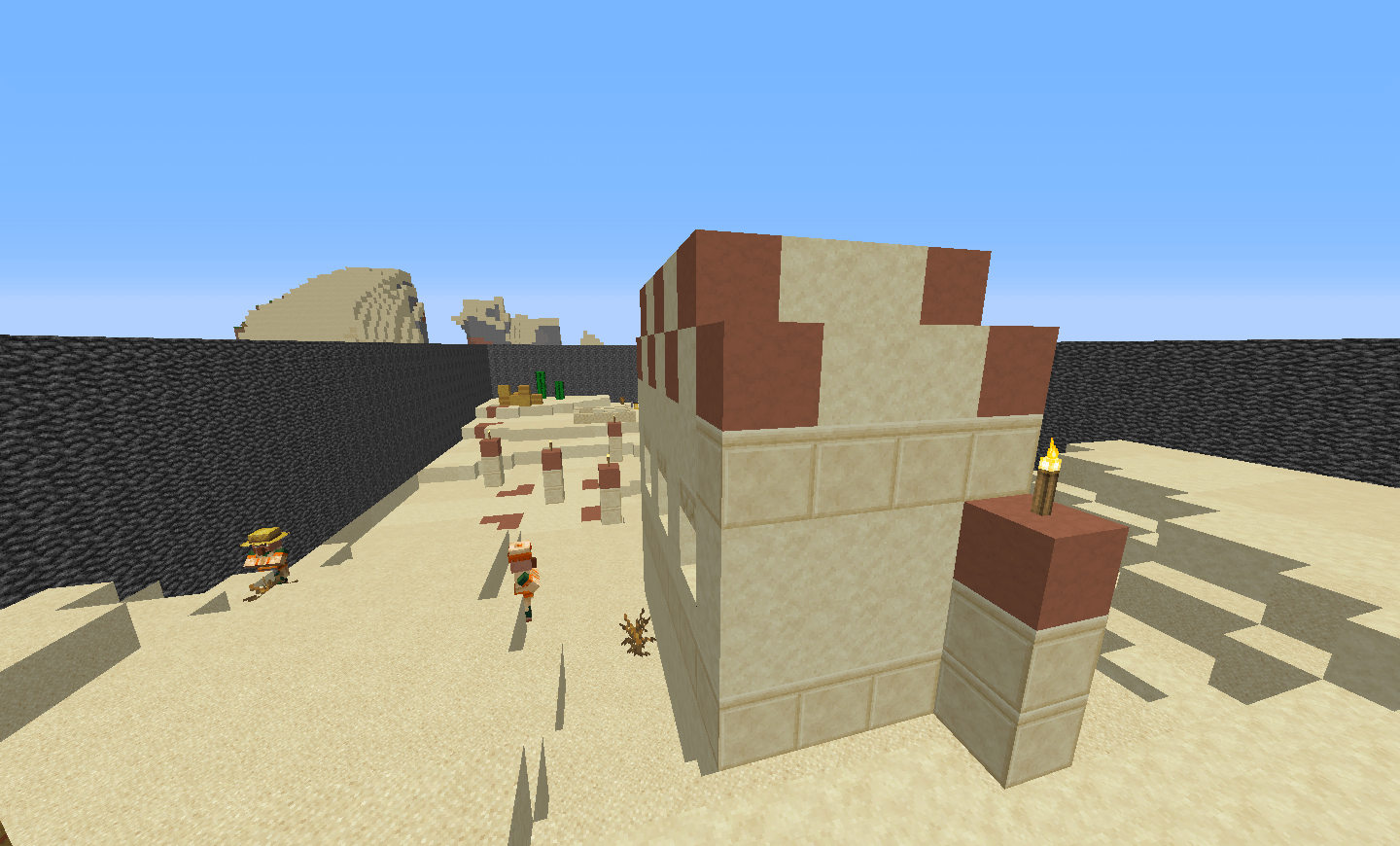
In the map’s storyline, circumstances have led you to one of the villages. Your task is to collect all fifteen emeralds. So, you set off to complete the task before you, which at first glance seems very simple. But in reality, things aren’t quite that straightforward. You’ll need to be as observant as possible while searching for the emeralds.
How to install the map:
Step 1: Download the archive containing the map.
Step 2: Extract the archive to create a folder.
Step 3: Copy the folder containing the ‘Search for Emeralds in the Village’ map to the .minecraft/saves directory (if this folder does not exist, create it yourself).
Step 4: In the menu, under the ‘Single Player’ tab, find this map.
Comments (0)