



Press The Buttons | Minecraft Map
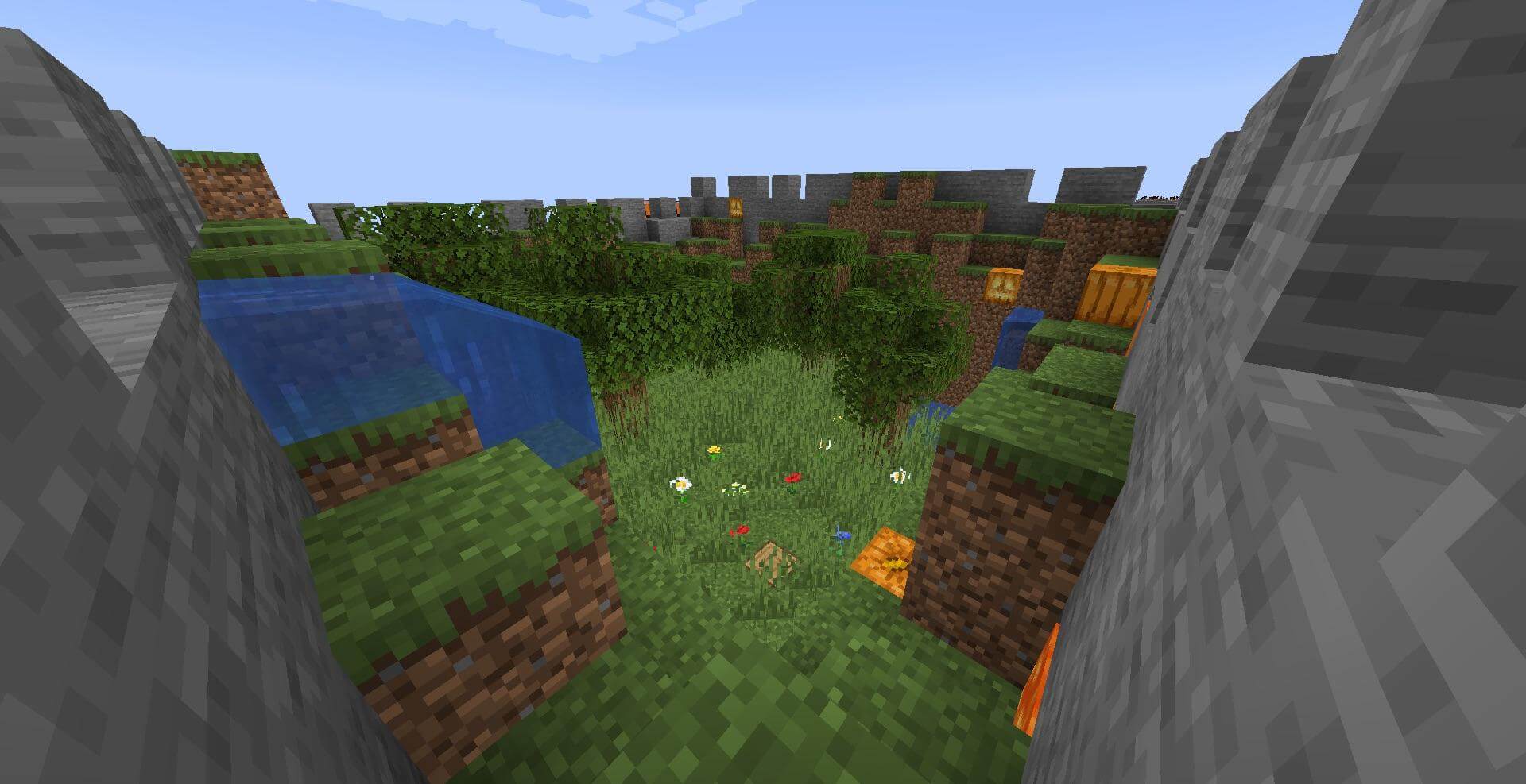
Press The Buttons is an original map for version 1.14.4 with challenges entirely in the ‘Find the Button’ genre.
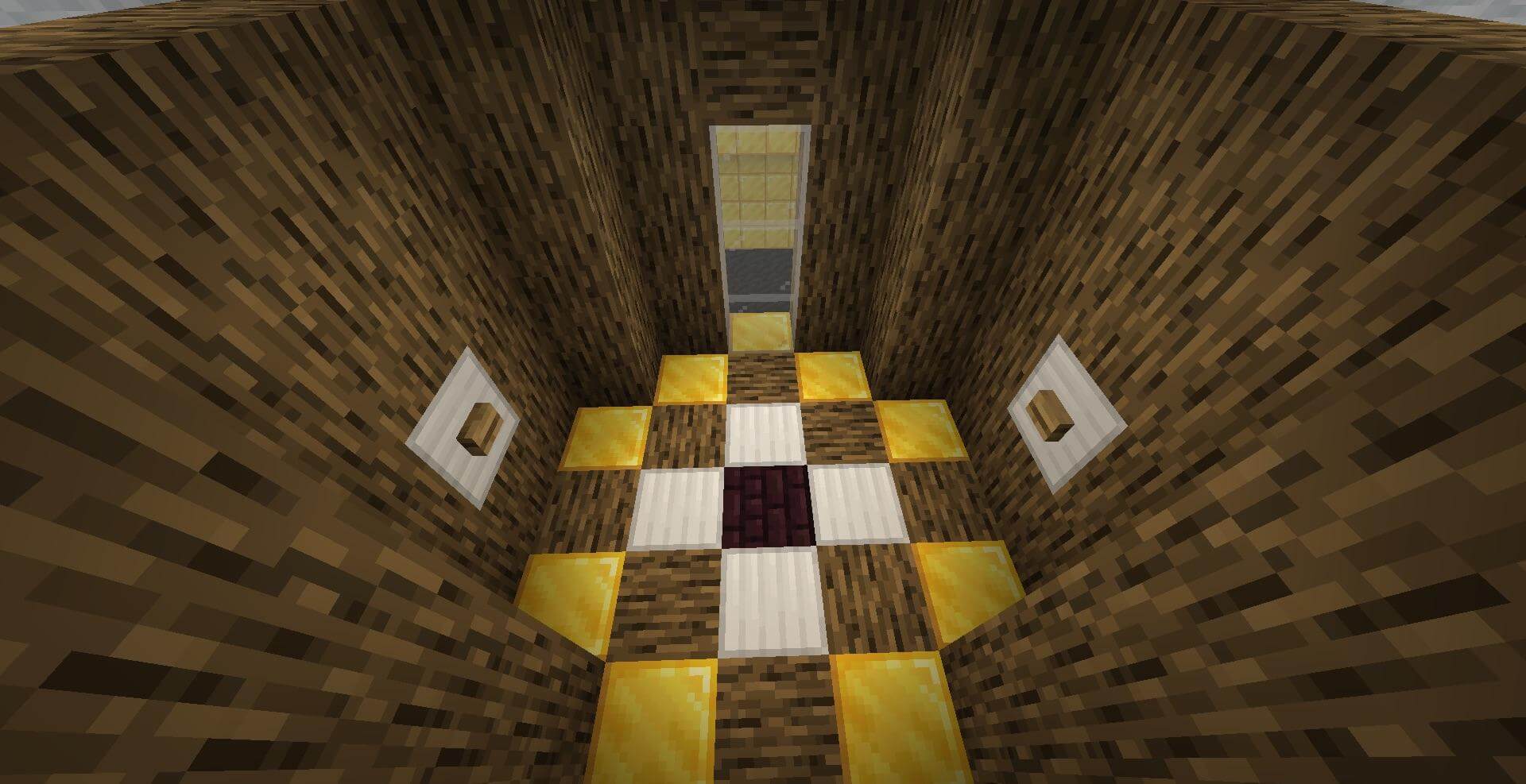
As intended by the author, each player must complete all the tasks on the map either alone or with a friend; that is, they must find the button, place it on the corresponding block and press it. Alternatively, they can simply press the button on the level. Once you have completed this part of the task, a door will appear before you, allowing you to proceed to the next level. Everything will unfold in exactly this sequence once you download this map.
How to install the map:
Step 1: Download the map archive.
Step 2: Extract the archive to create a folder.
Step 3: Copy the folder containing the ‘Press The Buttons’ map to the .minecraft/saves directory (if this folder does not exist, create it yourself).
Step 4: Find this map under ‘Single Player’ in the menu.
Comments (0)