



Russian City | Minecraft Map
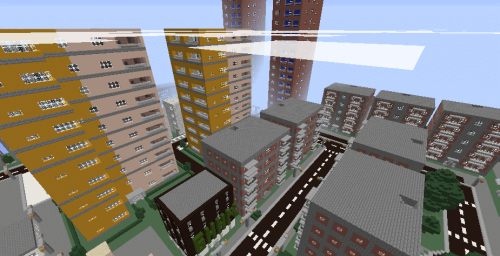
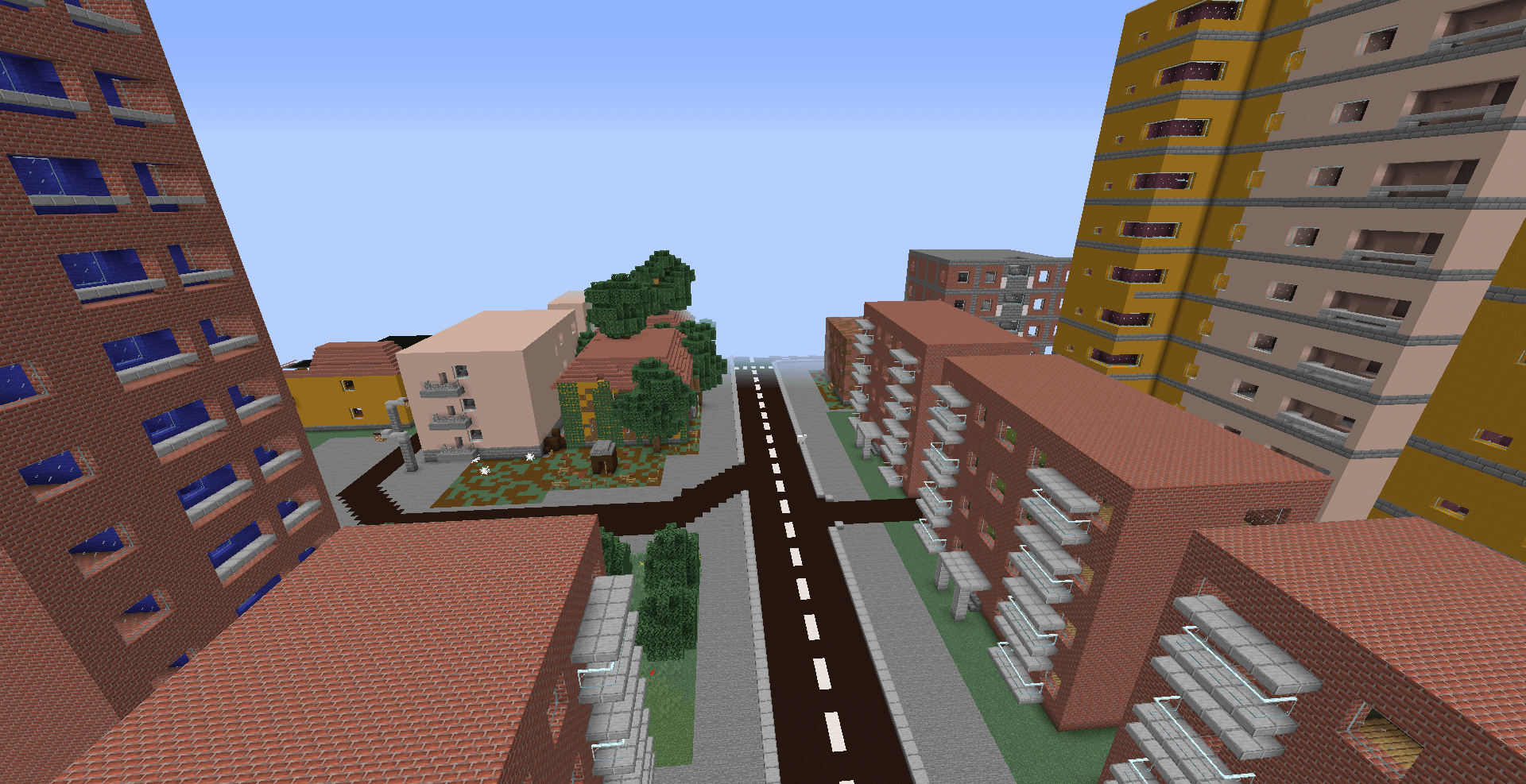
If you live in the CIS, there’s a very good chance that the buildings you’ll find on the Minecraft map ‘Russian City’ will look familiar to you.
In this project for version 1.14.4, the developers have included a wealth of structures, including five-storey blocks, sixteen-storey blocks, building sites, nine-storey blocks, a bank and even a prison. ‘Russian City’ can serve, at the very least, as an excellent setting for survival, and perhaps also for organising competitions between players.
How to install the map:
Step 1: Download the archive containing the map.
Step 2: Extract the archive to obtain a folder.
Step 3: Copy the ‘Russian City’ map folder to the .minecraft/saves directory (if this folder does not exist, create it yourself).
Step 4: Find this map under the ‘Single Player’ tab in the menu.
Comments (81)