



St. Paul’s Cathedral | Minecraft Map

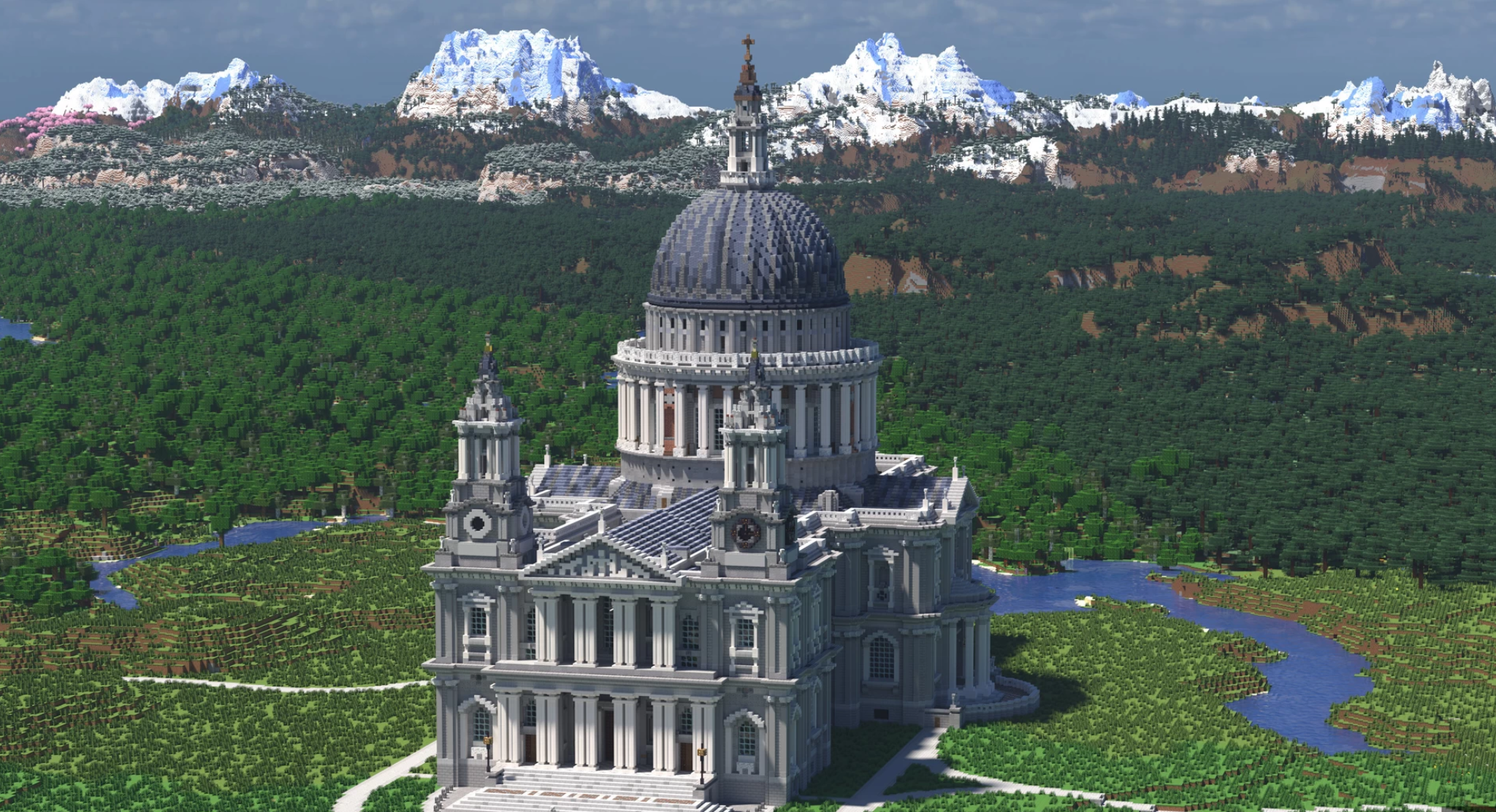
St. Paul’s Cathedral recreates the grandeur and magnificence of the legendary cathedral, turning Minecraft into a museum of architecture. Outside — elegant domes, marble staircases, and stone arches reaching for the sky. Inside — spacious halls, soft light playing on columns, and silence filled with the strength of faith.
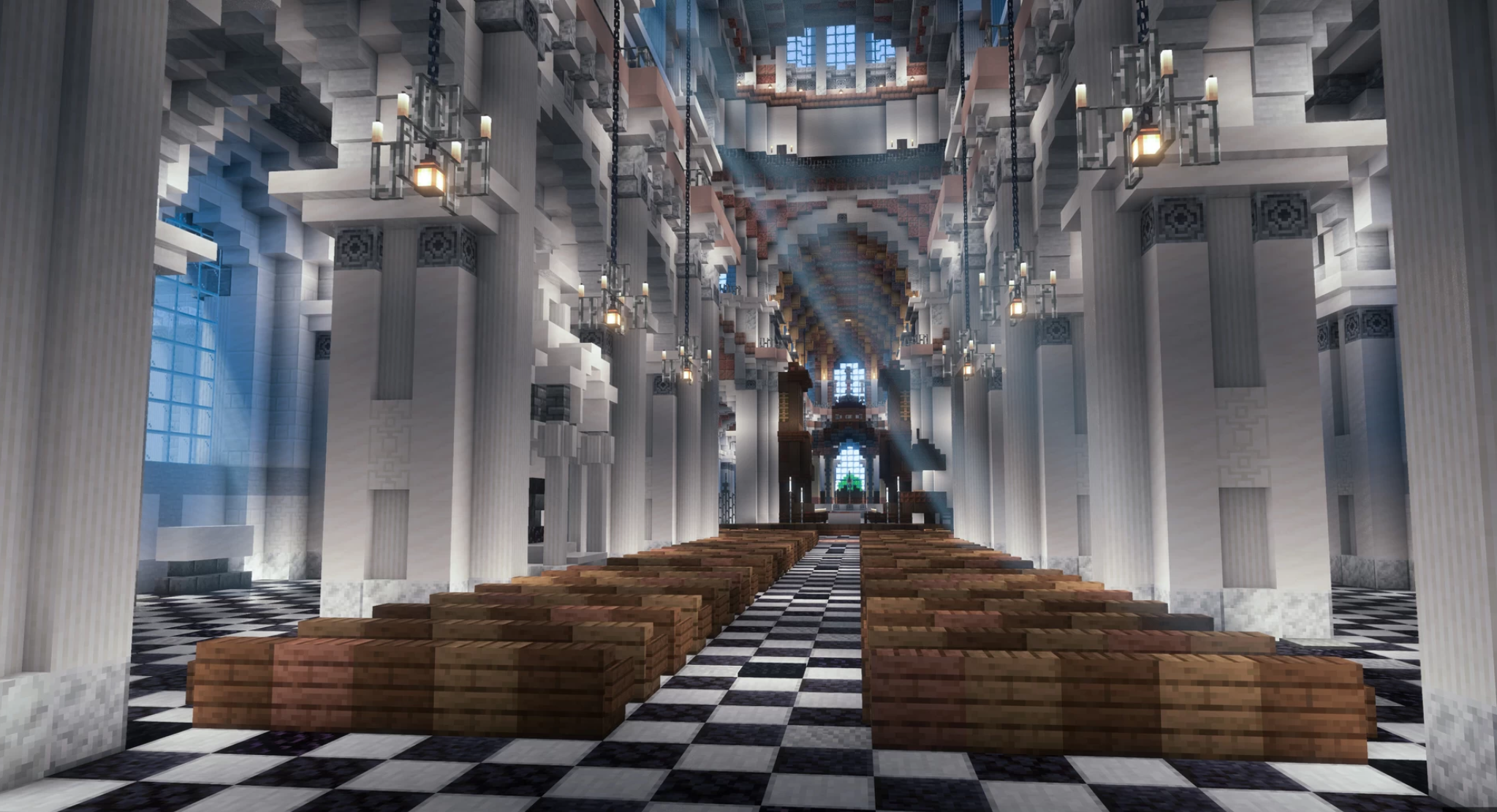
Every detail is crafted with astonishing precision: ornaments, windows, vaults — all convey the atmosphere of a sacred space. It’s a place for reflection, inspiration, and contemplation. Exploring the cathedral, you feel as if you are touching history, admiring how architectural greatness comes alive in the digital world.
How to install a map:
1) Download the archive with a map.
2) Unpack the archive to extract a folder.
3) Copy the folder with St. Paul’s Cathedral map to .minecraft/saves (if this folder does not exist, create it yourself).
4) Find this map in the "Singleplayer" tab of the main menu.
Comments (0)