



The Lost Altar | Minecraft Map
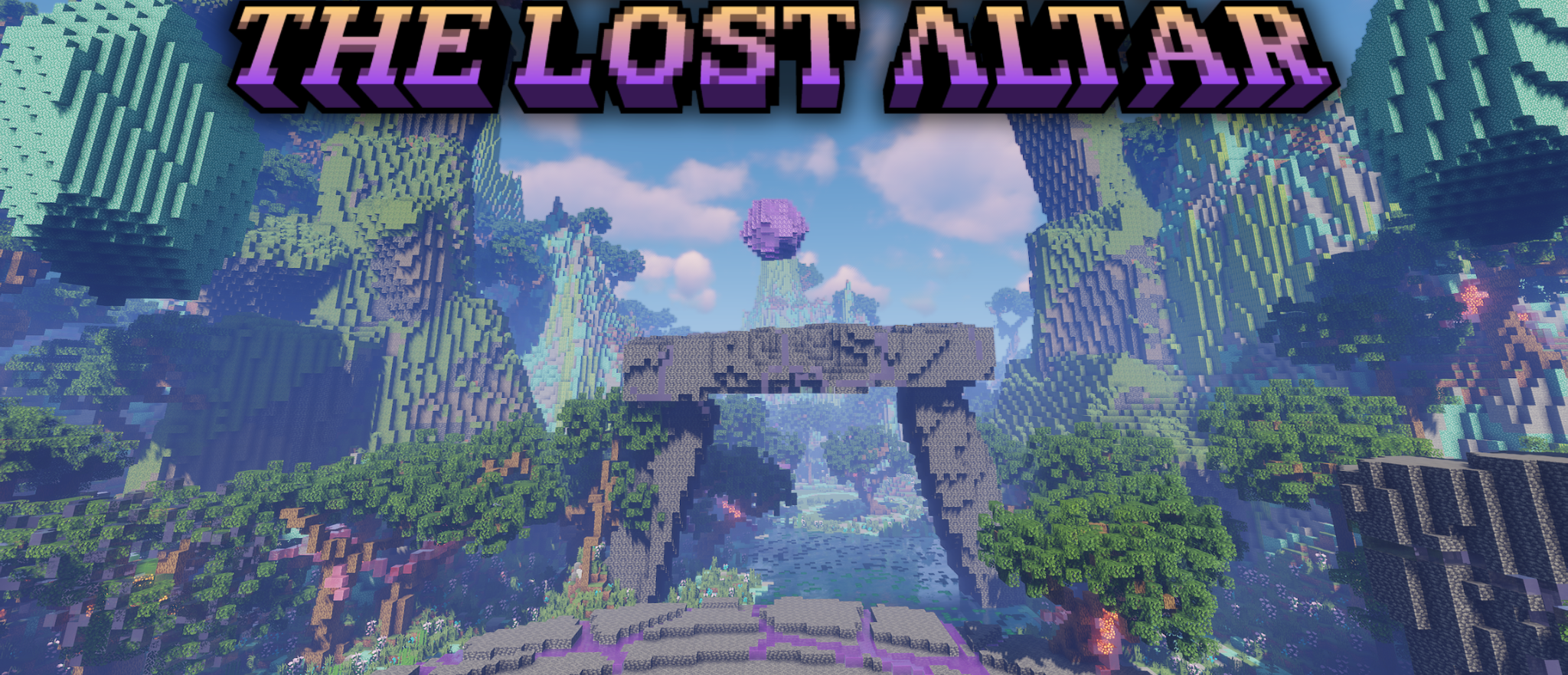
The Lost Altar brings the player into a wide fantasy valley where the landscape immediately looks unusual. Turquoise and green mountains, giant trees, ancient ruins, and glowing crystals create a world that feels more like a magical territory from a separate universe than a standard map.
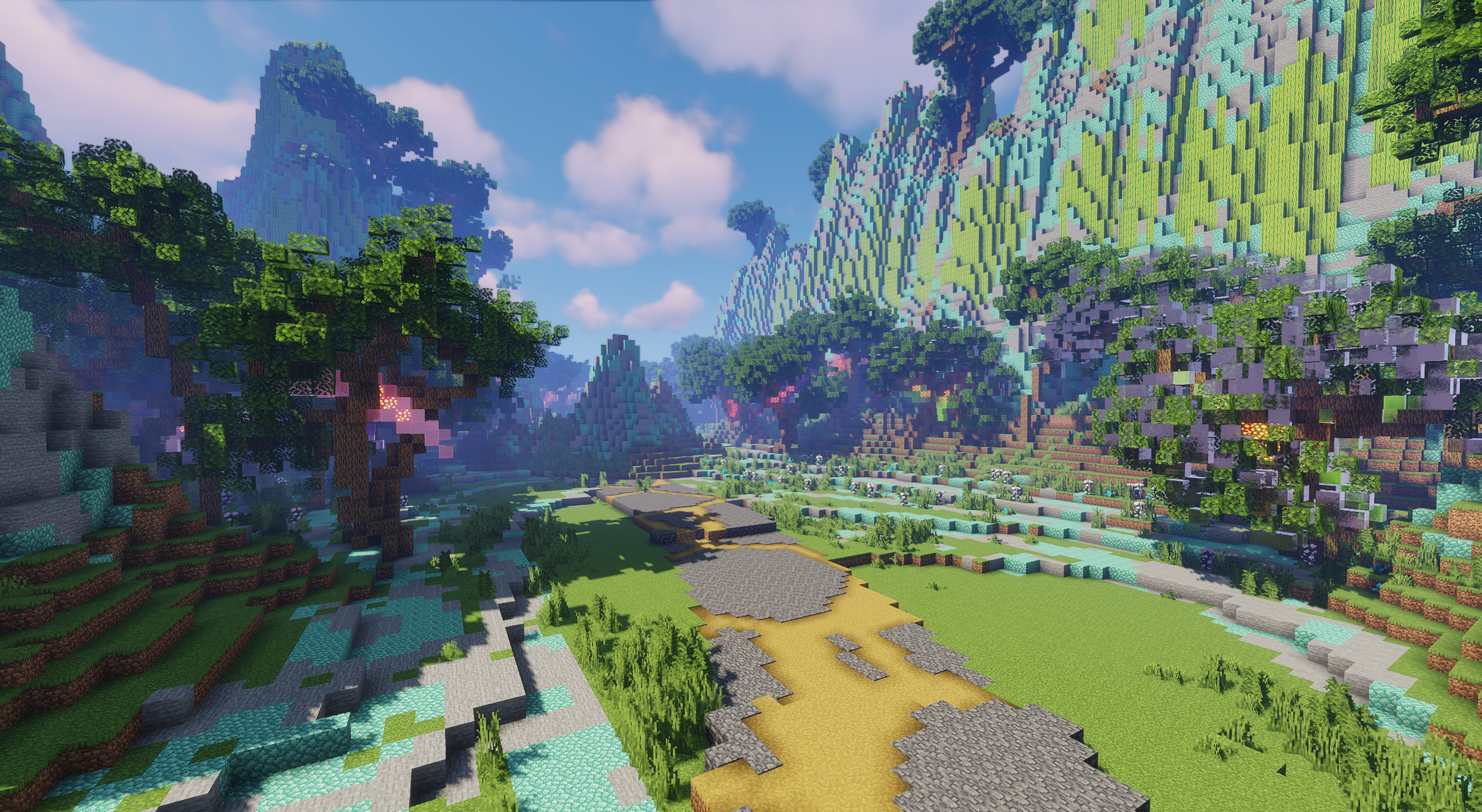
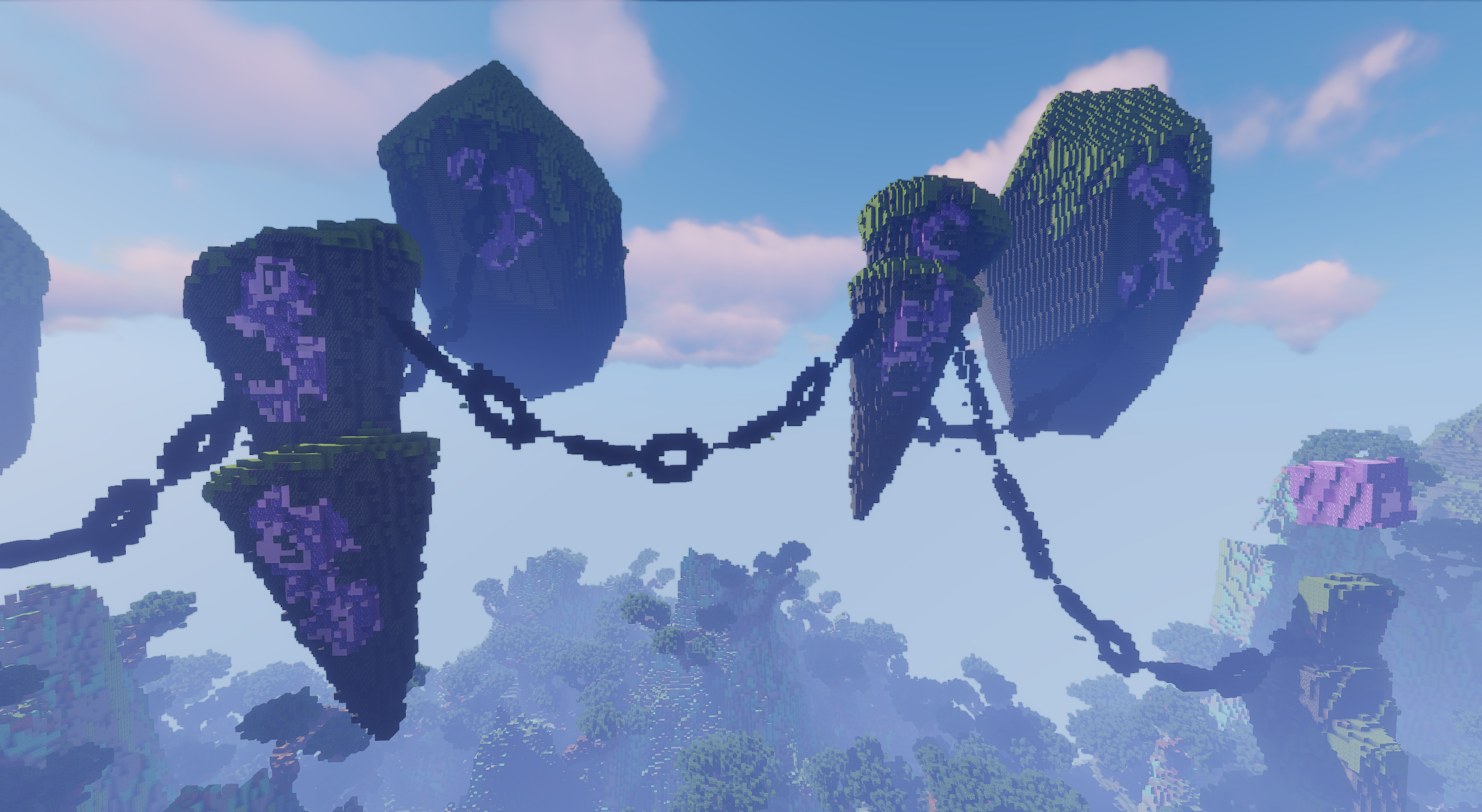
The main focus is a dark altar, stone arches, tall columns, and islands hanging in the sky on iron chains. Paths of cracked stone stretch across the area, lily pads lie along the rivers, and purple and green crystals float above the ruins. The map is built around spectacle and unusual shapes. It works as a setting for role-playing scenes, walks, and impressive screenshots.
How to install a map:
1) Download the archive with a map.
2) Unpack the archive to extract a folder.
3) Copy the folder with The Lost Altar map to .minecraft/saves (if this folder does not exist, create it yourself).
4) Find this map in the "Singleplayer" tab of the main menu.
Comments (0)