



Vitruvian Castle | Minecraft Map
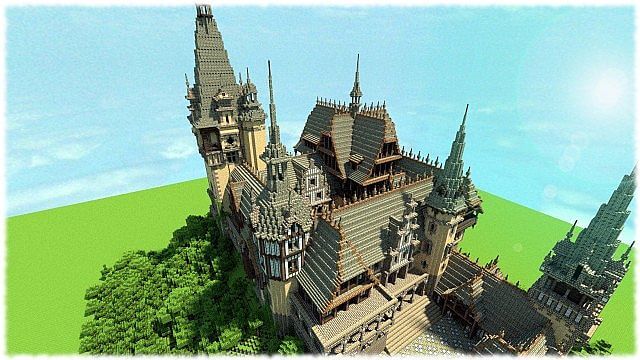
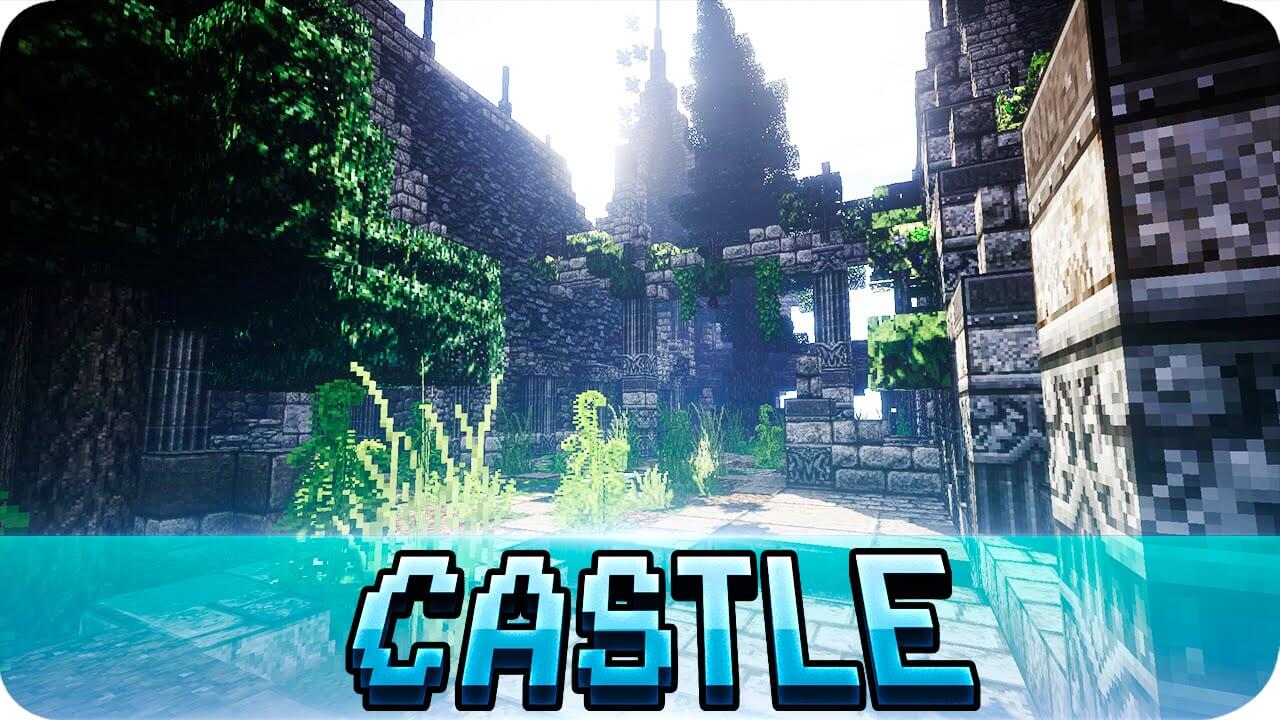 The Vitruvian Castle map offers fans of the pixelated world a wonderful opportunity to experience the beauty of a bygone era. This small map features a classic 19th-century-style medieval castle.
At that time, the Renaissance was a popular movement, characterised by colour and opulence.
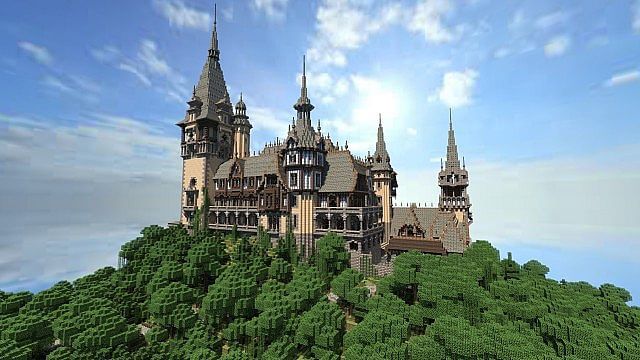
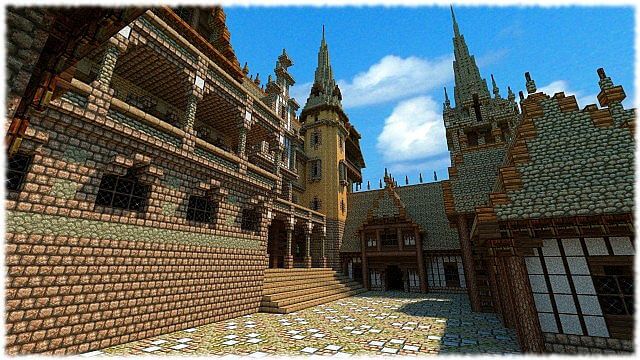
The high level of detail in Vitruvian Castle makes exploring the castle and its magnificent architecture a pleasure. Players can also wander around the castle’s surroundings, enjoying the lush vegetation and natural beauty.
How to install the map:
Step 1: Download the map archive.
Step 2: Extract the archive to create a folder.
Step 3: Copy the Vitruvian Castle map folder to the .minecraft/saves directory (if this folder does not exist, create it yourself).
Step 4: Find this map under the "Singleplayer" tab in the menu.
Comments (1)