



West Woods High | Minecraft Map
 Sometimes users suggest unusual exploration maps that offer a wide range of content. For example, if you use the West Woods High map for Minecraft, you’ll not only have a great time but also get to see a forest grow with your own eyes.
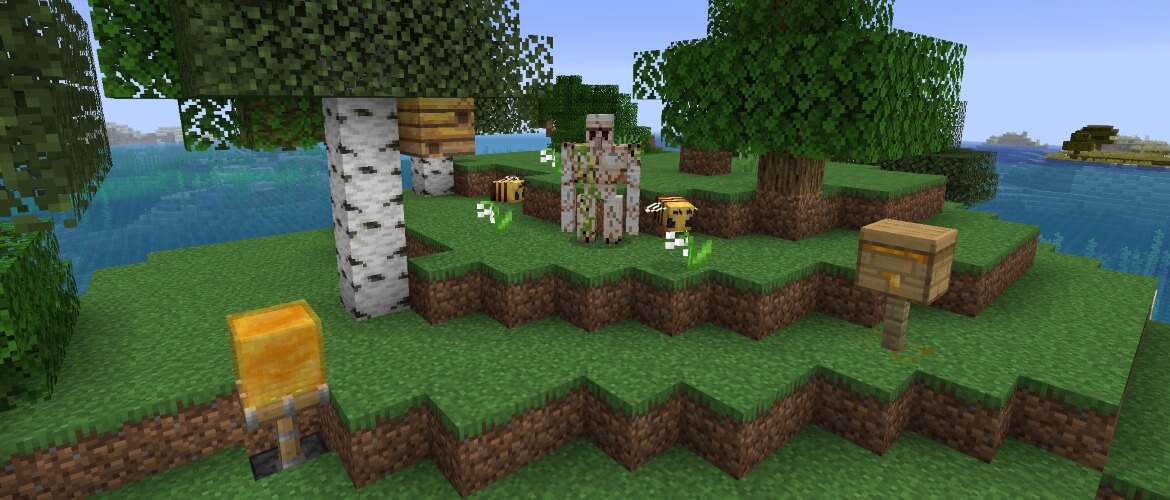 The map’s creator explained that he put a great deal of effort into creating this natural haven, and now every user can have a pleasant time, try to spend it usefully, and simply enjoy the surroundings. Pay attention to the details, as they were created with all the characteristics of the ecosystem in mind.
How to install the map:
Step 1: Download the map archive.
Step 2: Extract the archive to create a folder.
Step 3: Copy the West Woods High map folder to the .minecraft/saves directory (if this folder does not exist, create it yourself).
Step 4: Find this map under the "Singleplayer" tab in the menu.
Comments (0)