



Interaction Wheel for Minecraft 1.11.2
 If you've found adventuring in Minecraft inconvenient because of the cumbersome menu, take a look at the Interaction Wheel mod for Minecraft 1.11.2.
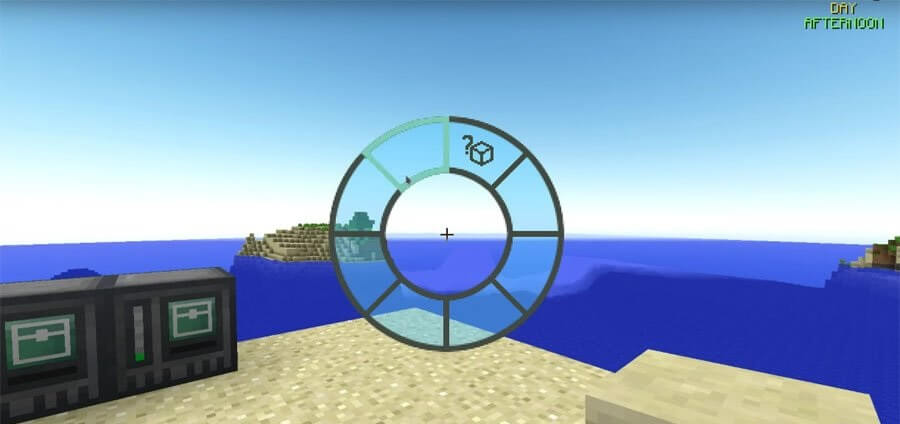
It adds a special circular menu to your adventures, with plenty of quick-access options.
 At first glance, this may seem useless, since everyone is already used to the familiar format. But over time, it will become clear that the new alternative in Minecraft 1.11.2 is far better and more pleasant to use than the old one.
 So set aside all your doubts and dive into new and interesting adventures. Good luck!

How to install the mod:
First step: download and install Minecraft Forge (you can select a version that includes it in the launcher).
Second step: download the mod package.
Third step: copy the Interaction Wheel mod package into the .minecraft/mods folder (if this folder does not exist, install Forge again or create it yourself).
Comments (5)