



30.06.2017
WorldEditCUI for Minecraft 1.12
 WorldEditCUI is a client-side mod that lets you see all the regions selected through the WorldEdit plugin in-game.
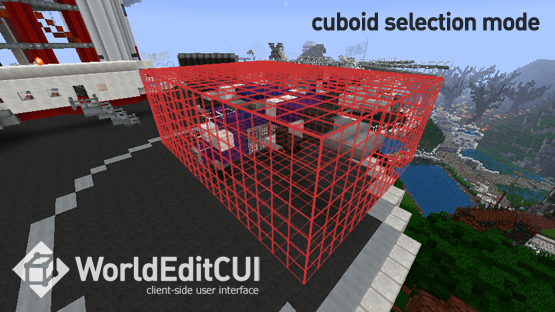
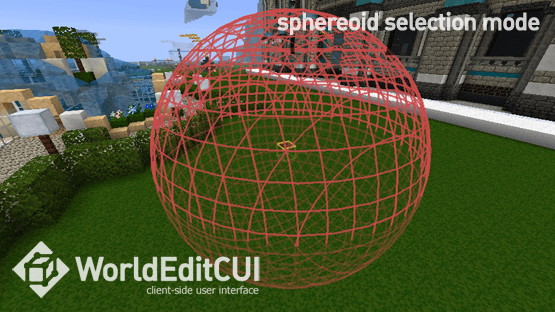
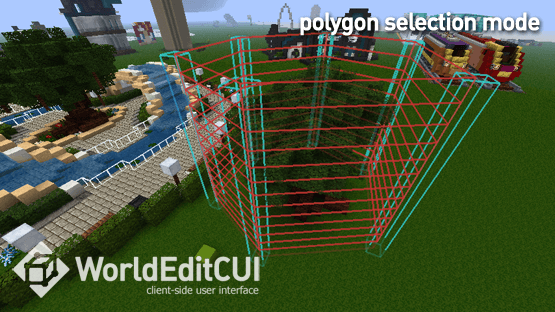
The modification for Minecraft 1.12 makes it easier to select sectors by displaying them as a multicoloured grid. The interface supports many different modes, including cuboid, sphere and polygon. LiteLoader is required for the modification to work.
How to install the modification:
Step one: download and install Minecraft Forge (you can select a version that includes it in the launcher).
Step two: download the modification package.
Step three: copy the WorldEditCUI mod package into the .minecraft/mods folder (if this folder does not exist, reinstall Forge or create it yourself).
Comments (8)