



Iron Jetpacks for Minecraft 1.15.2
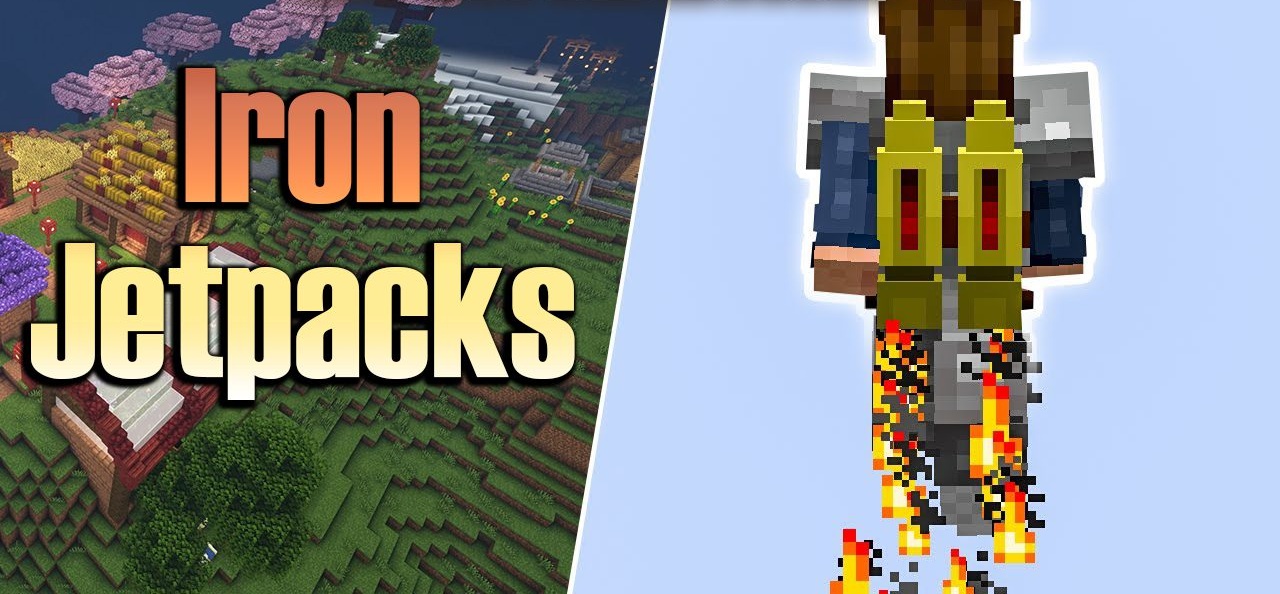
Creating jetpacks tailored to your personal preferences becomes much easier with the ability to configure them through JSON — exactly what Iron Jetpacks offers. The mod makes every jetpack fully customizable: you can change energy consumption, speed, acceleration, and even the structure of the file itself. All default jetpacks are stored in a dedicated folder, from which they can be easily copied and edited.
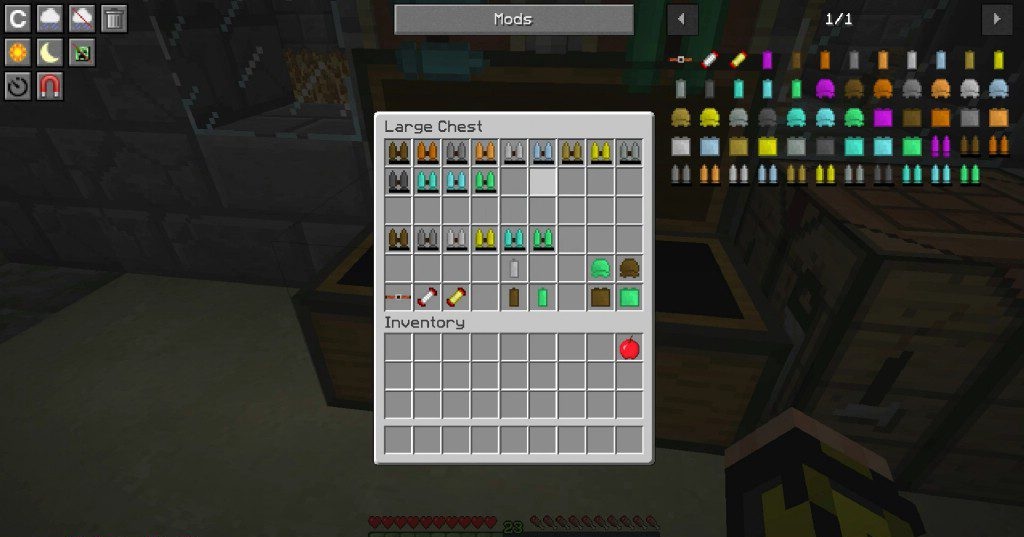
The only important rule is naming — use lowercase letters and underscores instead of spaces. This level of flexibility allows jetpacks to be created for any playstyle, from ultra-efficient to powerful and high-speed. The addon fits perfectly into tech-focused mods and makes world traversal far more convenient.

How to install the modification:
First step: download and install Forge.
Second step: download the mod file.
Third step: copy Iron Jetpacks mod package to the .minecraft/mods folder (if it does not exist, install Forge again or create it yourself).
Comments (0)