



Architect's Palette for Minecraft 1.17
 If you’ve long wanted access to brand-new builds and help with building, we recommend taking a look at the Architect's Palette mod for Minecraft.
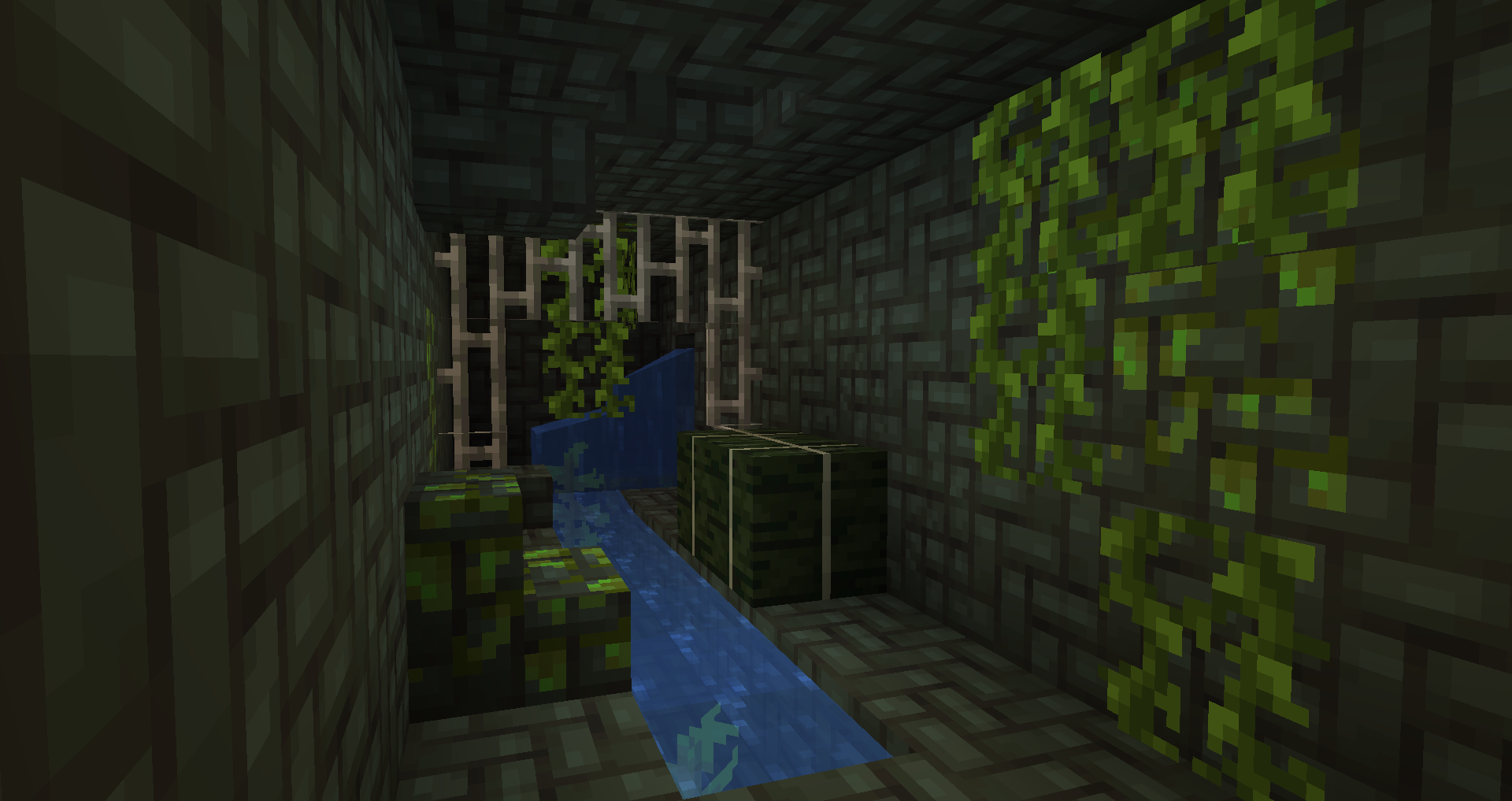
With this mod, you can look forward to a whole new experience that will not only make gameplay much more enjoyable but also speed up your work in various areas, from building to working with a variety of new elements. In any case, you’ll only need to spend a little time enjoying the new features before tedious waiting no longer overshadows anything you do. We hope it puts you in a good mood!
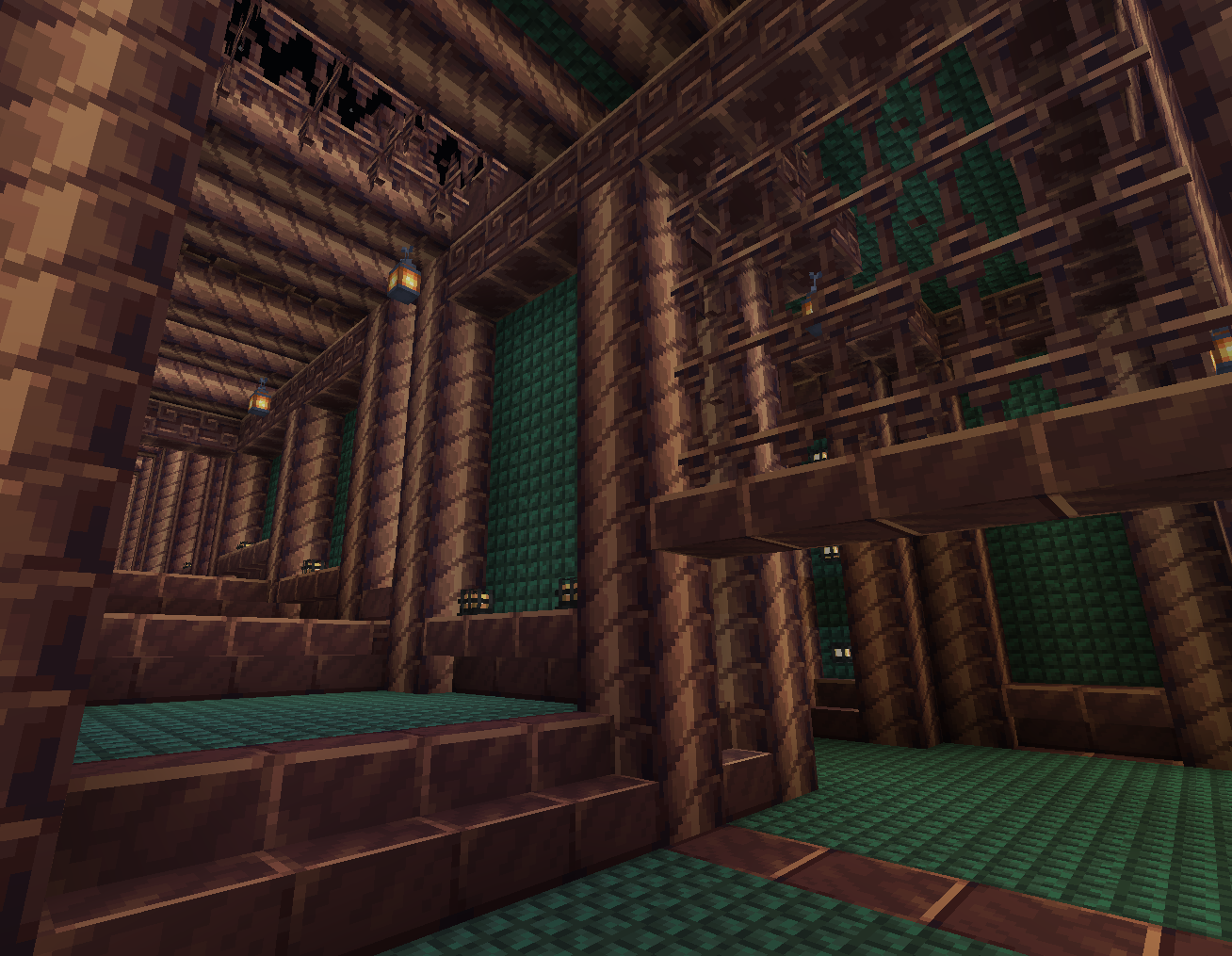
How to install the mod:
Step one: download and install Fabric and Fabric API.
Step two: download the mod file.
Step three: copy the Architect's Palette mod package to the .minecraft/mods folder (if this folder does not exist, reinstall Forge or create it yourself).
Comments (0)