



Particle Rain for Minecraft 1.17
 Whilst travelling through the world of Minecraft, you’ve no doubt come across natural phenomena. Although they had little impact on your adventure, they didn’t look all that great.
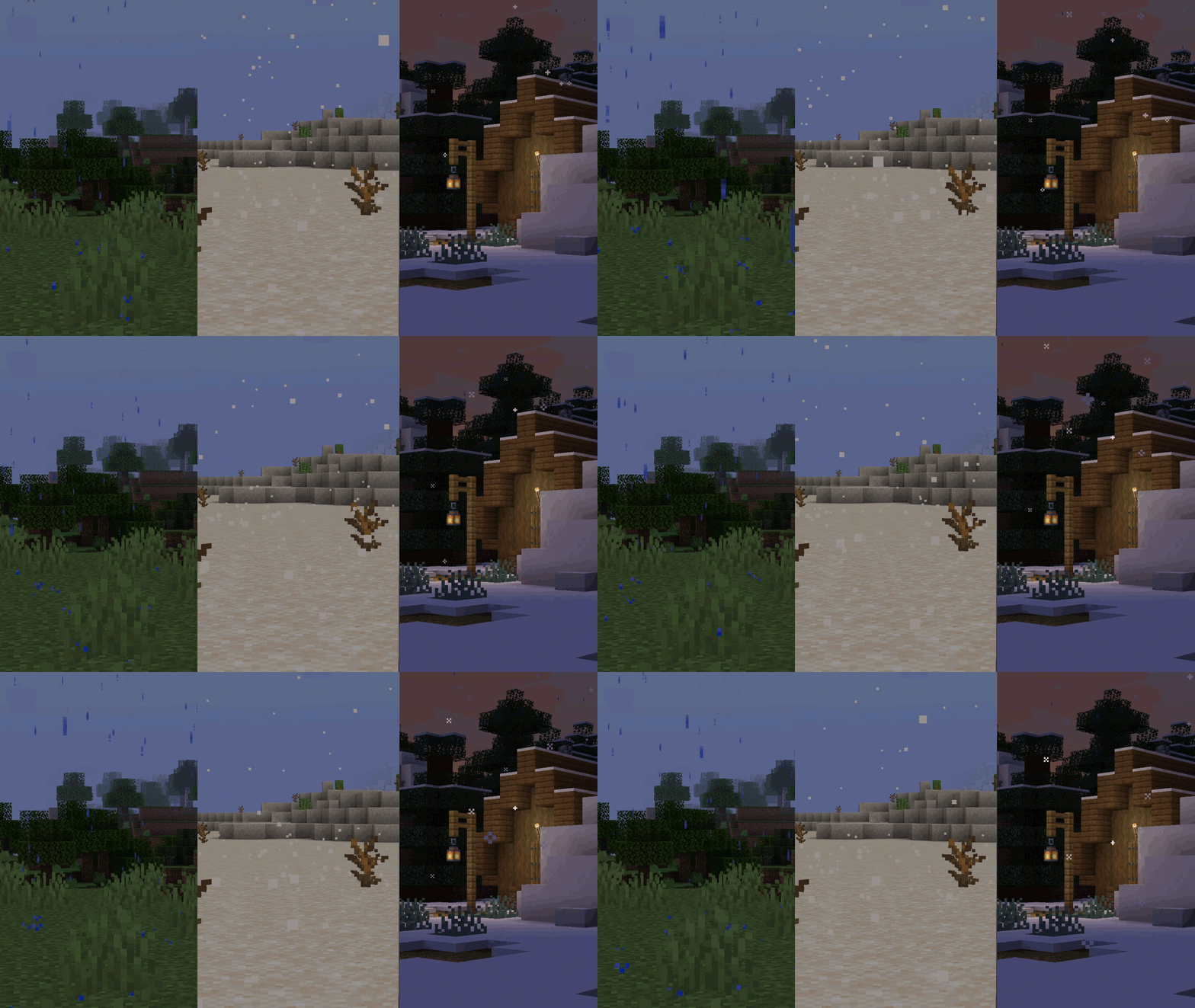
For just such a situation, all you need to do is use the Particle Rain mod for Minecraft, which significantly enhances the environment and expands the available possibilities. That’s why we’d like to encourage you not to waste any time and set off straight away to explore all the new features on offer. To do so, simply take a look at the new particles and the density of the natural phenomena taking place.
How to install the mod:
Step one: download and install Fabric and Fabric API.
Step two: download the mod file.
Step three: copy the Particle Rain mod package to the .minecraft/mods folder (if this folder does not exist, reinstall Forge or create it yourself).
Comments (0)