



WithoutAWallpaper for Minecraft 1.17

An interesting mod called WithoutAWallpaper for version 1.17 is now among the latest additions to Minecraft and will introduce its own original changes to the game, bringing plenty of variety to in-game décor.
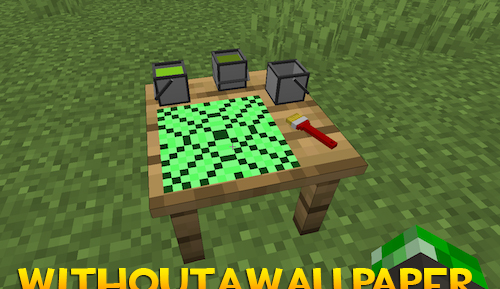
If you’re planning to decorate the walls of your building or home, you could use some beautiful wallpaper of your own making. First, download this mod, familiarise yourself with its key features, and then use its unique functional block to create beautiful wallpaper to your own taste for the walls you intend to decorate.
How to install the mod:
Step one: download and install Fabric and Fabric API.
Step two: download the mod file.
Step three: copy the WithoutAWallpaper mod package to the .minecraft/mods folder (if this folder does not exist, reinstall Forge or create it yourself).
Comments (0)