



30.12.2021
Cottonly for Minecraft 1.18.1
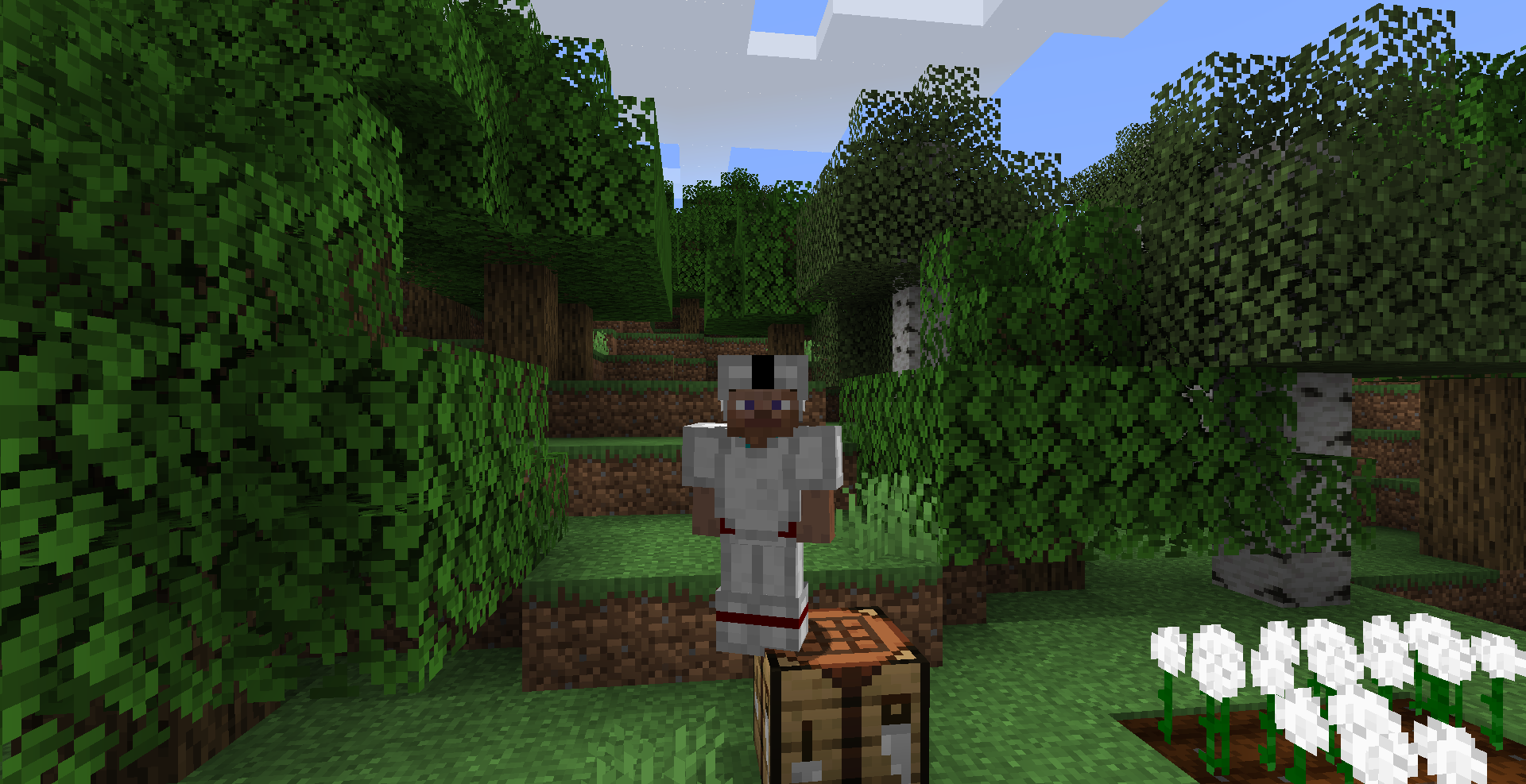
A brand-new Minecraft mod called Cottonly for version 1.18.1 has appeared and is sure to be remembered by players who download it and make use of its new features.
As soon as you download the mod, you’ll have real cotton. You’ll be able to find its seeds simply by breaking grass. Once you have cotton, you’ll be able to craft string yourself or create unique cotton clothing, which you can also dye to your liking.

How to install the mod:
Step 1: Install Minecraft Forge (you can select a version that includes it in TLauncher).
Step 2: Download the mod file.
Step 3: Copy the Cottonly mod package to the .minecraft/mods folder (if this folder does not exist, reinstall Forge or create it yourself).
Comments (0)