



Enchant the Rainbow for Minecraft 1.18.1
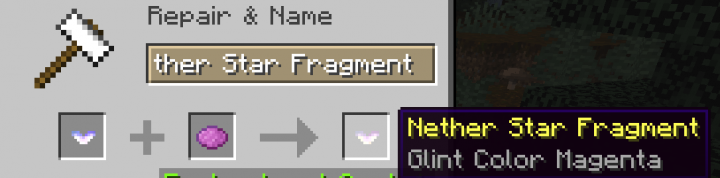
This original Minecraft mod, called Enchant the Rainbow for version 1.18.1, will introduce interesting and useful changes to the game that only players who have downloaded the mod will be able to use.
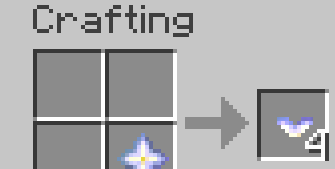
The mod’s author will provide a range of ready-made crafting recipes that players should definitely use. You will now be able to change the colour of the enchantment glint on certain items. To do this, you’ll need to obtain a Nether Star, a shard that can be dyed on an anvil as needed. The next step is to combine the dyed shard with the item of your choice.
How to install the mod:
Step 1: Install Minecraft Forge (you can select a version that includes it in TLauncher).
Step 2: Download the mod file.
Step 3: Copy the Enchant the Rainbow mod package to the .minecraft/mods folder (if this folder does not exist, reinstall Forge or create it yourself).
Comments (0)