



Castle in the Sky for Minecraft 1.18

The release of the new Minecraft mod called Castle in the Sky for version 1.18 will be memorable for everyone who downloads it.
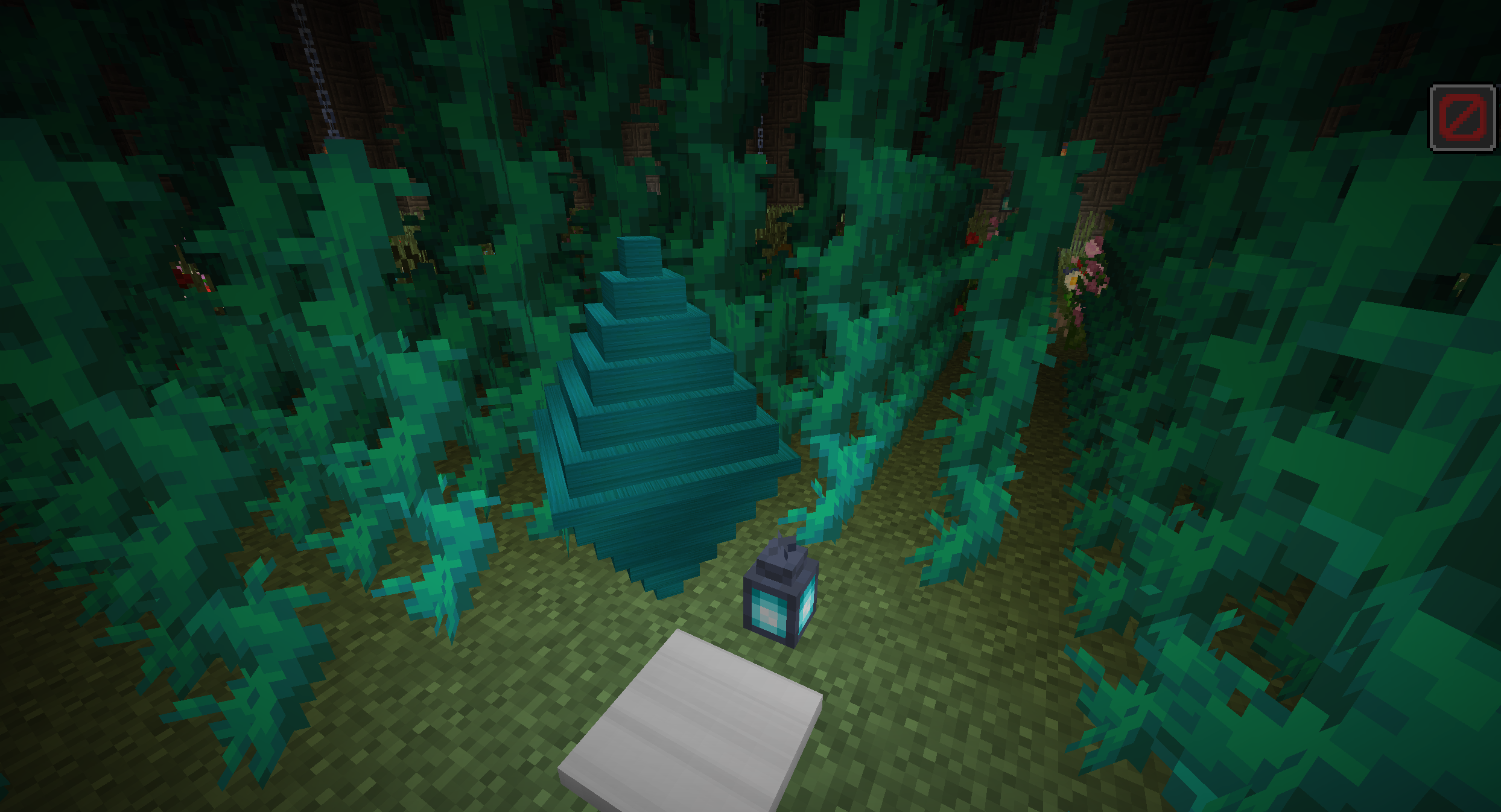
First, download the mod, familiarise yourself with it thoroughly, and then take advantage of the new features it offers. In the game, you’ll be able to see unusual, large flying castles being generated. A special levitation stone can show you the way to them. You can find it at the cartographer’s. The author has succeeded in creating a wonderful atmosphere and colourful locations to discover inside the castles.
How to install the mod:
Step 1: Install Minecraft Forge (you can select a version that includes it in TLauncher).
Step 2: Download the mod file.
Step 3: Copy the Castle in the Sky mod package to the .minecraft/mods folder (if this folder does not exist, reinstall Forge or create it yourself).
Comments (0)