



Lio’s Hobbit Hill Village for Minecraft 1.19.4

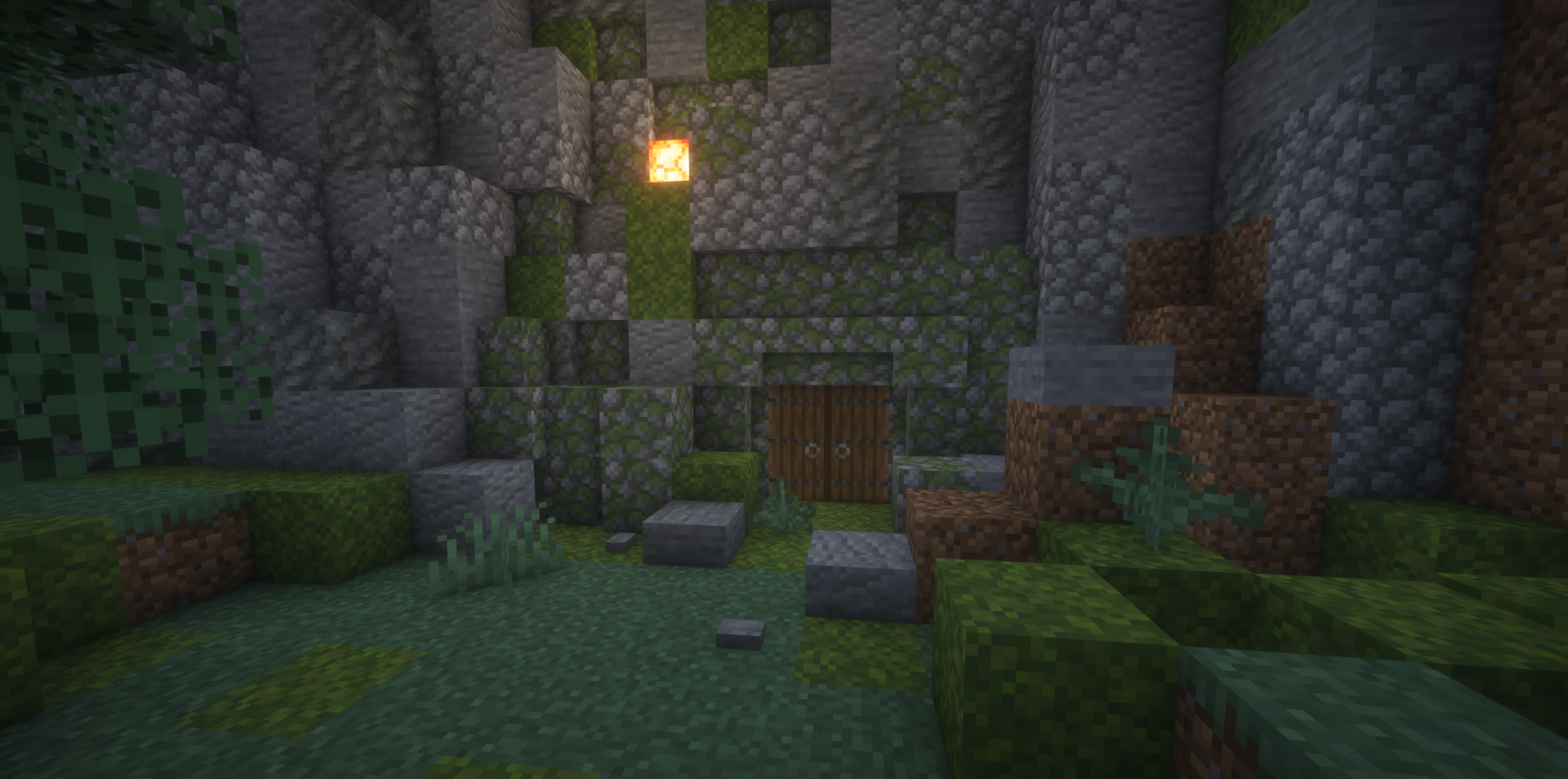
When you want not only adventure but also a cozy corner in the game world, Lio’s Hobbit Hill Village mod comes to the rescue. It adds a hidden hobbit-style village: a green hill with a pond on top, warm glowing interiors, friendly inhabitants, and a secret treasure room that opens with a button.
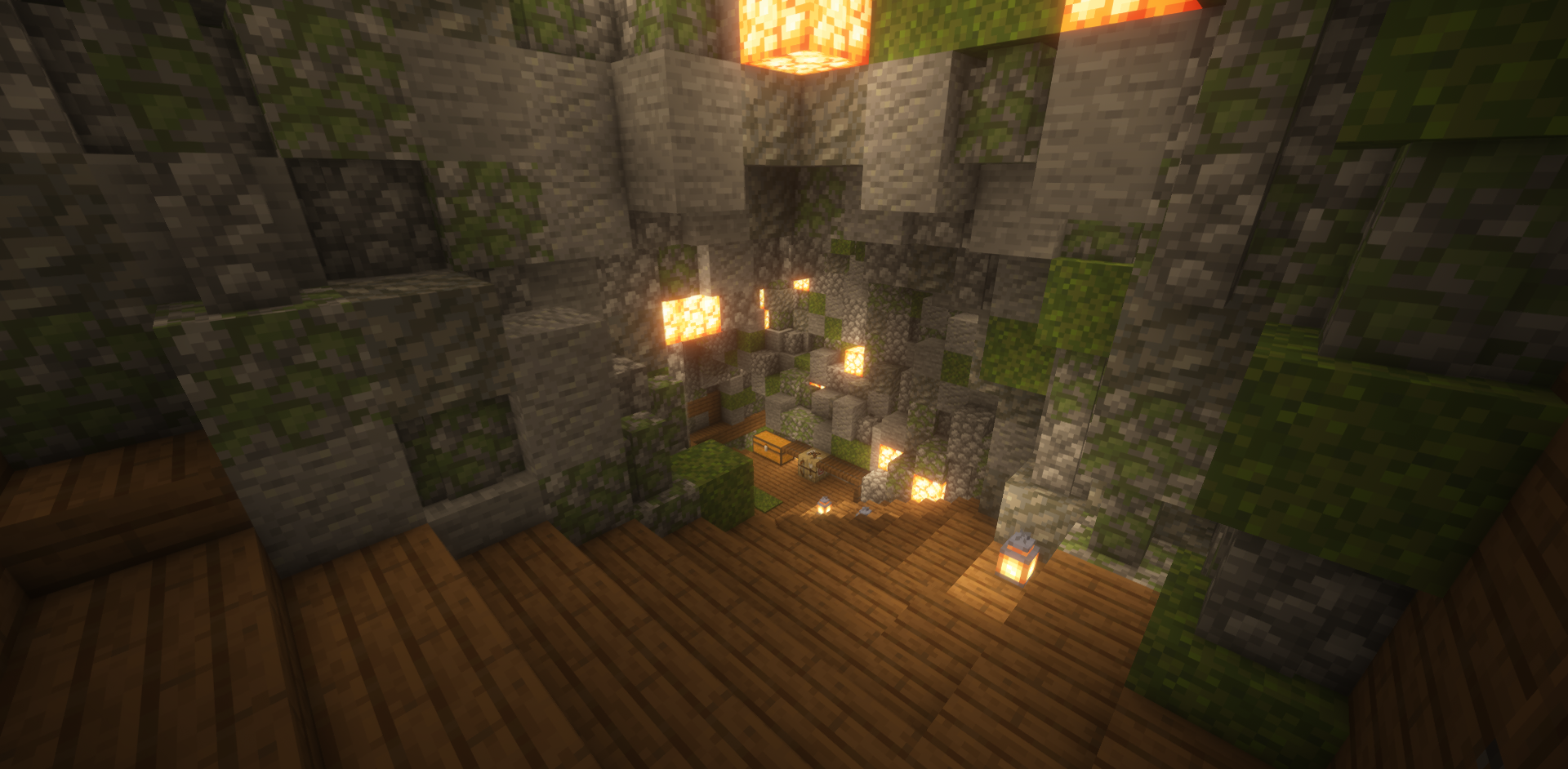
This is more of a decorative and atmospheric addition than a balance change or challenge for the player: it’s ideal for building a base, a family spot, or simply a beautiful place to relax. If you’re tired of harsh survival and want to create a peaceful zone, this mod offers exactly that opportunity.
How to install the modification:
First step: download and install Forge.
Second step: download the mod file.
Third step: copy Lio’s Hobbit Hill Village mod package to the .minecraft/mods folder (if it does not exist, install Forge again or create it yourself).
Comments (0)