



Smooth Swapping for Minecraft 1.19.4
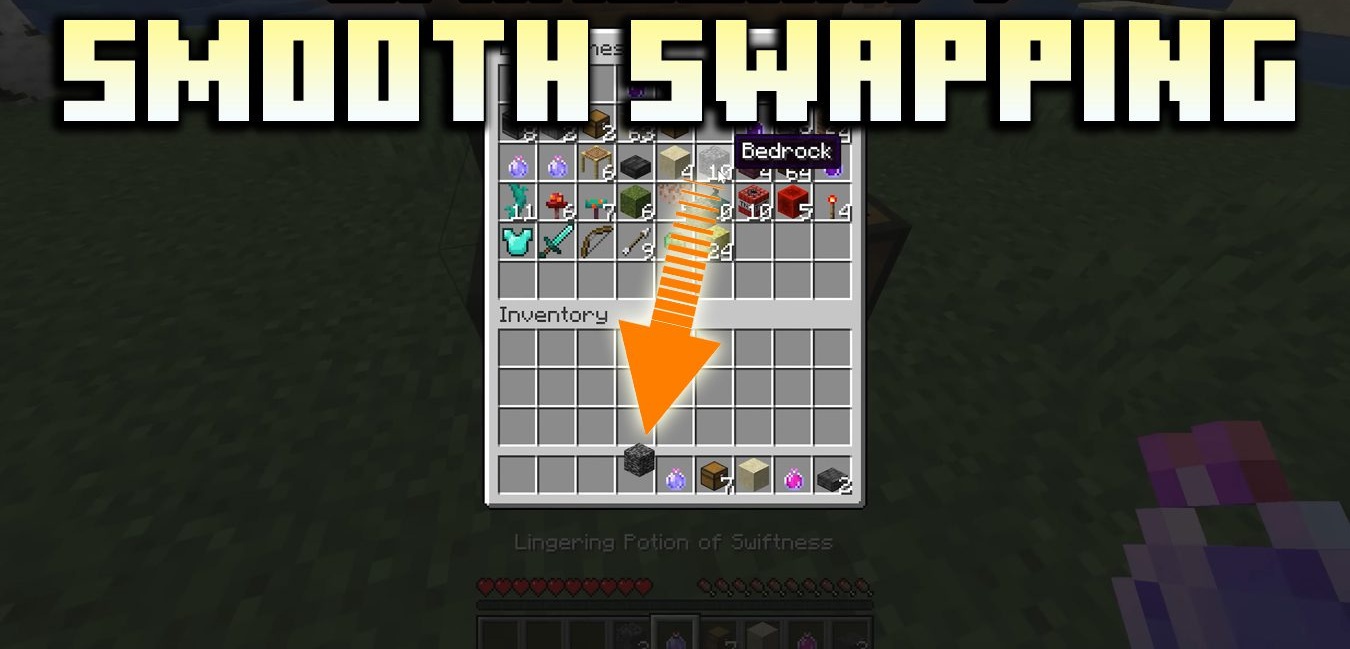
Sometimes even small interface improvements feel cumbersome. Smooth Swapping mod does a simple but pleasant thing: when moving items in the inventory, they don’t “teleport” instantly but smoothly shift to the new slot. When pressing Shift or hotkeys, it looks neater and more visually pleasant.
However, it’s important to note: the effect is noticeable only with stable FPS (for example, above ~30), otherwise lag may appear. This mod doesn’t add new mechanics — it improves the feel of the interface. Ideal for players who appreciate visual details, UI cleanliness, and a “presentable” inventory.
How to install the modification:
First step: download and install Forge.
Second step: download the mod file.
Third step: copy Smooth Swapping mod package to the .minecraft/mods folder (if it does not exist, install Forge again or create it yourself).
Comments (0)