



Gravestone for Minecraft 1.21.10
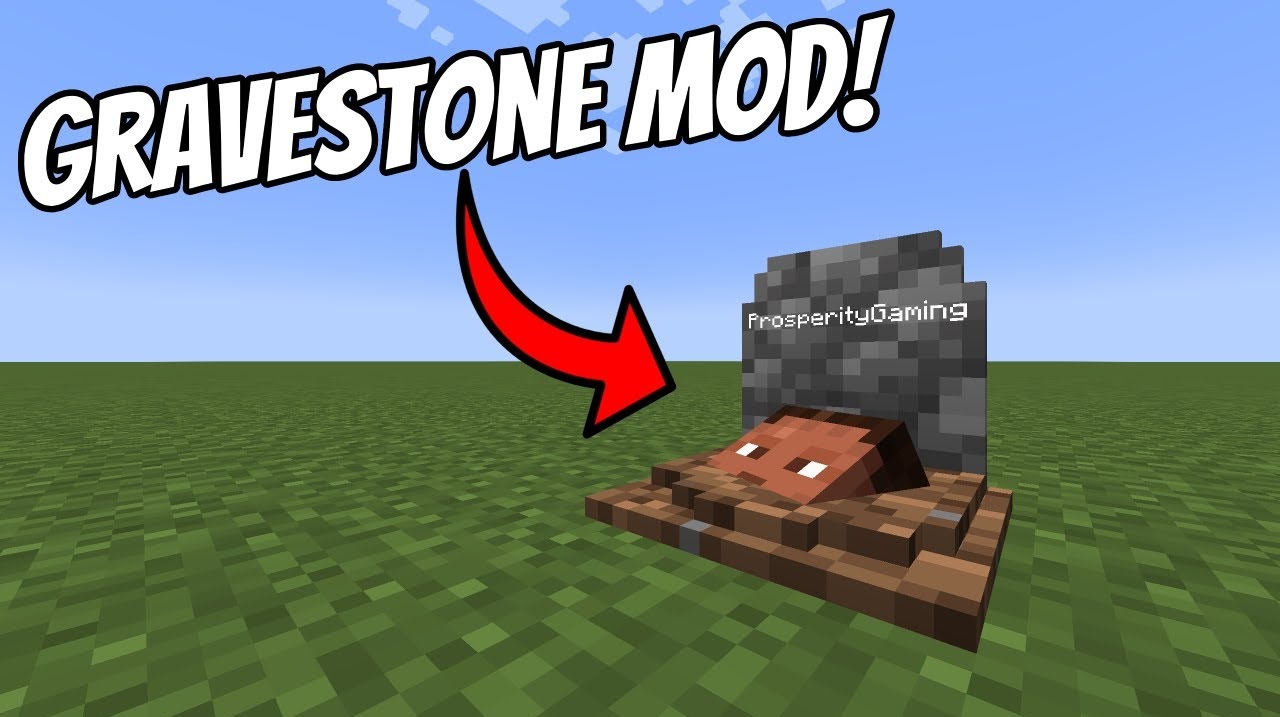
Gravestone solves the eternal problem of losing inventory after death. Now, when you die, you get a personal grave where all your items are stored. Just approach and break the tombstone — and your belongings will return to you. The mod also adds a decorative element: the grave can be renamed on an anvil, turning it into a memorial marker.
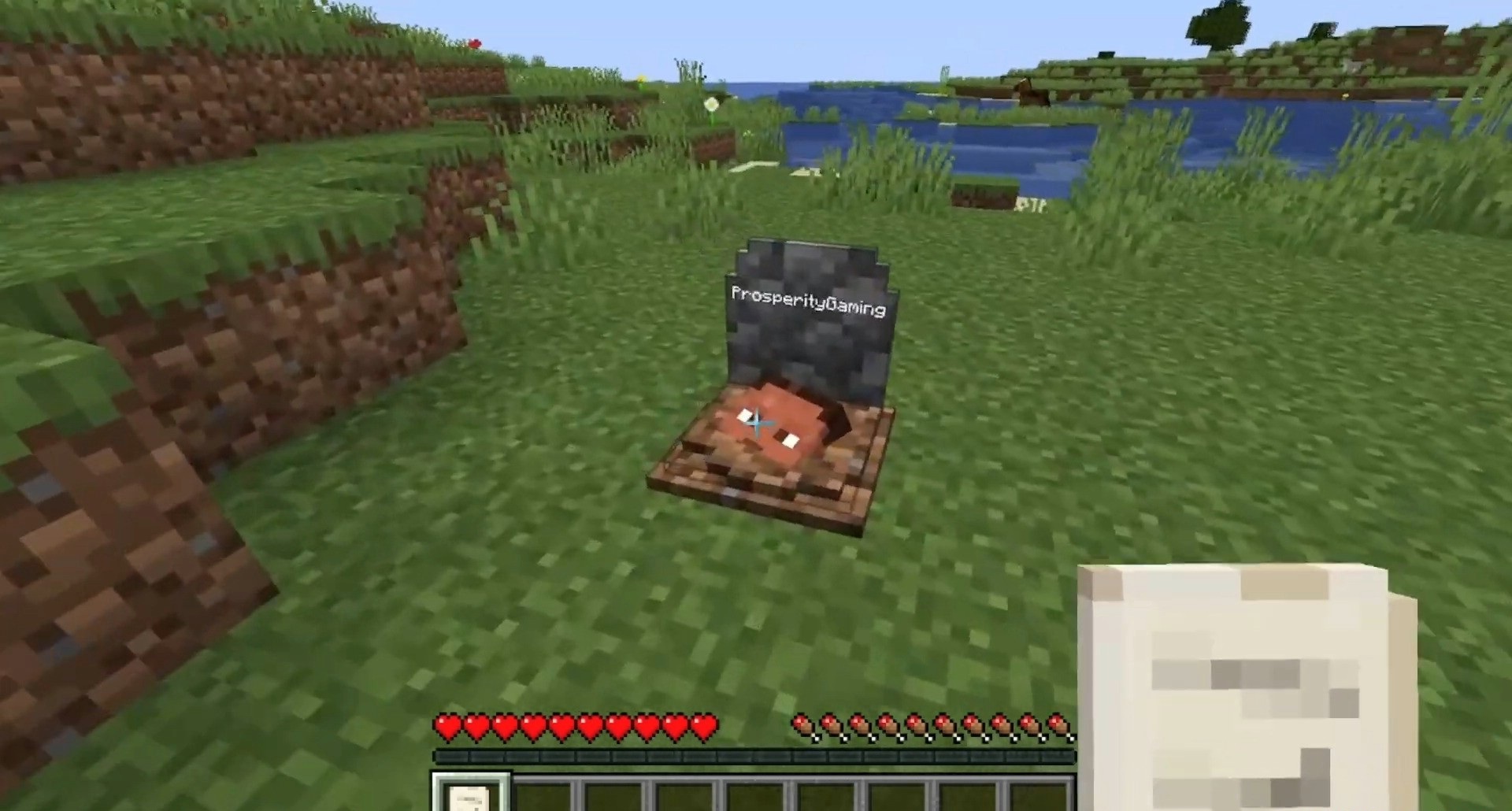
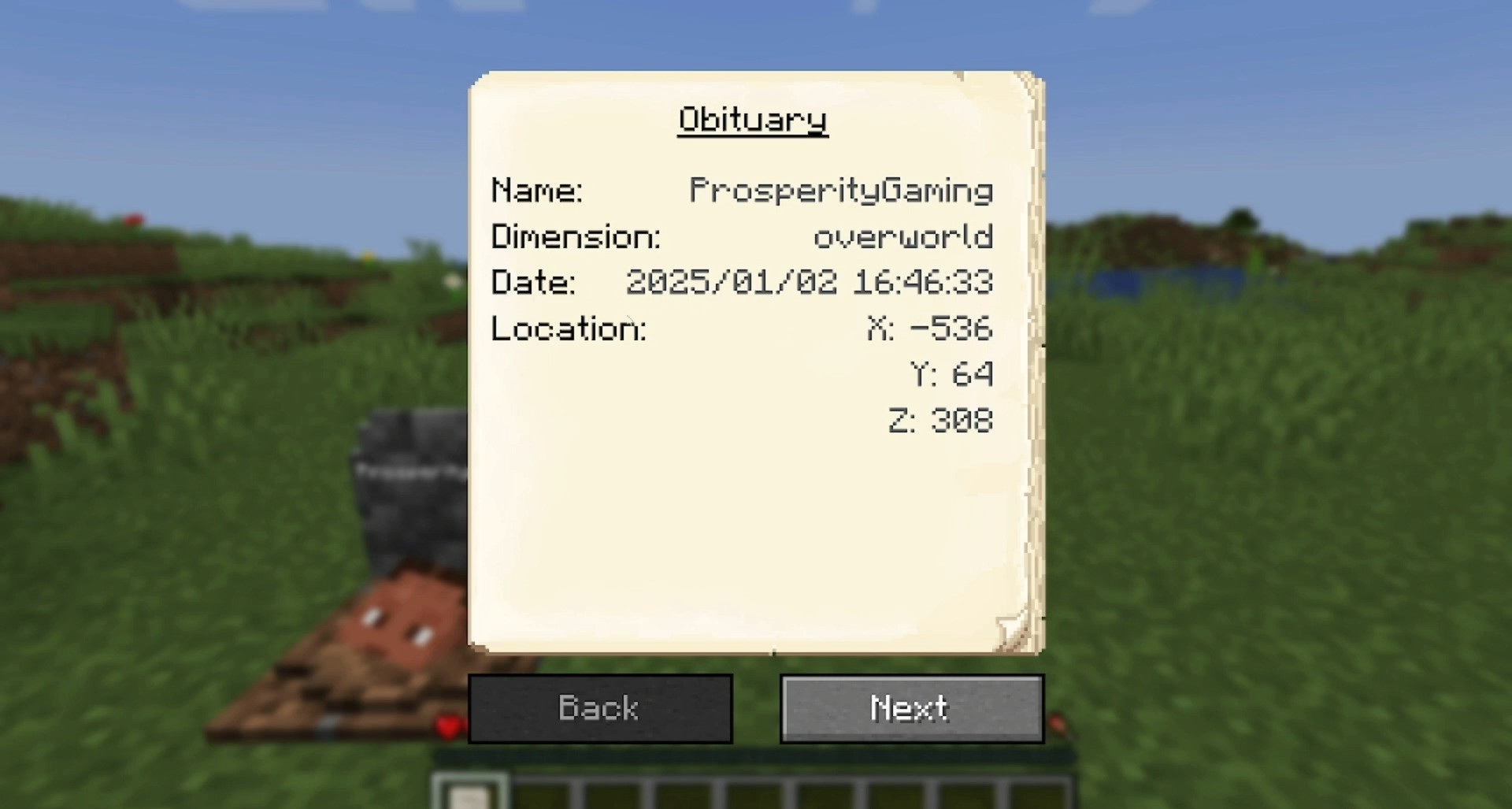
In addition, an obituary is created, displaying the name, coordinates, and even equipment of the deceased player. This makes death not just a failure but part of the character’s story. The modification is perfect for those who value atmosphere and don’t want to lose everything because of one mistake.
How to install the modification:
First step: download and install NeoForge.
Second step: download the mod file.
Third step: copy Gravestone mod package to the .minecraft/mods folder (if it does not exist, install Forge again or create it yourself).
Comments (1)