



Music Control for Minecraft 1.21.10
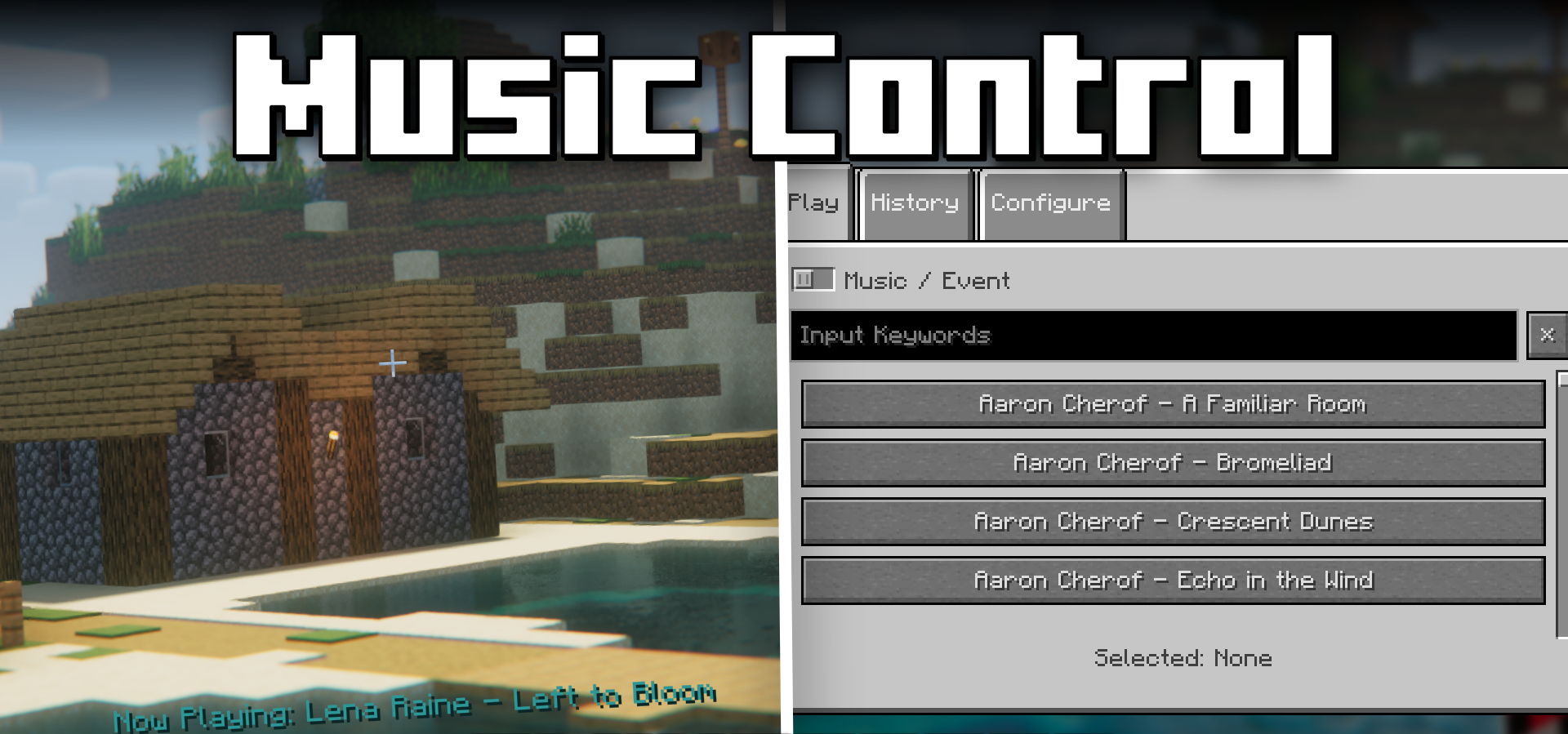
During survival gameplay, there are times when you want full control over the mood, and this is where Music Control mod becomes especially useful. It adds a full-fledged music panel to the game, allowing you to choose any track from Minecraft’s soundtrack list. Thanks to this, the player decides whether a melancholic Sweden or the lighter Aria Math plays in the mines.
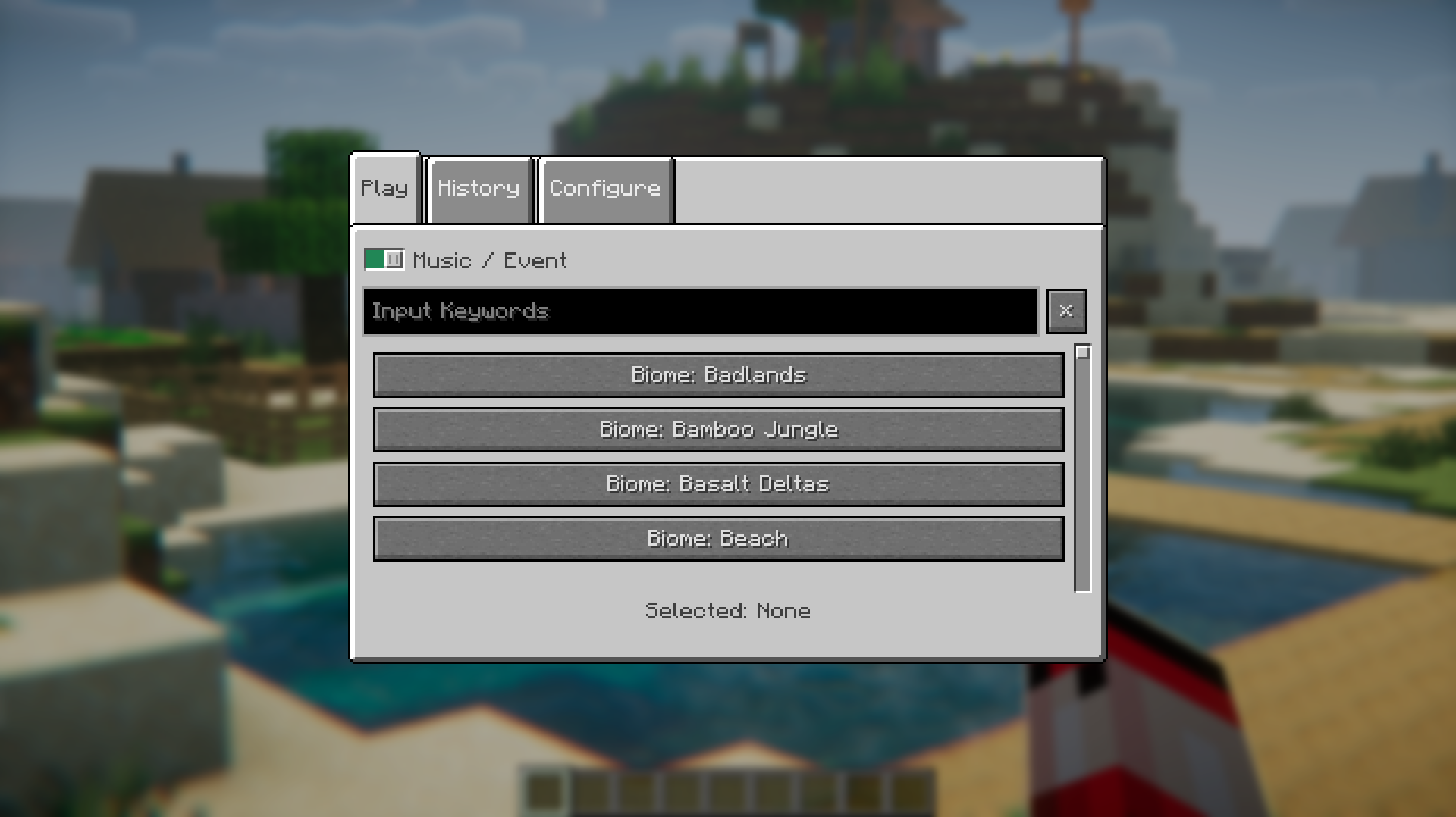
Music can be controlled using hotkeys: switching tracks, changing categories, adjusting volume, pausing playback, and even enabling a loop for a favorite track. Compared to the default gameplay, where music plays randomly, this level of control provides a surprising sense of agency, making the atmosphere feel more personal and deliberately curated.

How to install the modification:
First step: download and install Fabric и Fabric API.
Second step: download the mod file.
Third step: copy Music Control mod package to the .minecraft/mods folder (if it does not exist, install Forge again or create it yourself).
Comments (0)