



Skip Transitions for Minecraft 1.21.10
Skip Transitions brings together everything that makes Minecraft’s interface faster and more responsive. Many visual effects — such as the smooth appearance of the Mojang logo, title-screen blur, or slow pop-up notifications — create a sense of unnecessary delay. The mod allows you to remove these transitions entirely, turning the menu into a clear and instantly reacting part of the game.
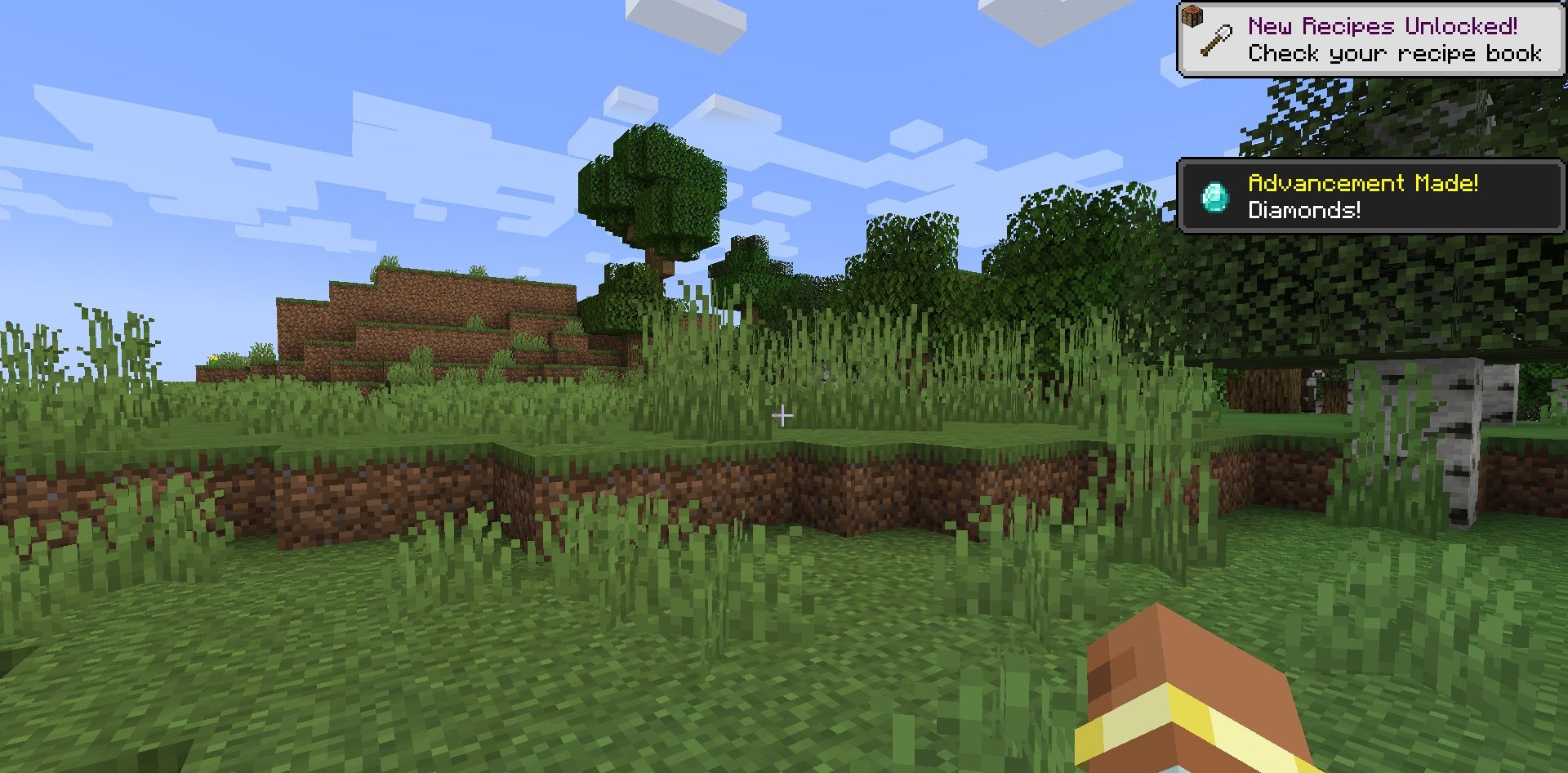
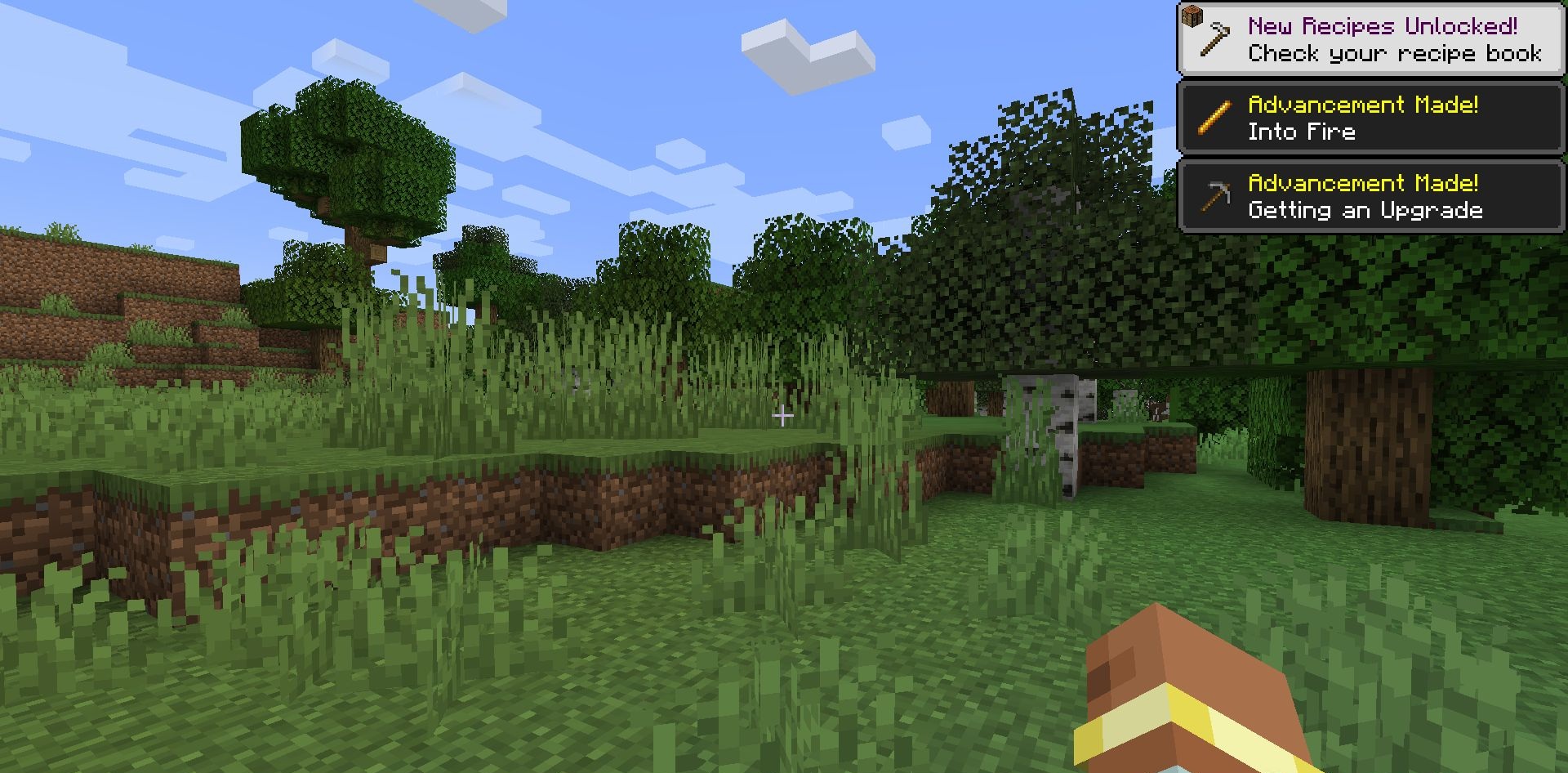
This is especially noticeable during frequent resource reloads or switching texture packs — the fade-ins disappear, and the process becomes almost instantaneous. The settings are flexible: the player chooses which elements to disable and which to keep. The addon helps make the interface more “work-oriented,” without decorative delays that ultimately only get in the way.
How to install the modification:
First step: download and install Fabric и Fabric API.
Second step: download the mod file.
Third step: copy Skip Transitions mod package to the .minecraft/mods folder (if it does not exist, install Forge again or create it yourself).
Comments (0)