



Waxed Icons for Minecraft 1.21.10
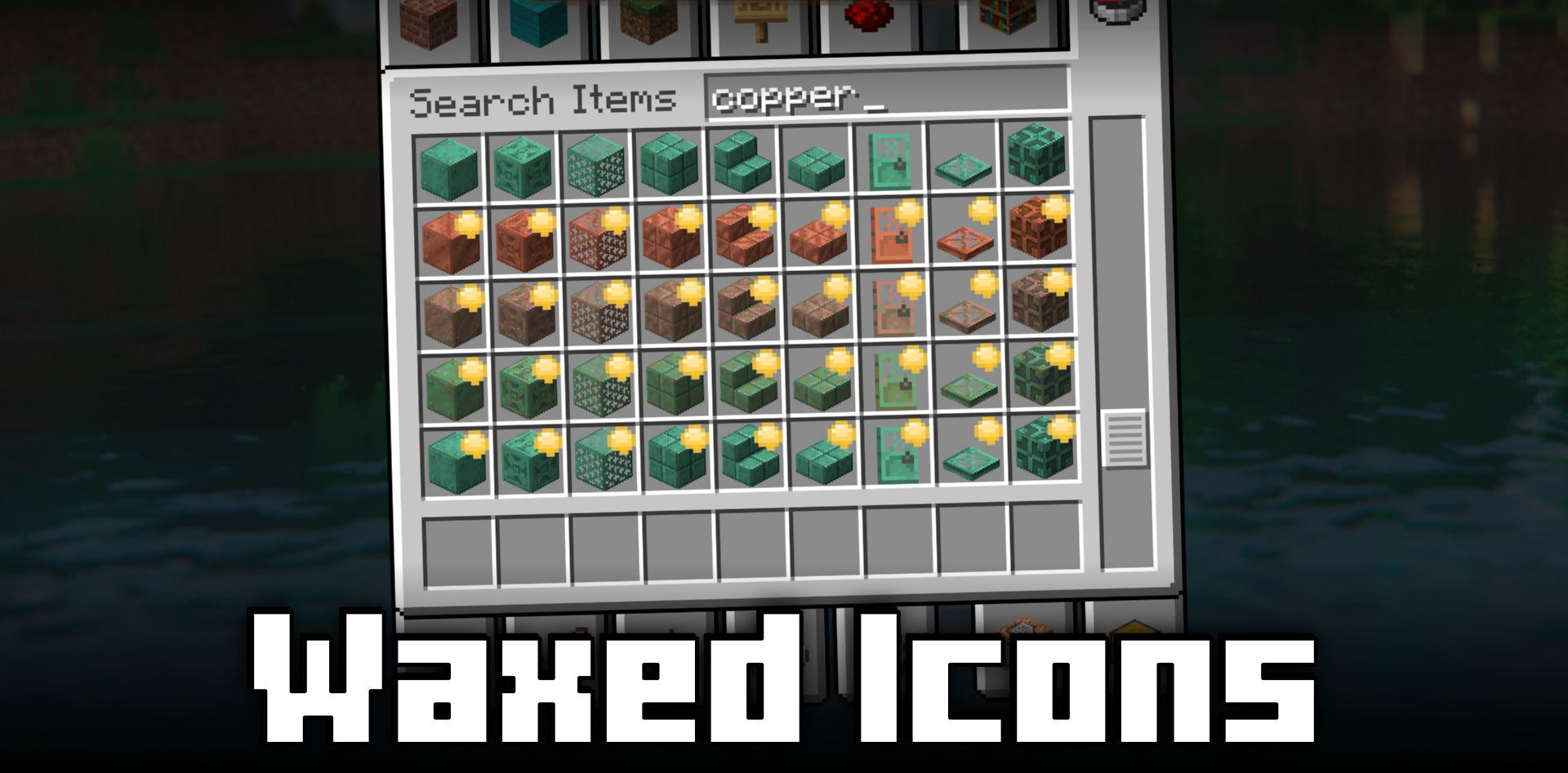
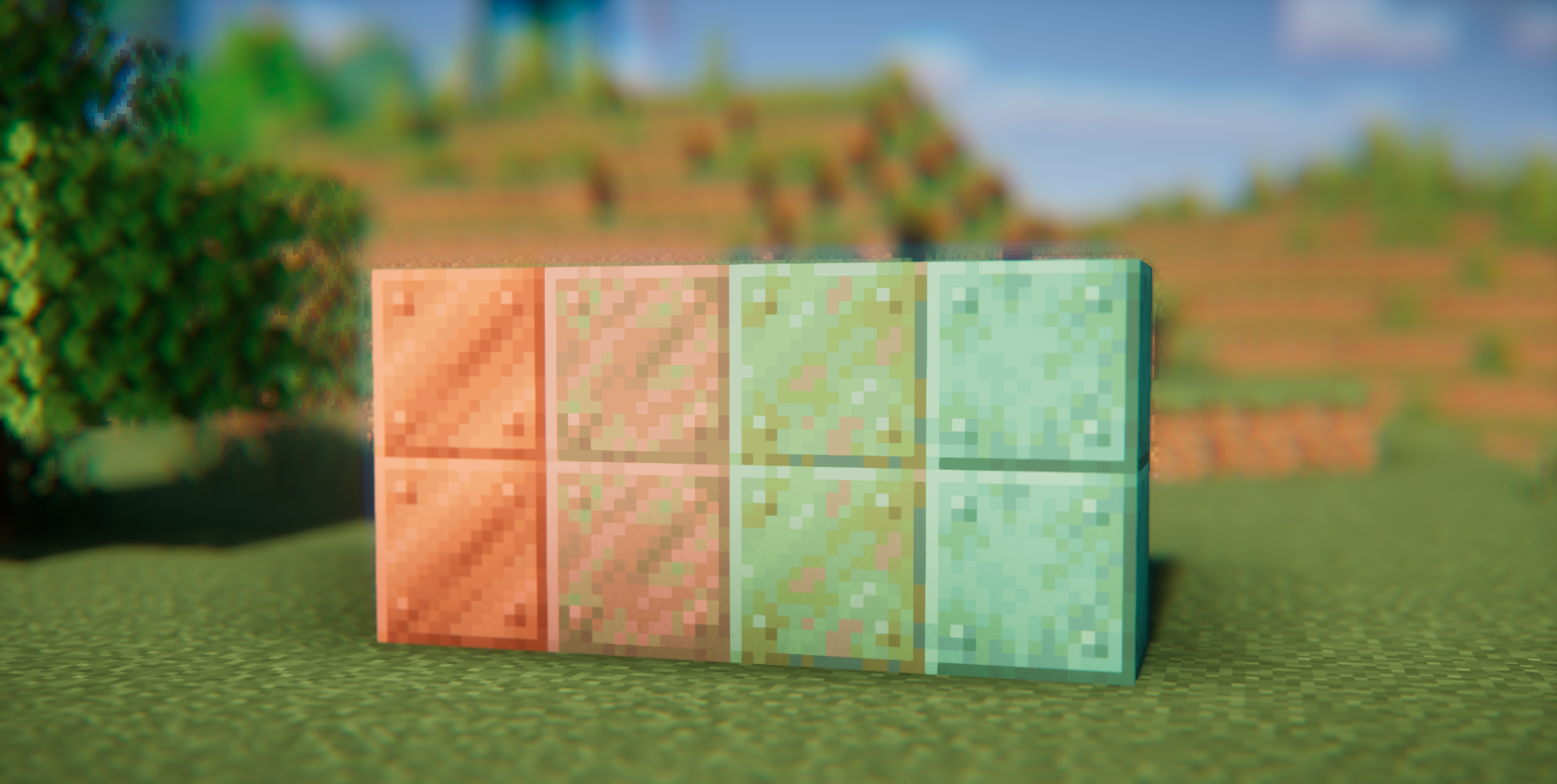
Visual details are extremely important when it comes to building, especially with copper, which gradually oxidizes and changes color. Distinguishing a waxed block from a normal one in the inventory can be difficult, and that is exactly the problem Waxed Icons mod solves. It adds a noticeable yet unobtrusive yellow marker to the icons of waxed blocks, making it immediately clear which blocks will no longer oxidize.
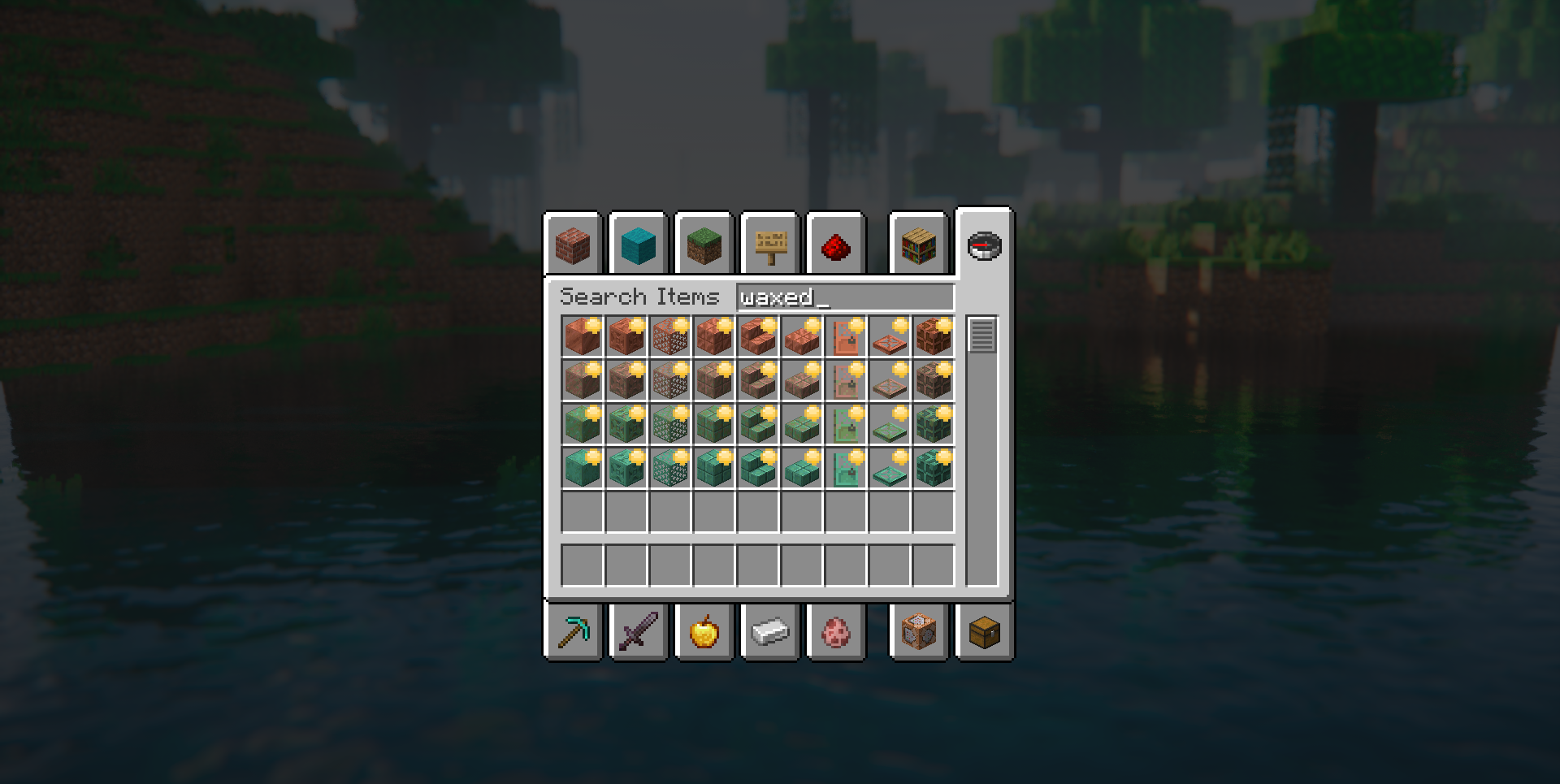
This may seem like a small detail, but in large-scale construction, where dozens or hundreds of copper blocks of different stages are required, it saves a huge amount of time. The mod does not interfere with mechanics, does not change balance, and does not add new items — it simply makes existing ones clearer and more convenient to navigate.
How to install the modification:
First step: download and install Fabric и Fabric API.
Second step: download the mod file.
Third step: copy Waxed Icons mod package to the .minecraft/mods folder (if it does not exist, install Forge again or create it yourself).
Comments (0)