



Weather Changer for Minecraft 1.21.11
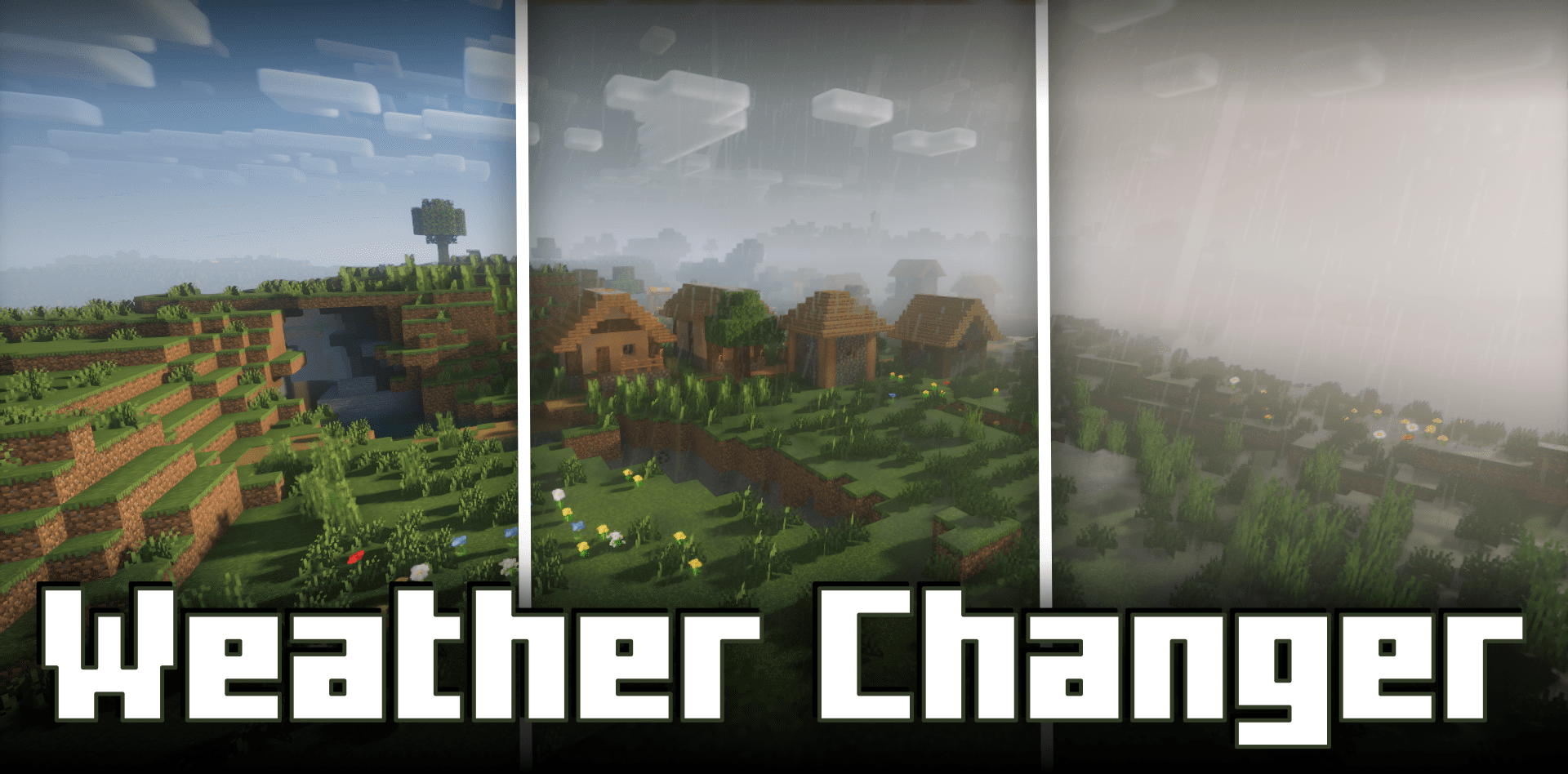
Visually, Minecraft can be incredibly beautiful, but rain and thunderstorms often obstruct visibility, especially during building or long-distance travel. Weather Changer mod solves this problem locally by changing the weather purely on the client side. The server receives no packets, meaning core mechanics remain unchanged and other players see the weather as it actually is.
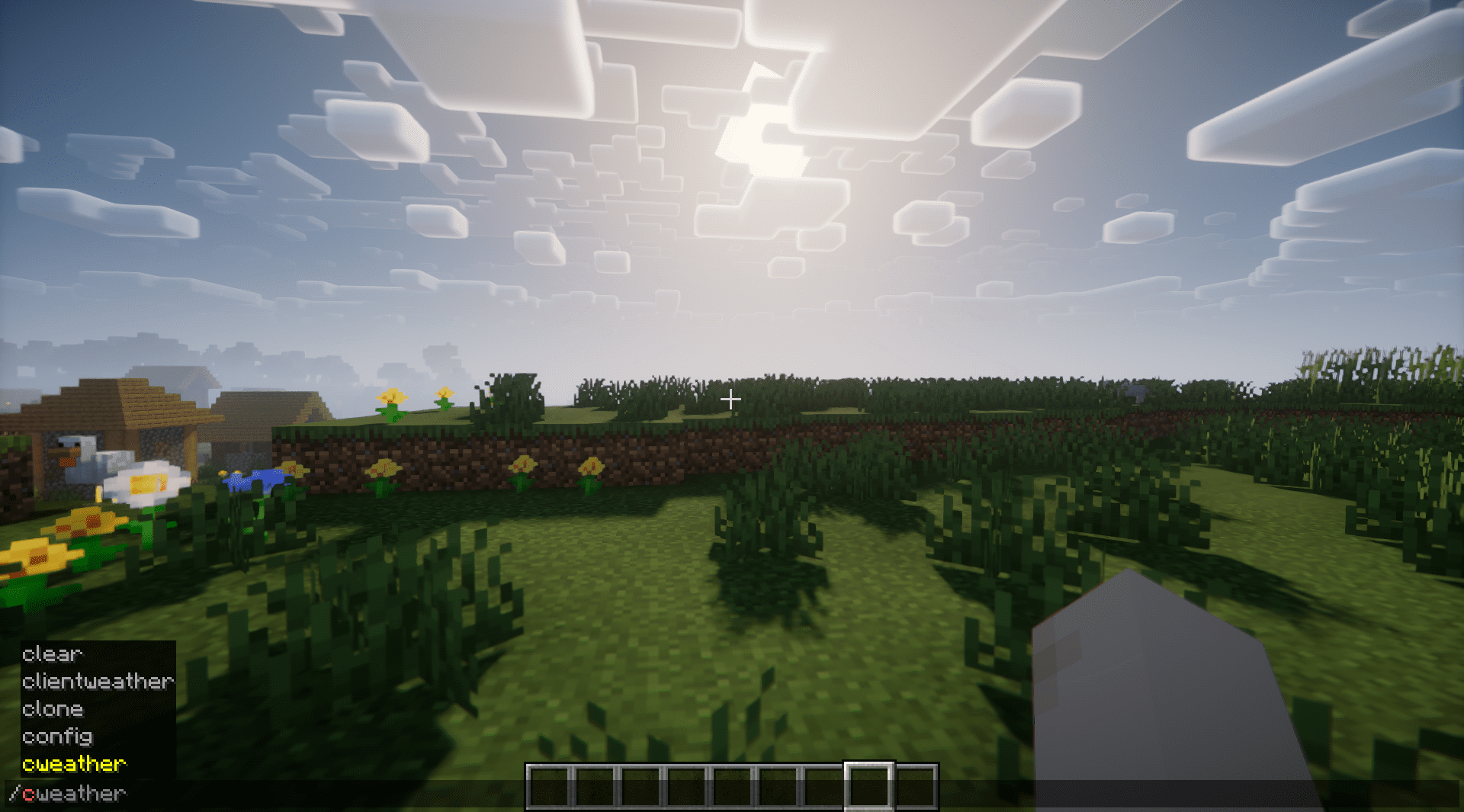
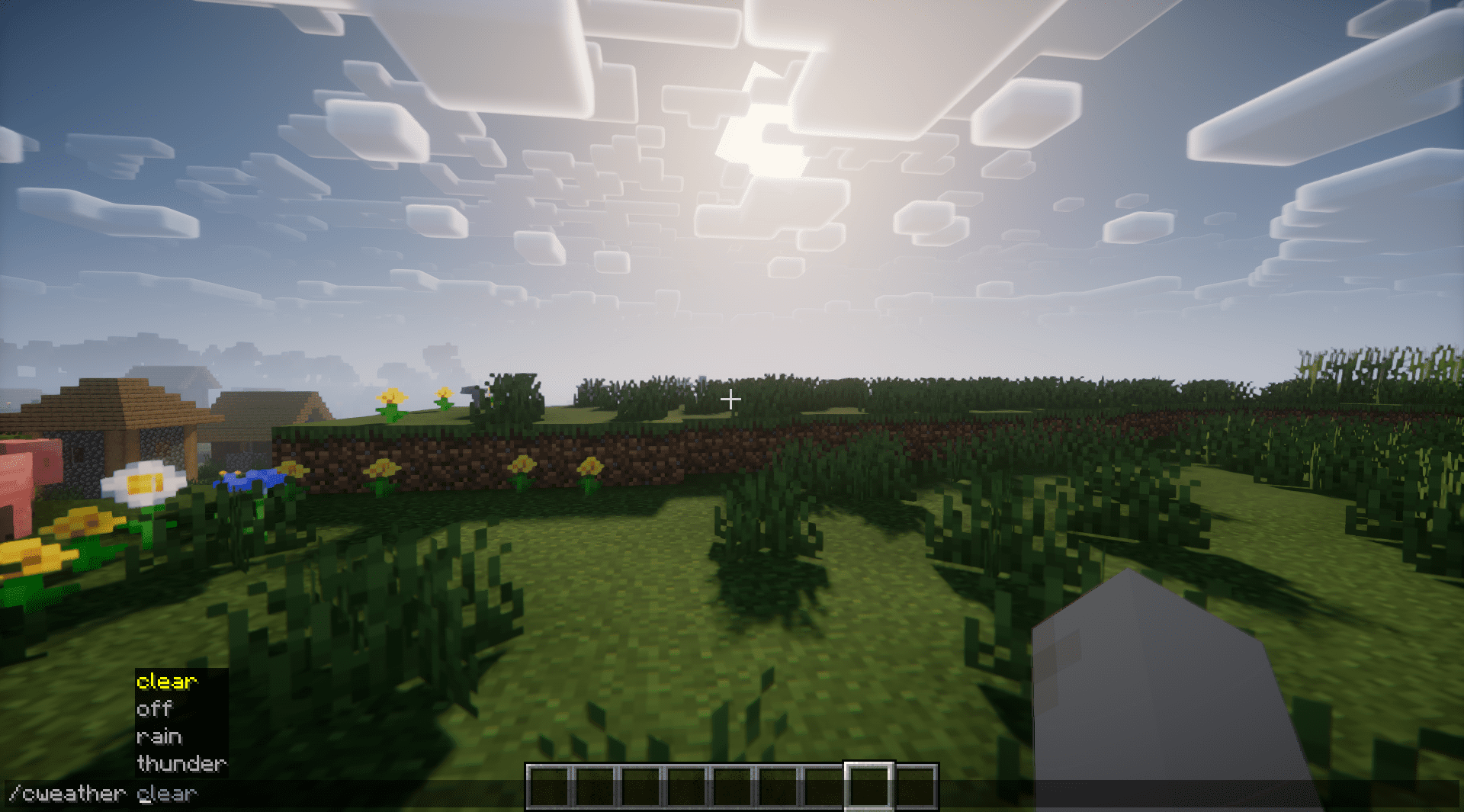
The /clientweather command (or the shortened /cweather) allows switching between clear skies, rain, and thunderstorms. If the mod needs to be fully disabled, an “off” command is available. This makes the mod an ideal tool for builders, travelers, and players who value visual comfort.
How to install the modification:
First step: download and install Fabric и Fabric API.
Second step: download the mod file.
Third step: copy Weather Changer mod package to the .minecraft/mods folder (if it does not exist, install Forge again or create it yourself).
Comments (0)