



Sounds for Minecraft 1.21.5
The Sounds mod for Minecraft adds a wealth of features for customising in-game sounds and adding new sound options. You’ll be able to change the sounds for specific events, such as those in the game menu or when performing certain actions.
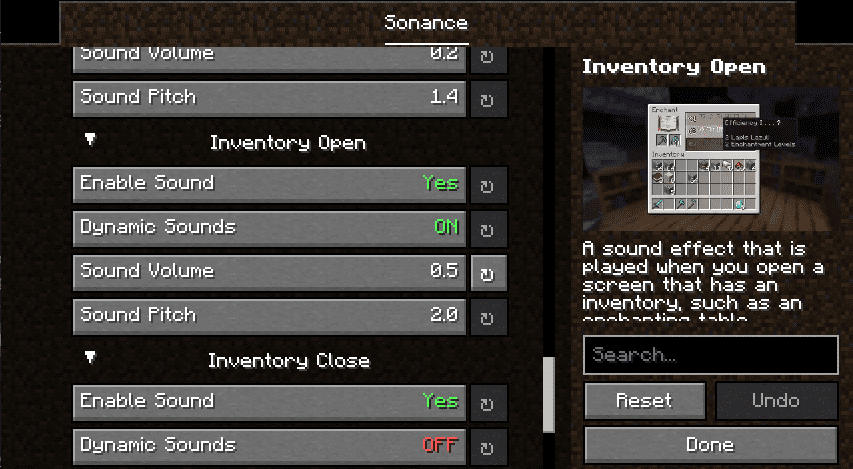
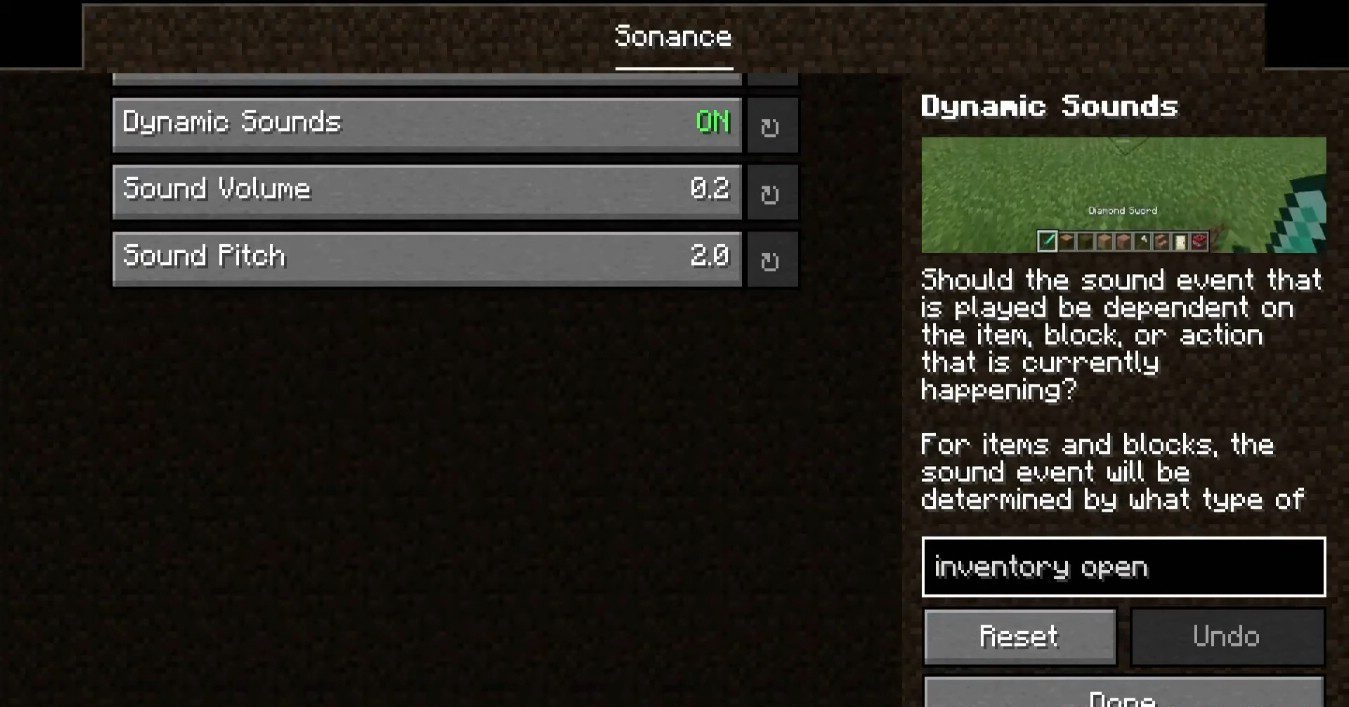
It is one of the most popular tools for any modpack, allowing you to change the in-game sounds and access new sounds with just a couple of clicks. It is regularly updated to account for new parameters introduced in the latest updates. This mod is widely used in many Minecraft modpacks, providing a convenient sound management system.
How to install the mod:
Step one: download and install Fabric and Fabric API.
Step two: download the mod file.
Step three: copy the Sounds mod package to the .minecraft/mods folder (if this folder does not exist, reinstall Forge or create it yourself).
Comments (0)