



Colorful Skies for Minecraft 1.21.8
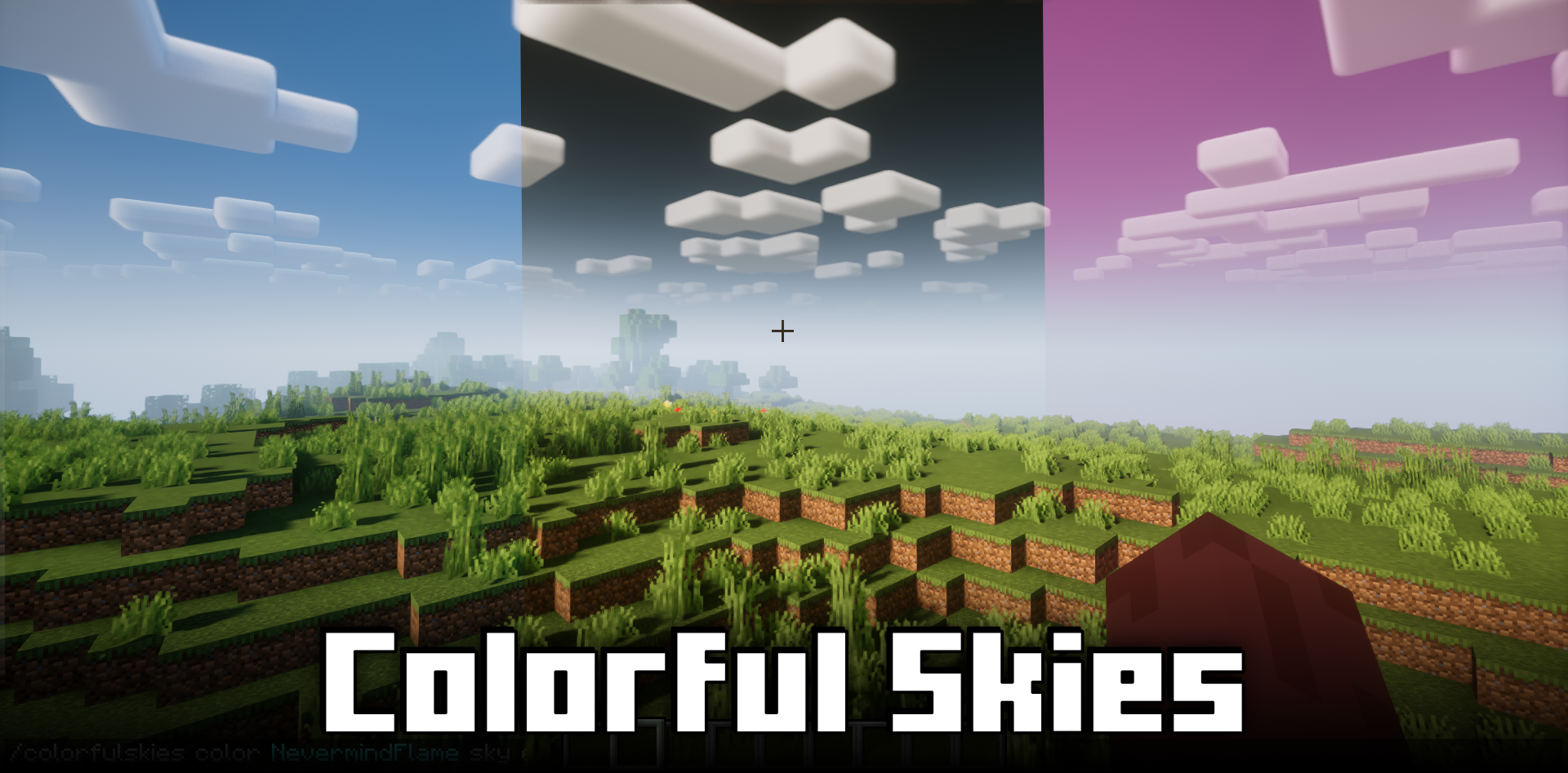
Change the look of the sky in the game with Colorful Skies mod for Minecraft. It lets you adjust the sky in just a couple of clicks, adding a wide range of effects. You can choose colors for sunrises, sunsets, the sun, and the moon — even a simple solid fill can be used. Players themselves decide which shade the sky will have.
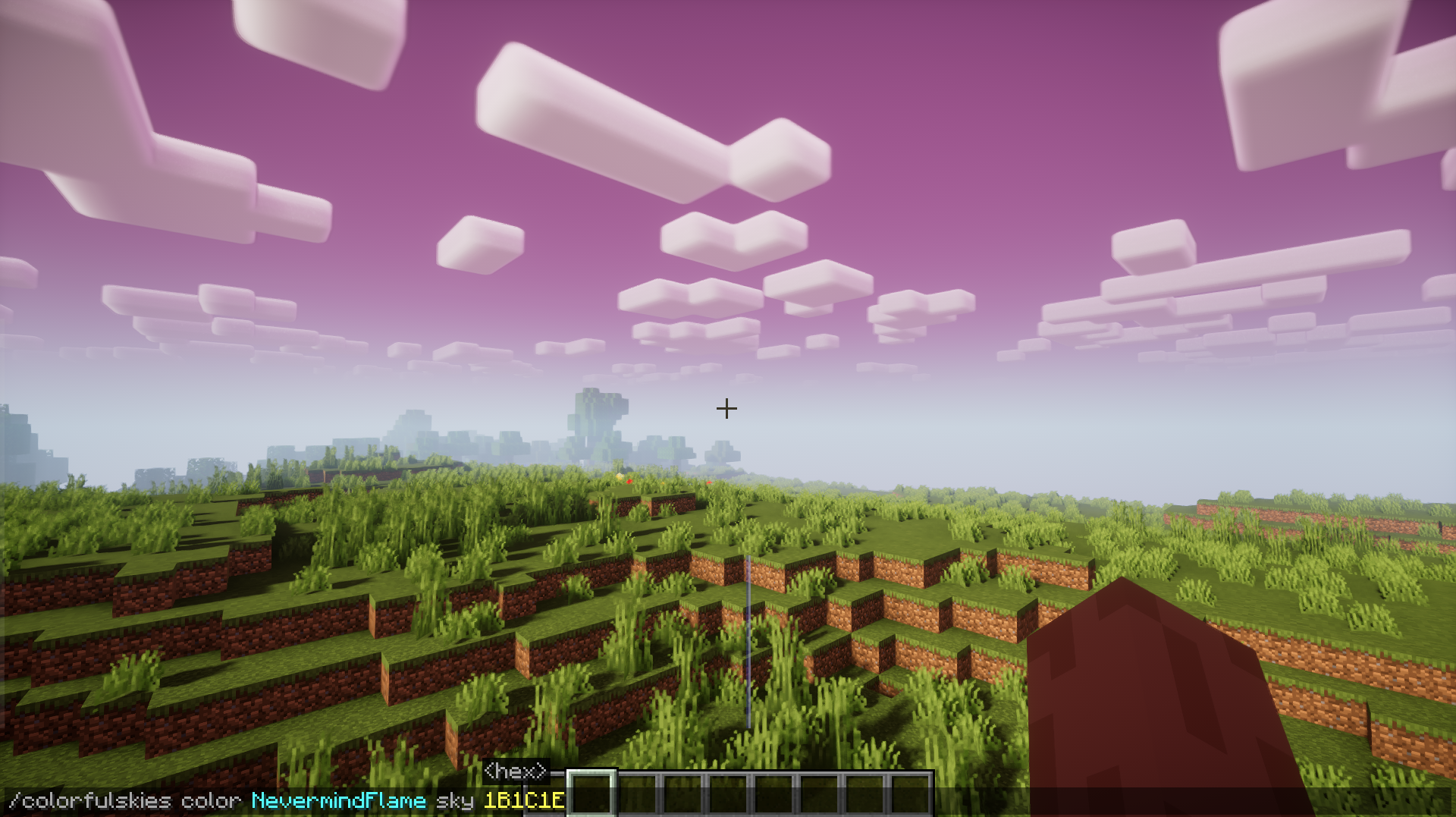
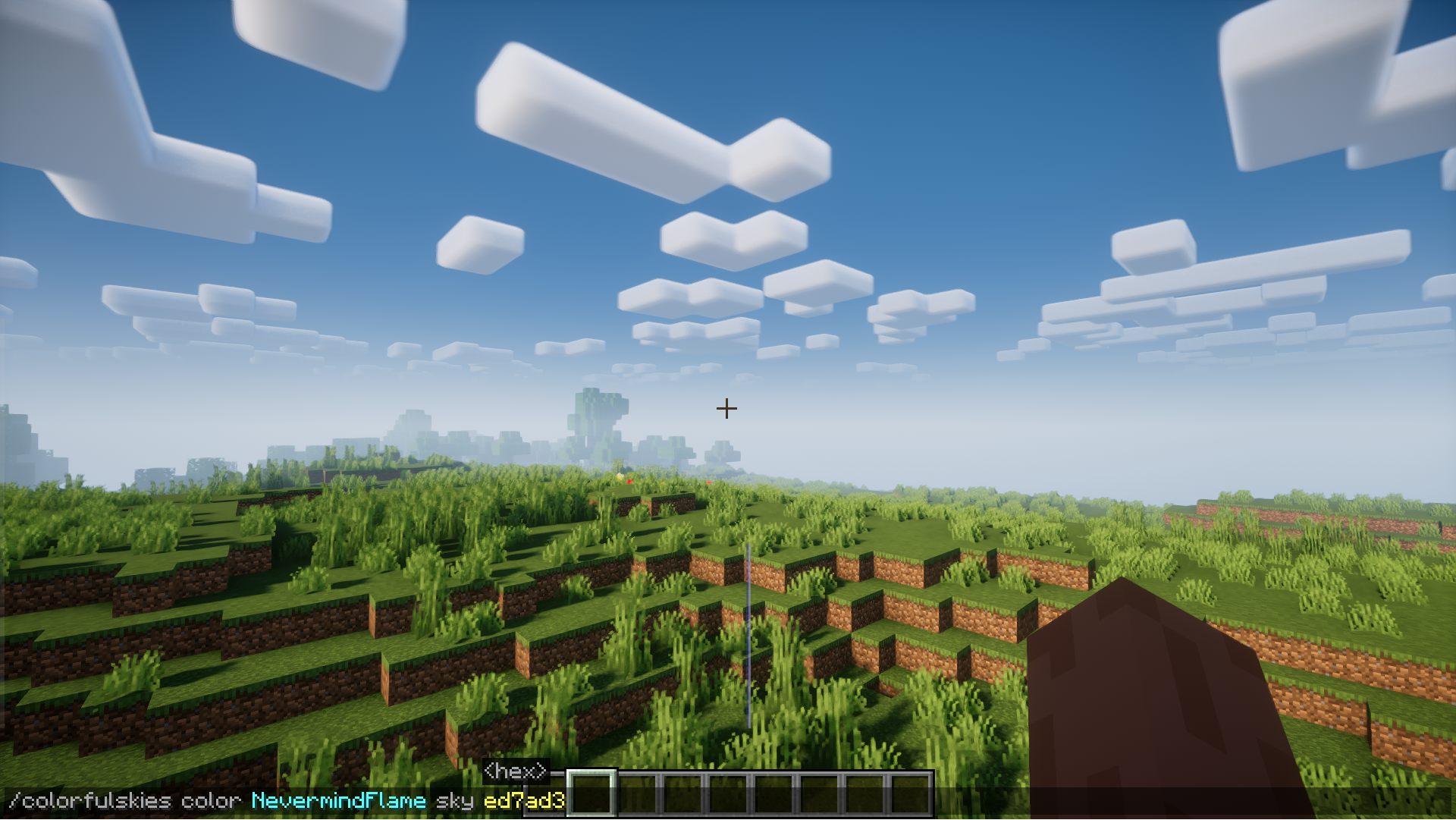
The list of settings is fairly small, but more than enough to customize the sky the way you want. Overall, it’s a nice mod that allows you to make the sky look like outer space, fantasy, or other styles.
How to install the modification:
First step: download and install NeoForge.
Second step: download the mod file.
Third step: copy Colorful Skies mod package to the .minecraft/mods folder (if it does not exist, install Forge again or create it yourself).
Comments (0)