



Leon’s Spooky Paintings for Minecraft 1.21.8
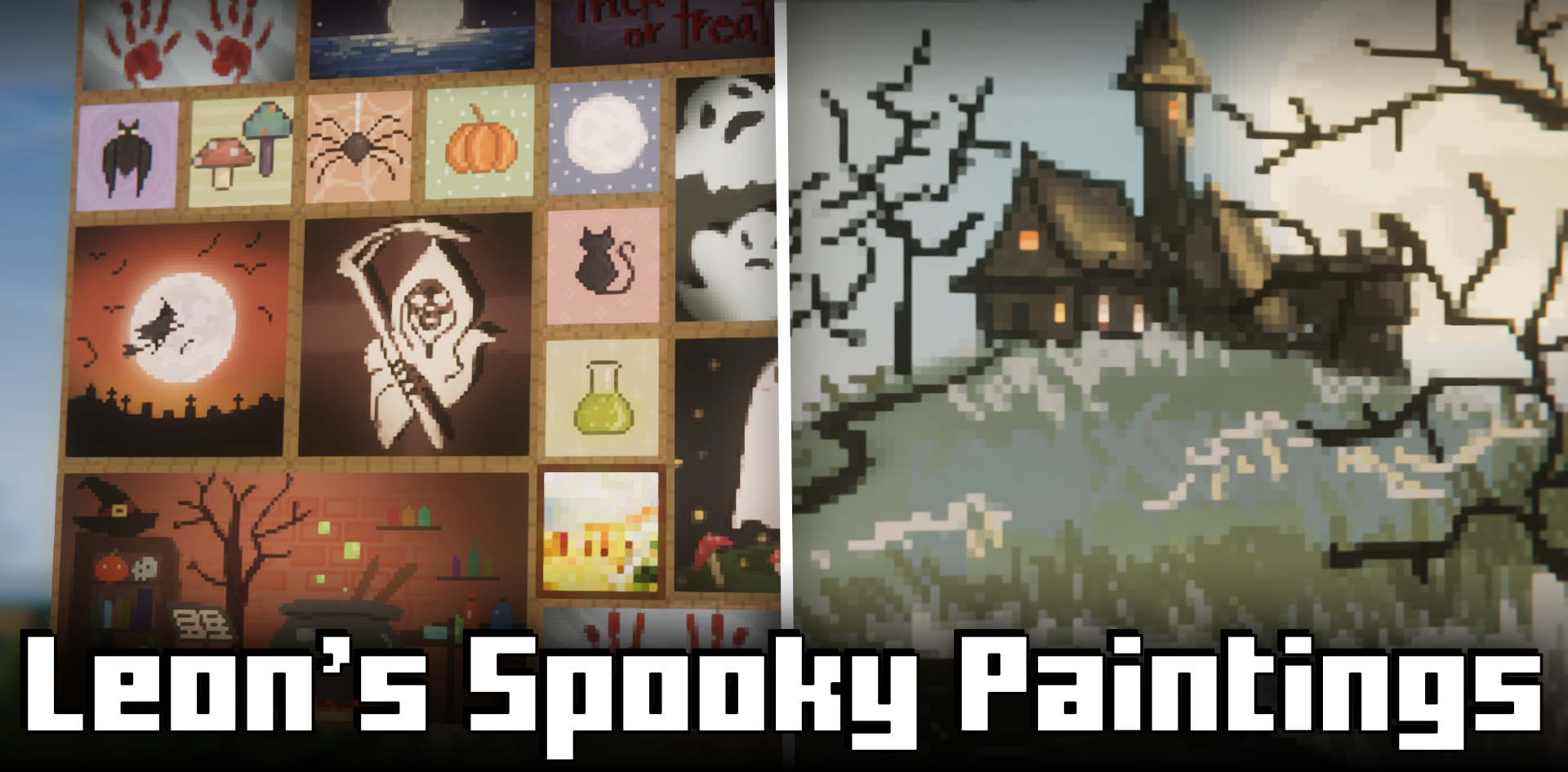
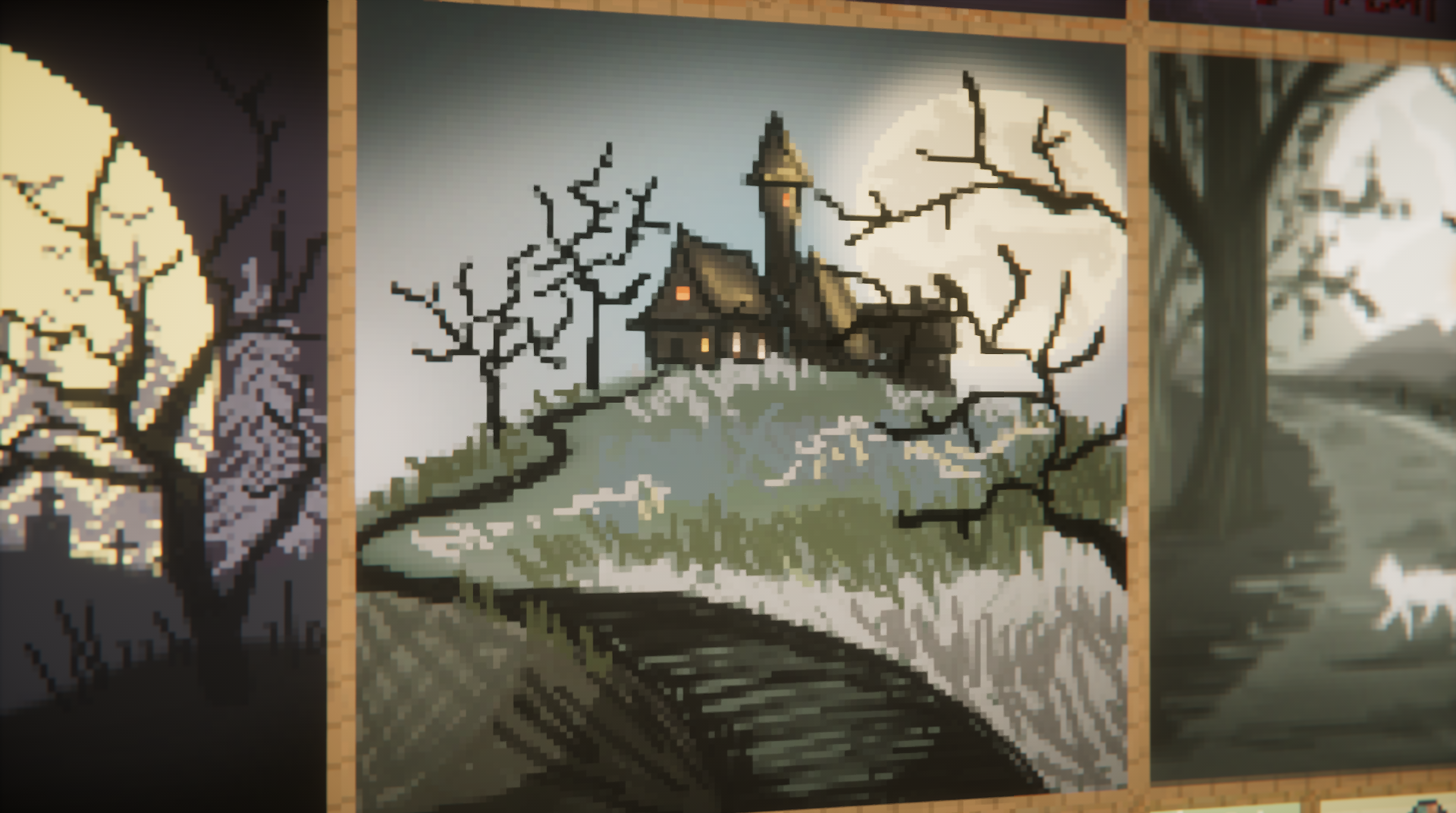
Leon’s Spooky Paintings modification adds a collection of 27 new paintings to the game, perfectly suited for decorating gloomy and atmospheric builds. These works are made in higher resolution than vanilla ones and are distinguished by clear detailing. Among the paintings, you can find frightening images, mysterious landscapes, and scenes that create a sense of anxious mysticism.
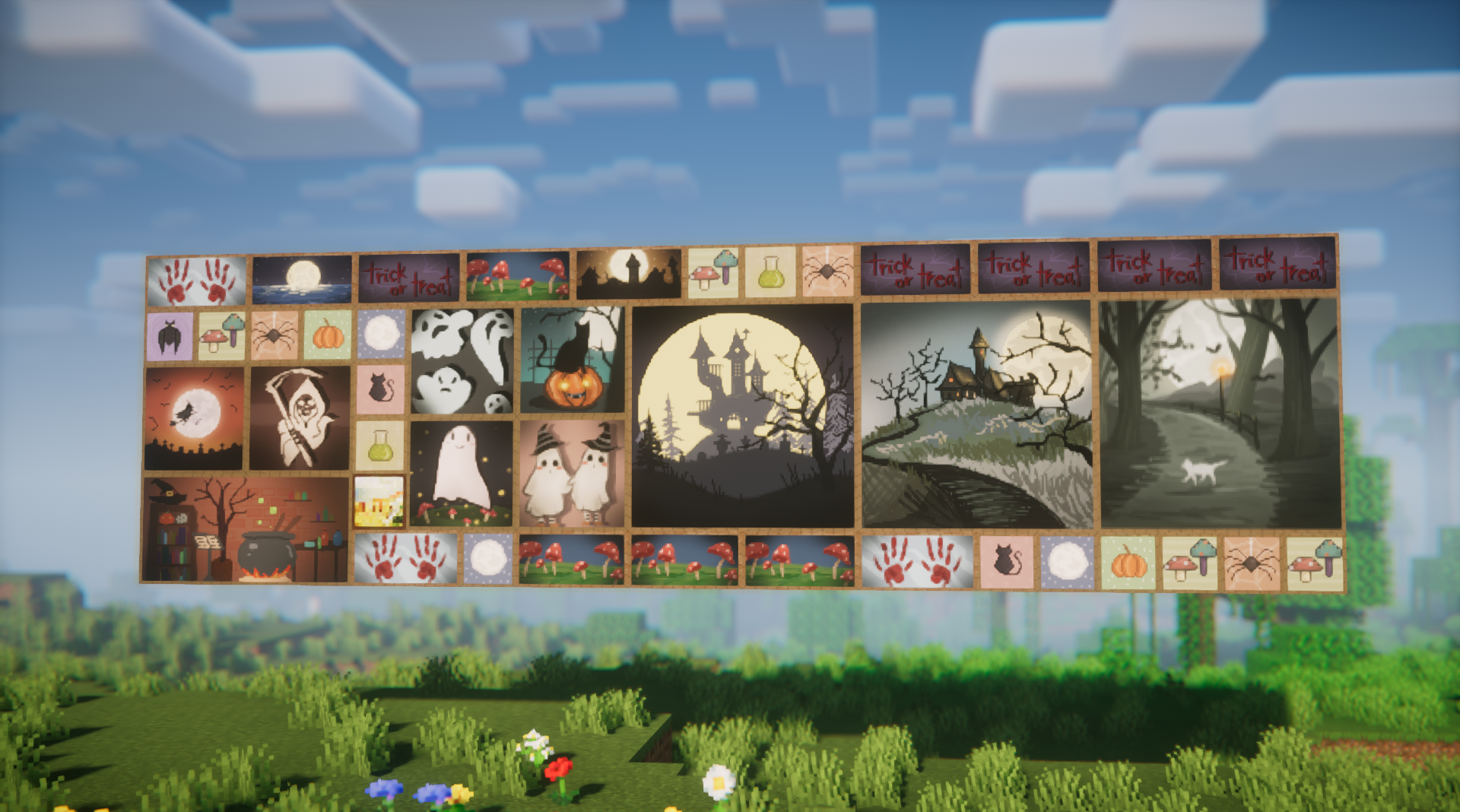
The paintings organically integrate into the game and mix with the base collection, which allows them to be used in familiar mechanics. The mod is especially valuable for players building houses with history, castles in Gothic style, or locations for role-playing games. They make spaces more expressive and add cinematic quality to the game.
How to install the modification:
First step: download and install NeoForge.
Second step: download the mod file.
Third step: copy Leon’s Spooky Paintings mod package to the .minecraft/mods folder (if it does not exist, install Forge again or create it yourself).
Comments (0)