



Liquid Blocks for Minecraft 1.21.8
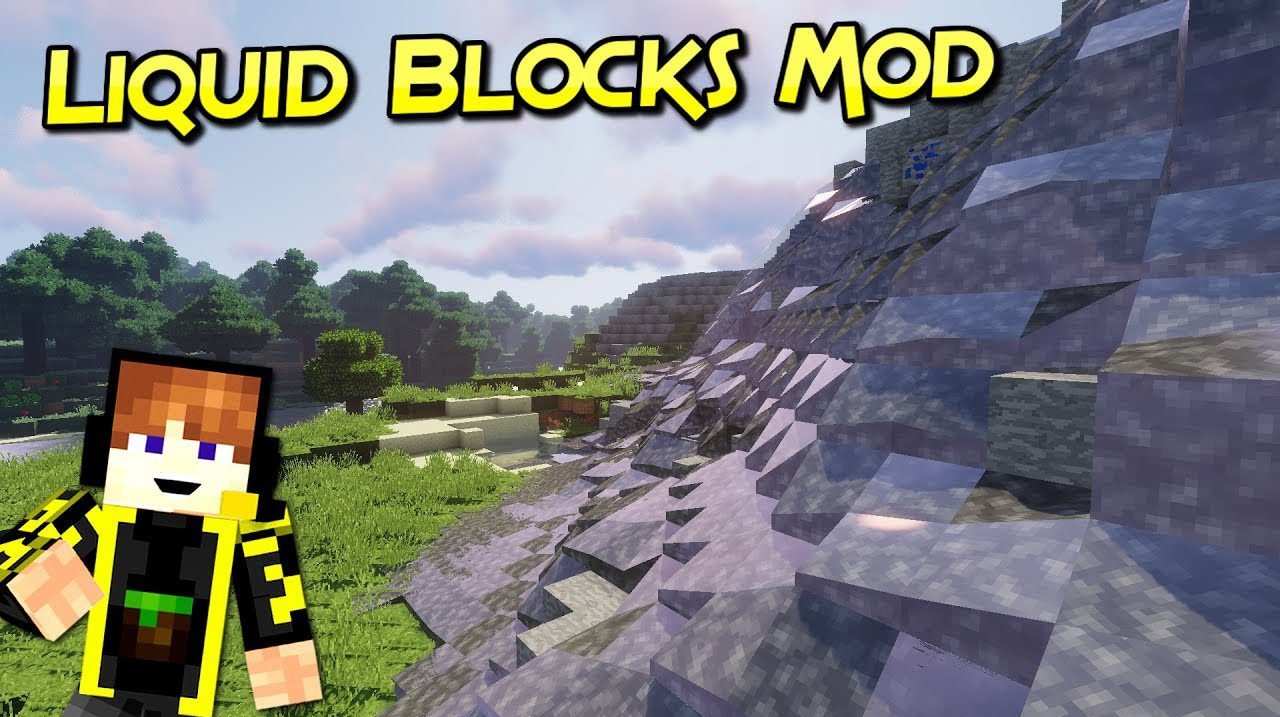
This mod changes the very perception of familiar blocks. Liquid Blocks lets you create liquid versions of many materials, opening up endless possibilities for building and experimentation. Imagine a house with “flowing” walls, lava that looks like a river made of blocks, or water structures you can control and direct.
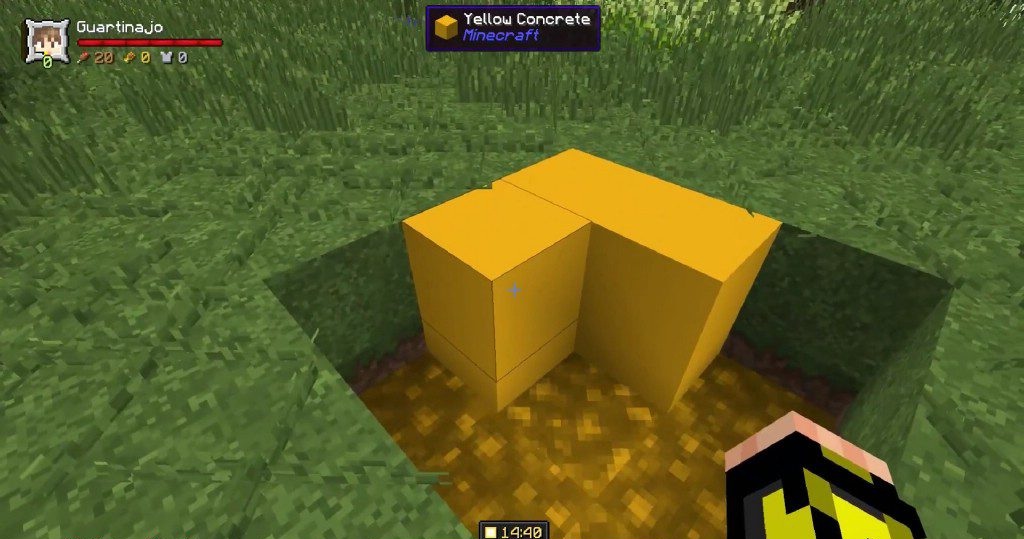
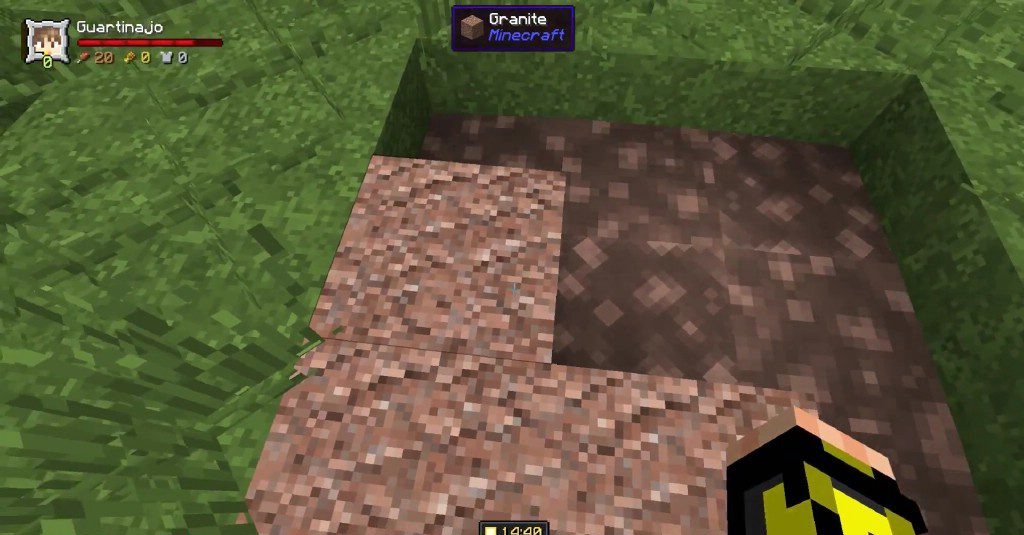
The mod inspires unconventional ideas: architects can bring fantastic projects to life, while engineers can develop mechanisms using new liquids. It successfully combines aesthetics and functionality, making the Minecraft world more flexible and creative.
How to install the modification:
First step: download and install NeoForge.
Second step: download the mod file.
Third step: copy Liquid Blocks mod package to the .minecraft/mods folder (if it does not exist, install Forge again or create it yourself).
Comments (0)