



Borderless Window for Minecraft 1.21.9

For those who play on multiple monitors or love multitasking, Borderless Window becomes indispensable. The mod removes the limitations of the standard fullscreen mode, replacing it with a convenient borderless version. Now the game doesn’t minimize when switching to other programs, and any window — browser, music, or chat — can be placed on top of the game.
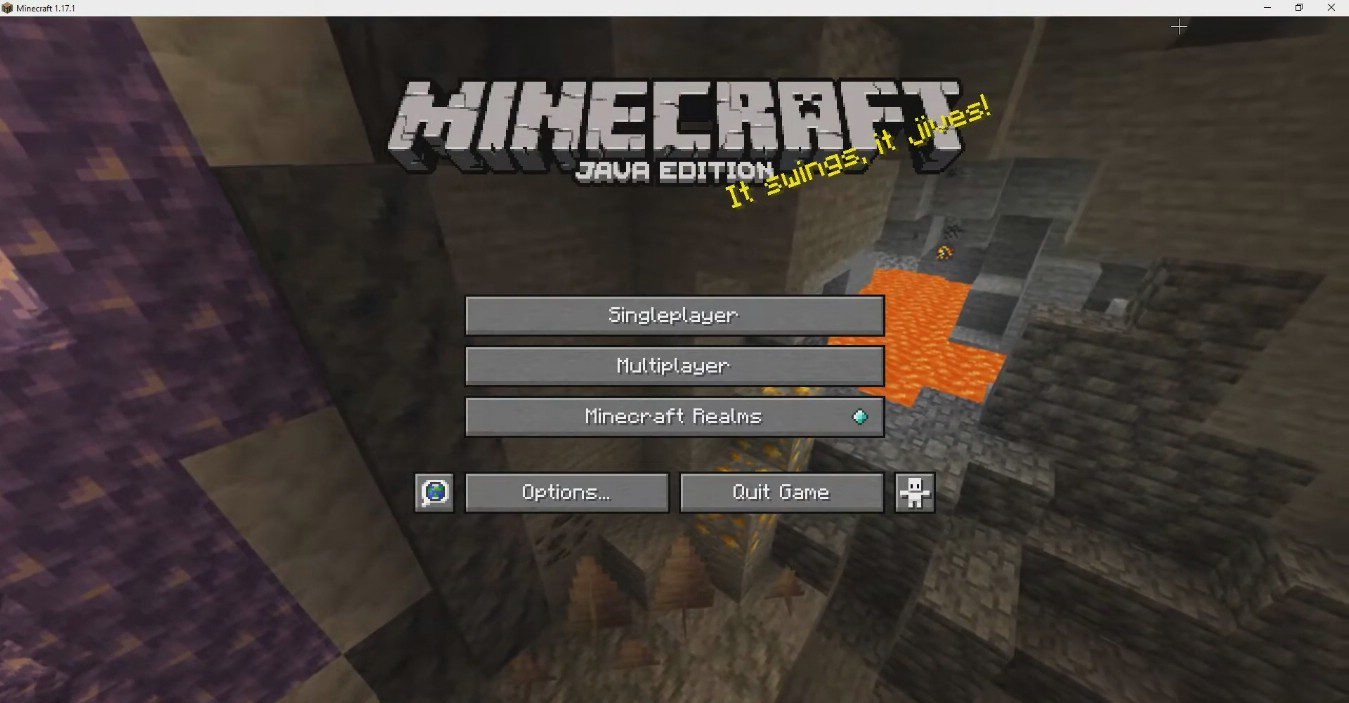
Yes, performance slightly drops, but the comfort and flexibility are worth it. Thanks to this mod, Minecraft stops being an “isolated game” and becomes part of a full-fledged workspace — without annoying switches or delays.
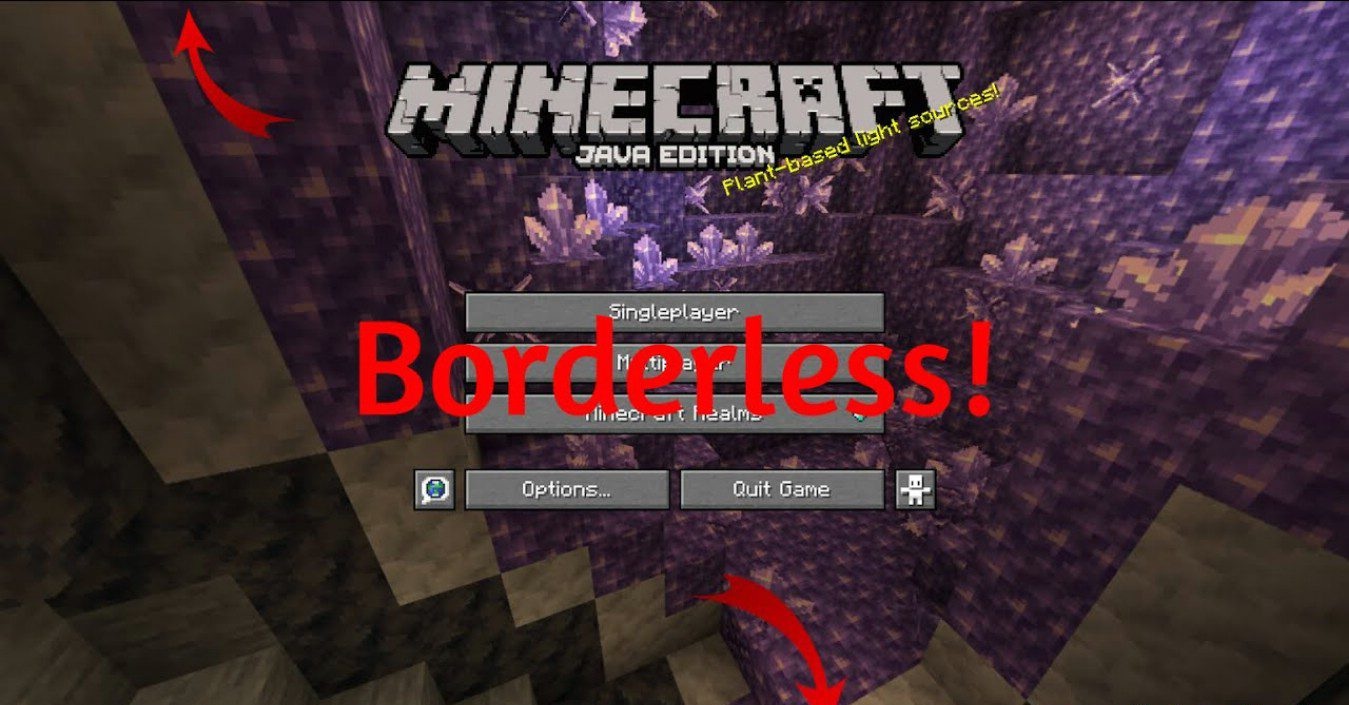
How to install the modification:
First step: download and install Fabric и Fabric API.
Second step: download the mod file.
Third step: copy Borderless Window mod package to the .minecraft/mods folder (if it does not exist, install Forge again or create it yourself).
Comments (0)