



Dark Roleplay for Minecraft 1.9.4

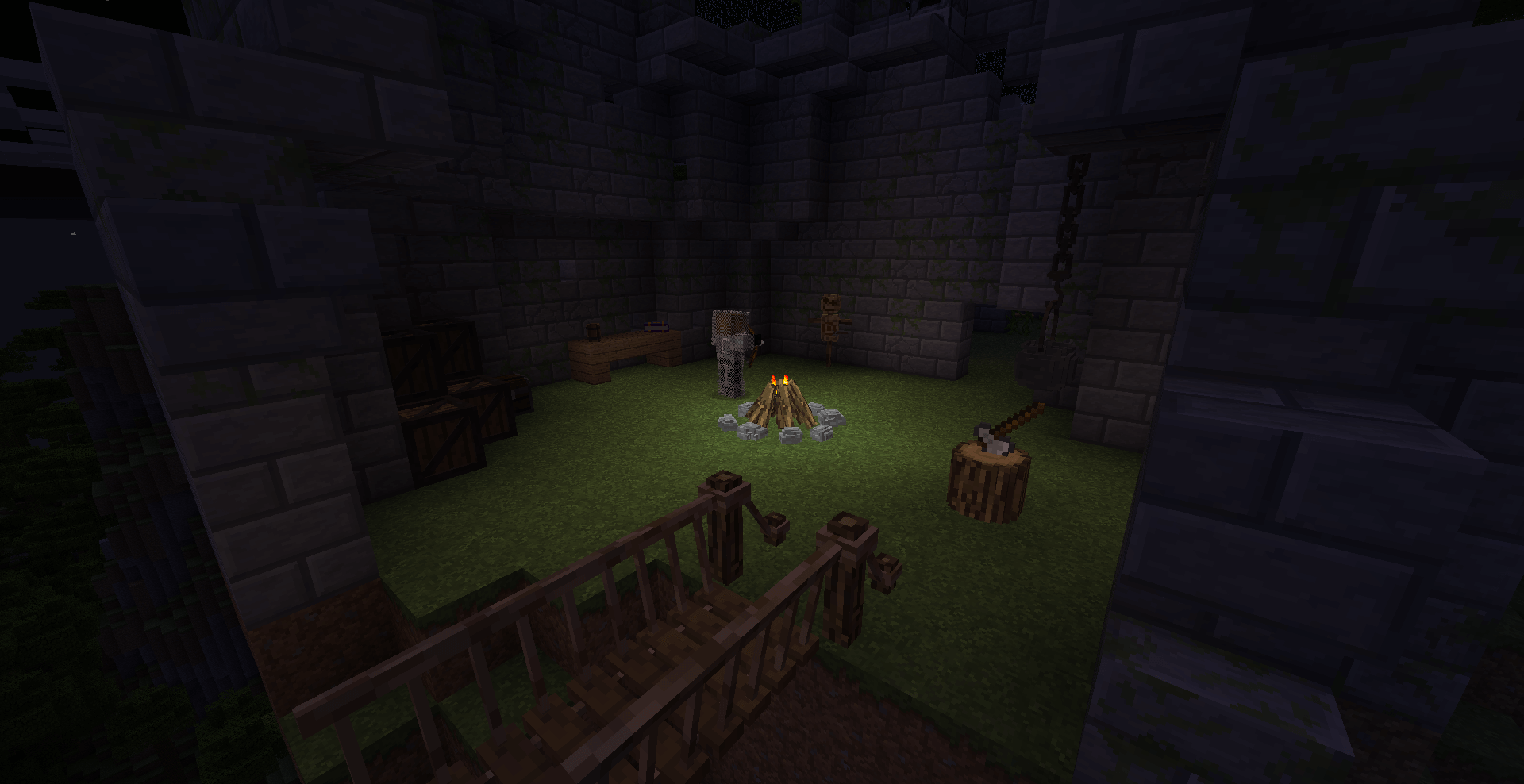
The Dark Roleplay mod for version 1.9.4 adds plenty of variety to the game with its new decorative items.
As soon as you download the mod, you will have the opportunity to use all kinds of medieval items in different ways. For example, a scarecrow or a round target can serve as a target for archery practice. Be sure to keep this important point in mind: there must be blocks to the side or behind these medieval items; otherwise, they will disappear when hit.
How to install the mod:
Step one: Install Minecraft Forge (in TLauncher, you can select a version that includes it).
Step two: Download the mod file.
Step three: Copy the Dark Roleplay mod package into the .minecraft/mods folder (if this folder does not exist, reinstall Forge or create it yourself).
Comments (0)