



Castle in the Sky for Minecraft 26.1.2
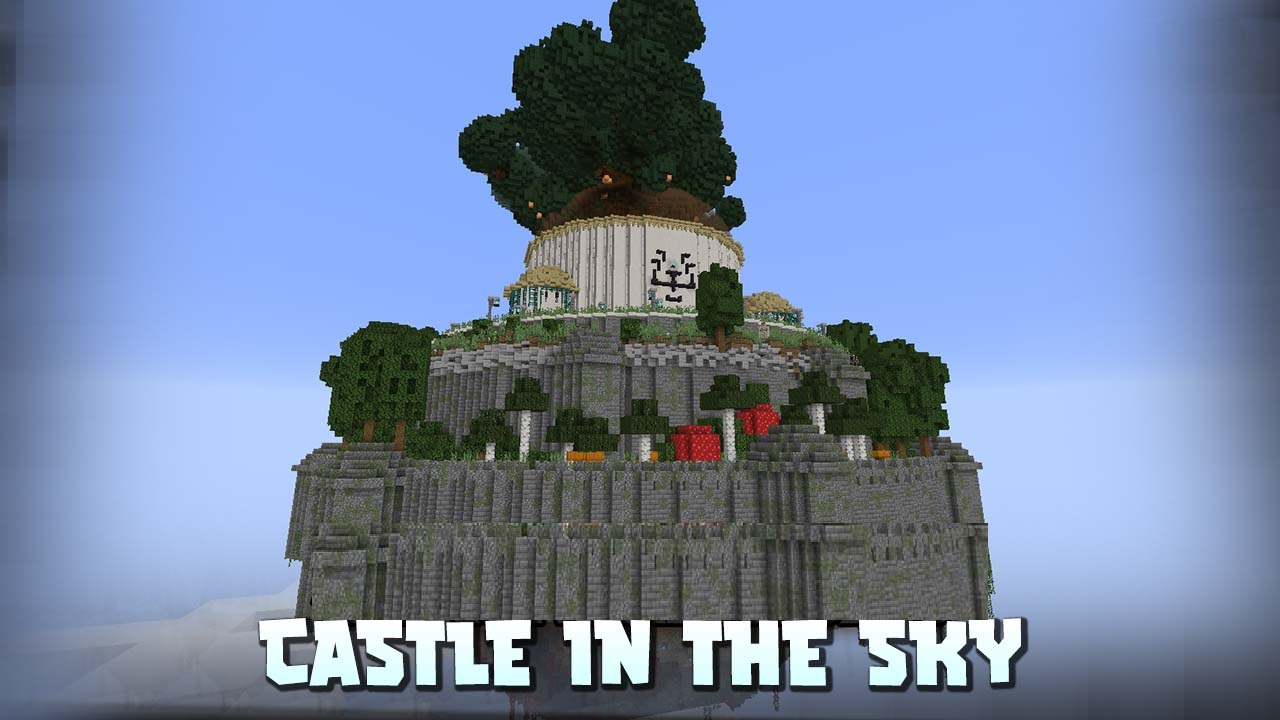
Castle in the Sky adds a rare and noticeable goal to the world: a huge castle floating high above the ground. But finding it is not as simple as randomly looking upward. First, the player needs to find a cartographer and obtain the Levitation Stone. After use, the stone creates a guiding cloud that must be followed.
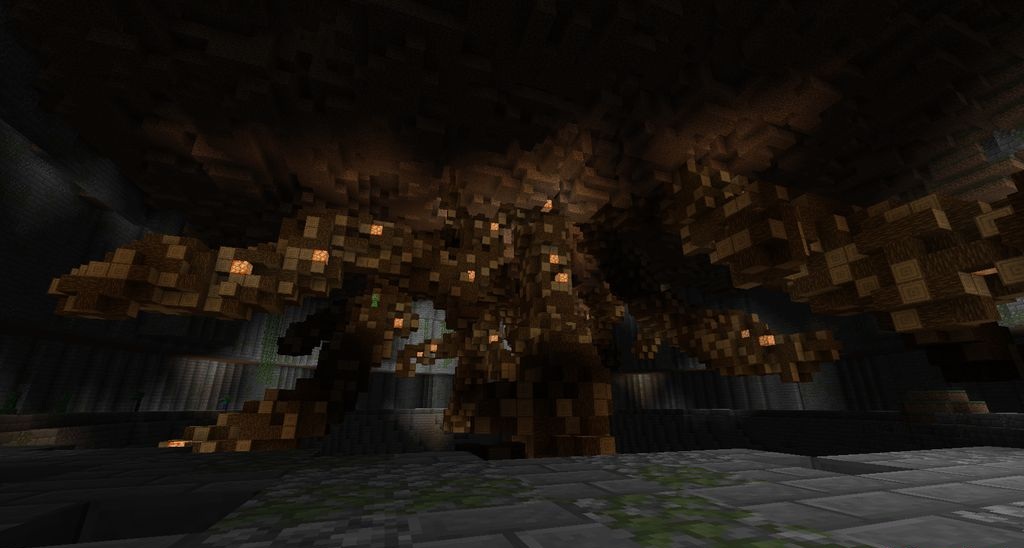
The path to the castle can be long, so the search turns into a separate adventure rather than a quick transition to rewards. The player has to prepare, stock up on resources, and truly set off on a journey. When the castle is found, another part of the challenge begins: exploring the inner dungeon.
How to install the modification:
First step: download and install NeoForge.
Second step: download the mod file.
Third step: copy Castle in the Sky mod package to the .minecraft/mods folder (if it does not exist, install Forge again or create it yourself).
Comments (0)