



Held Item Tooltips for Minecraft 26.1.2

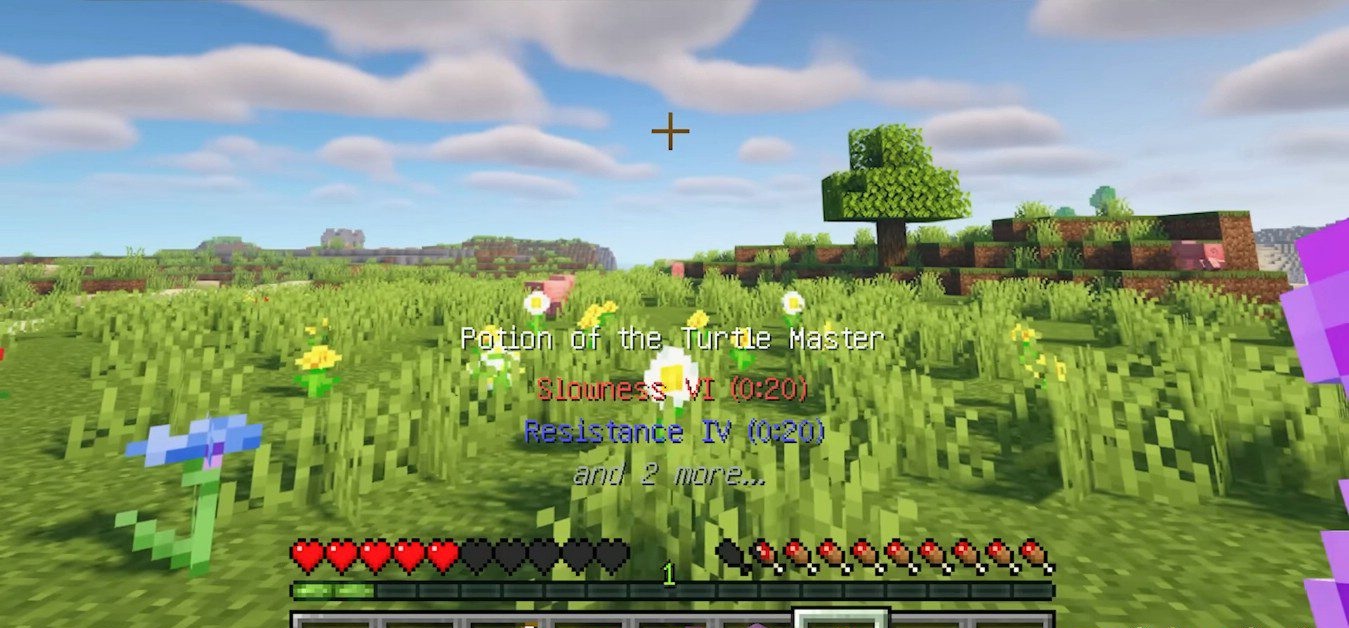
Held Item Tooltips makes the interface more informative without overloading the screen with extra windows. The main idea of the mod is simple: important information about the item in your hand appears directly above the hotbar. This is especially noticeable when playing with a large number of tools, potions, shulker boxes, rockets, and enchanted equipment.
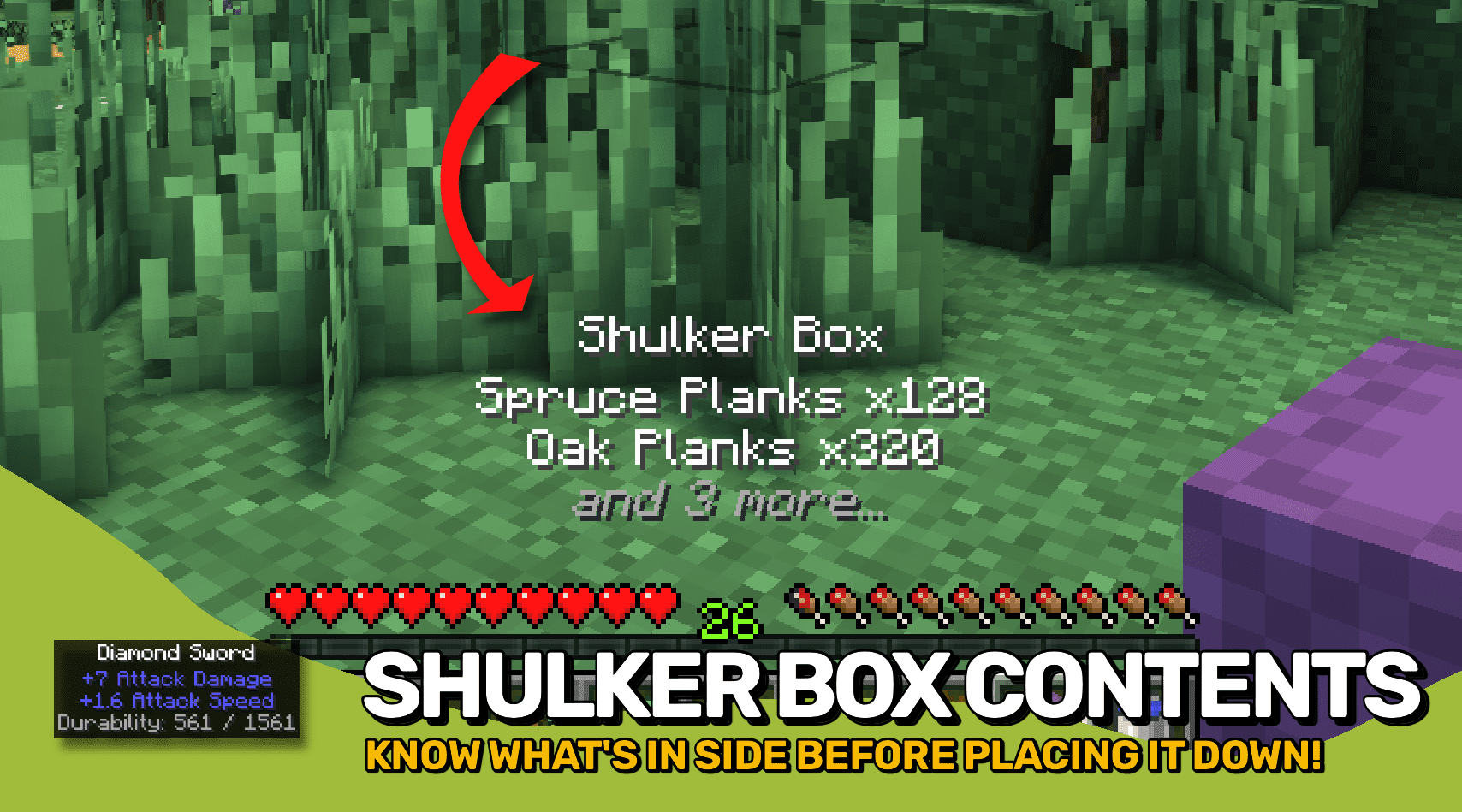
Instead of constantly opening the inventory, you can immediately see enchantments, effects, container contents, firework flight duration, and other parameters. The mod does not change the balance and does not add new items, but it speeds up interaction with already existing mechanics. You can change the text color, the order in which information is displayed, the number of lines, and enable additional data.
How to install the modification:
First step: download and install NeoForge.
Second step: download the mod file.
Third step: copy Held Item Tooltips mod package to the .minecraft/mods folder (if it does not exist, install Forge again or create it yourself).
Comments (0)