



Hide Arrows for Minecraft 26.1.2
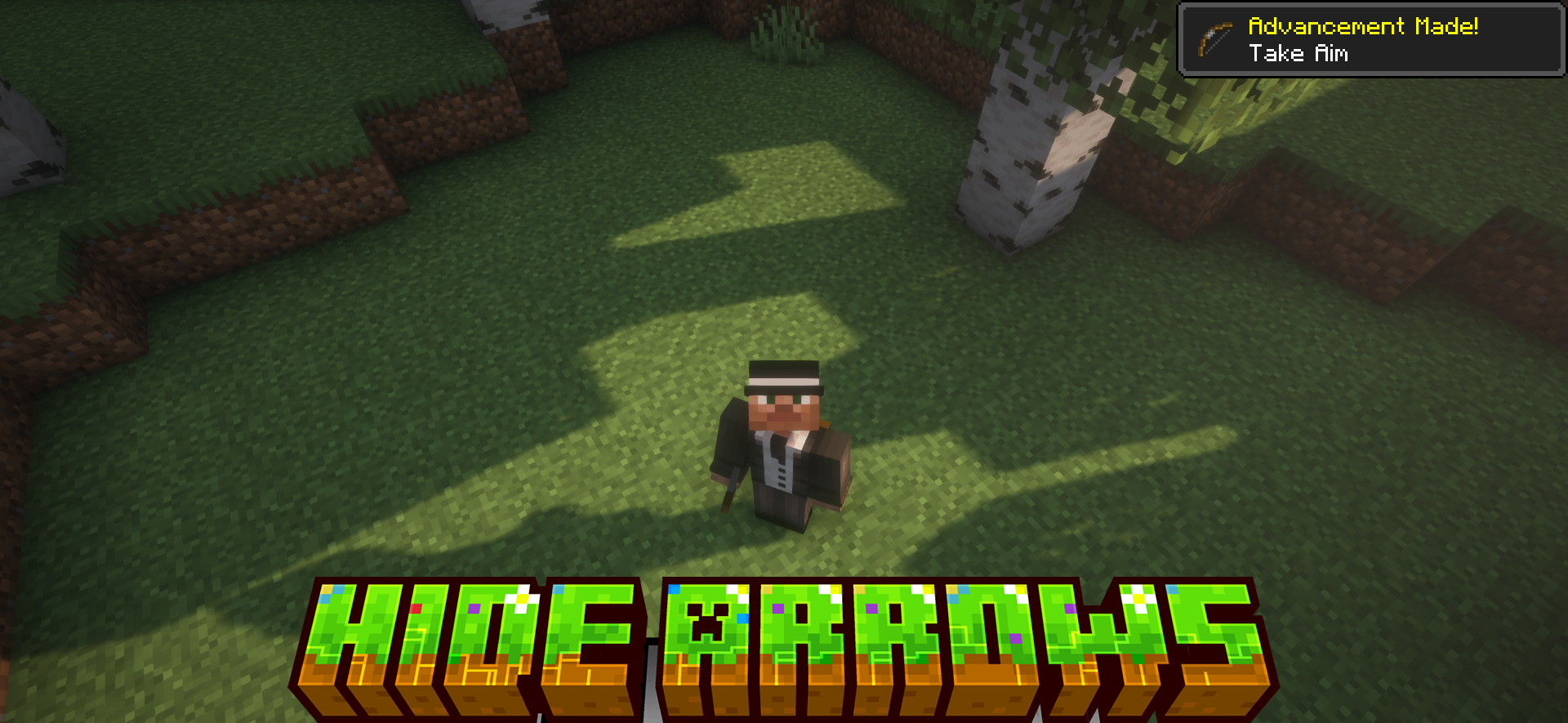
Sometimes even small visual changes make the game noticeably more pleasant. Hide Arrows removes arrows sticking out of the character model after hits. In ordinary Minecraft, after several fights, the player starts to look rather strange: arrows remain in the body for too long and often spoil the character’s appearance.
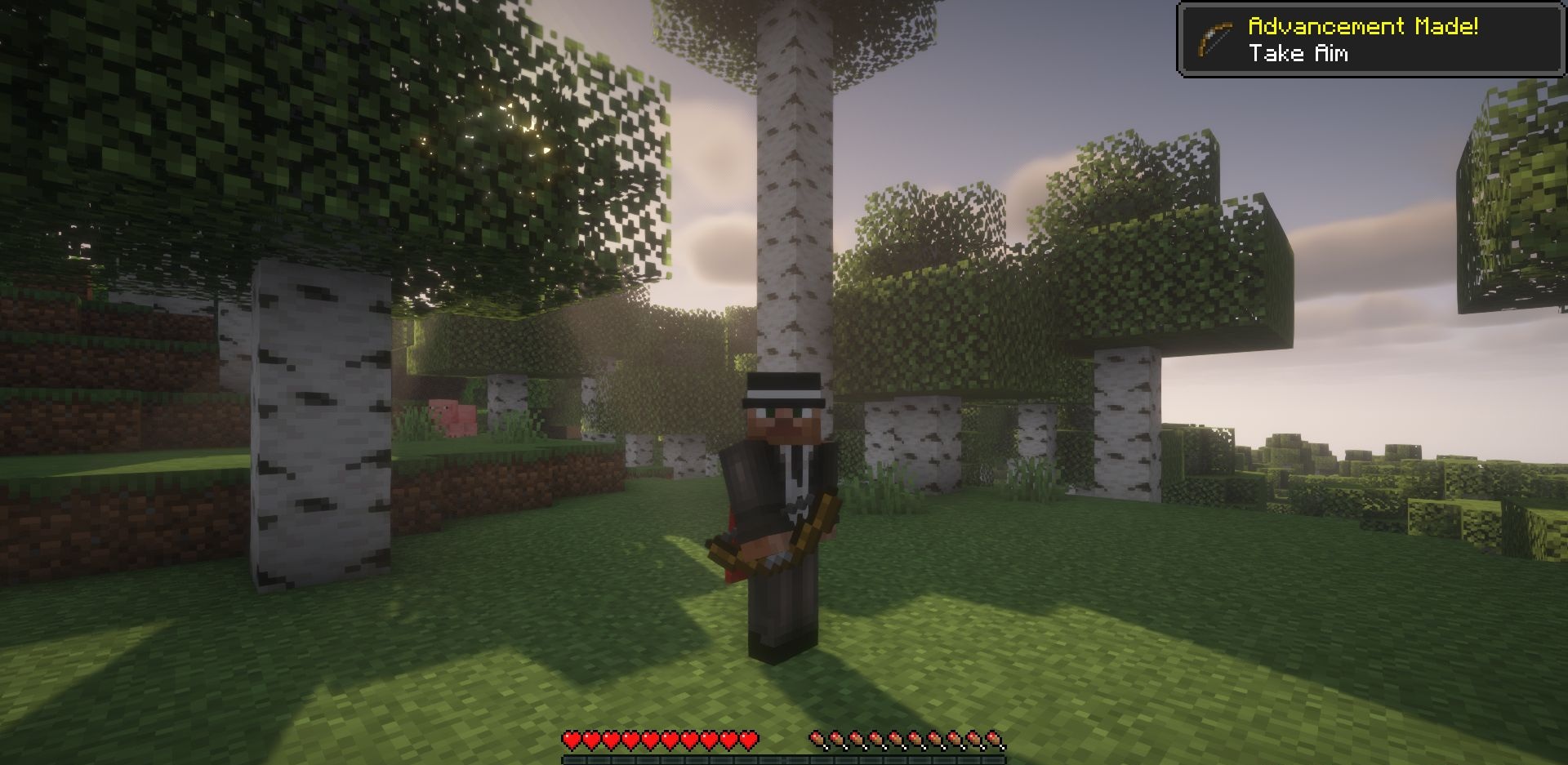
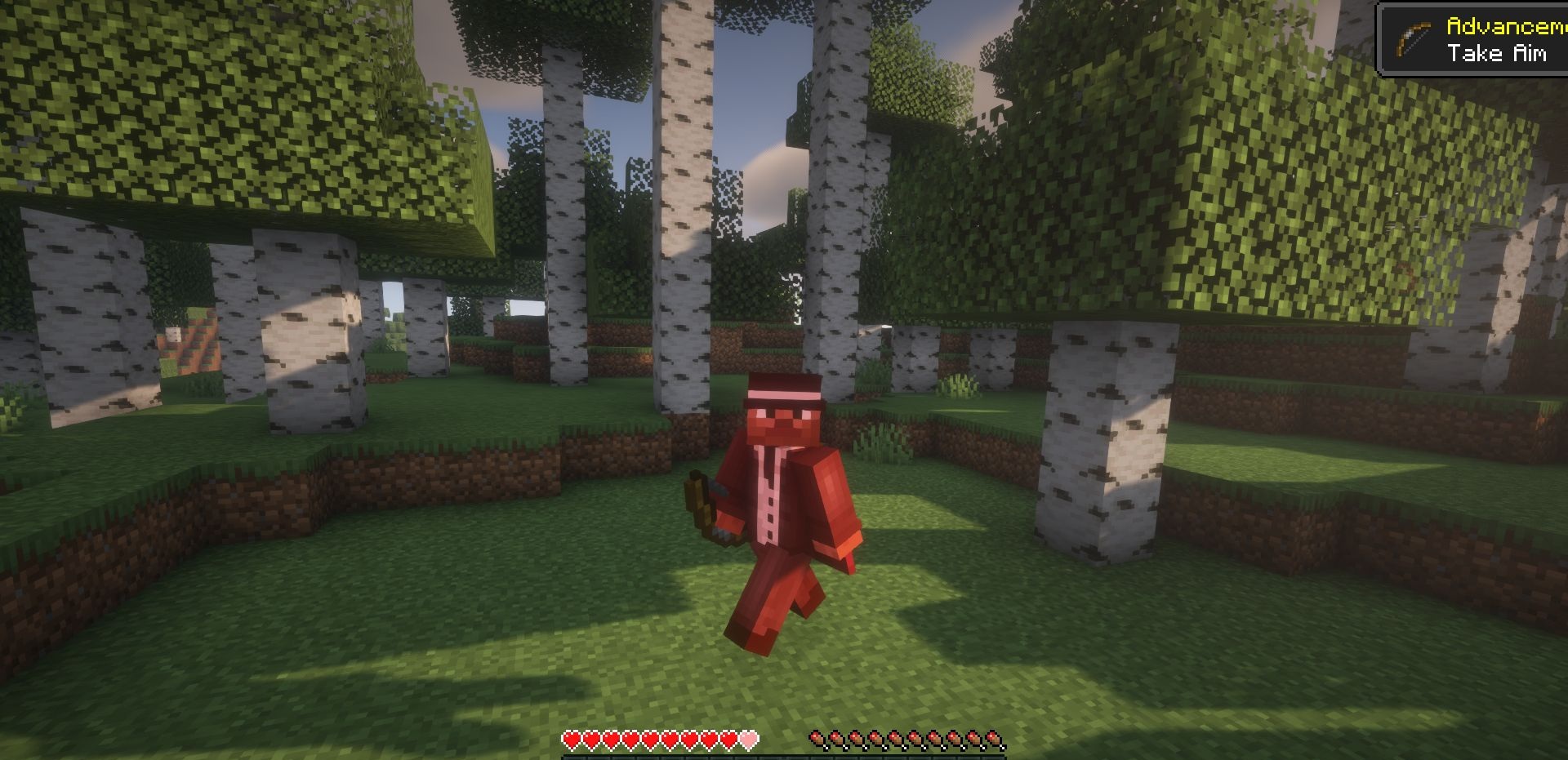
This is especially noticeable on PvP servers or during large battles. The mod simply removes this effect while keeping the model neat. It does not affect gameplay in any way; it is a purely visual improvement. Still, after installation, players quickly get used to how much cleaner characters begin to look.
How to install the modification:
First step: download and install Fabric и Fabric API.
Second step: download the mod file.
Third step: copy Hide Arrows mod package to the .minecraft/mods folder (if it does not exist, install Forge again or create it yourself).
Comments (0)