



Mindful Darkness for Minecraft 26.1.2
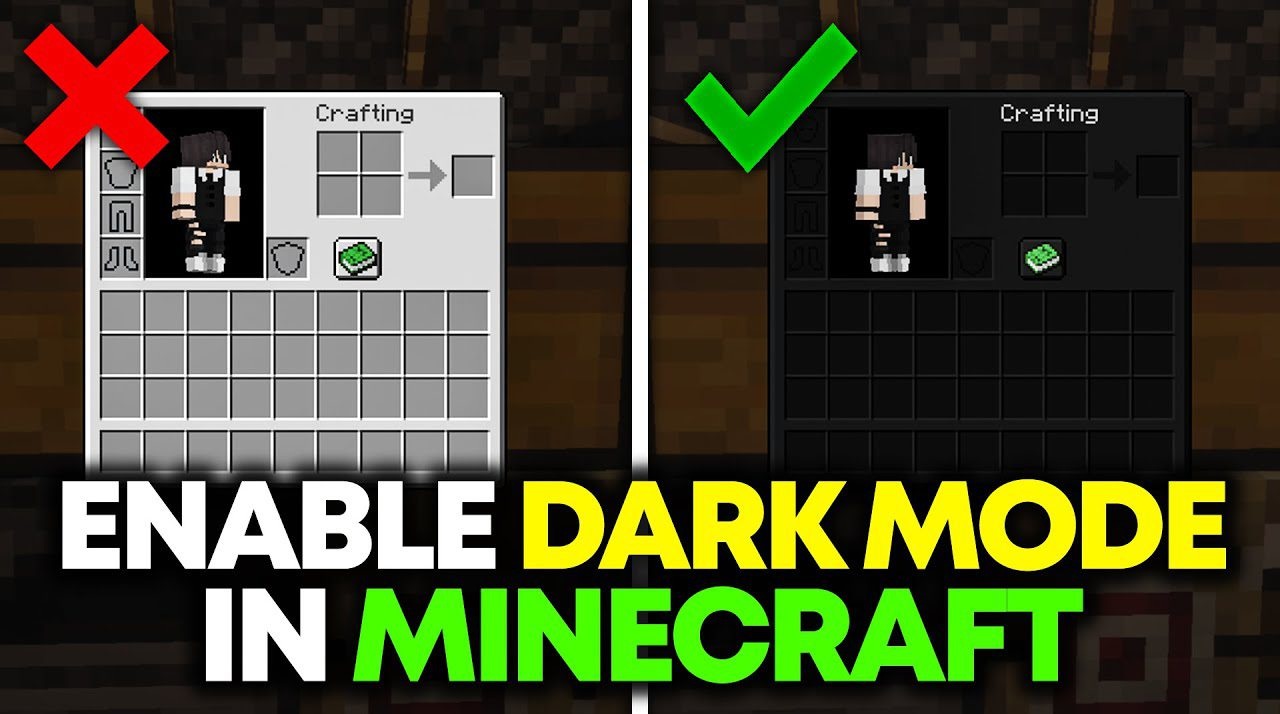
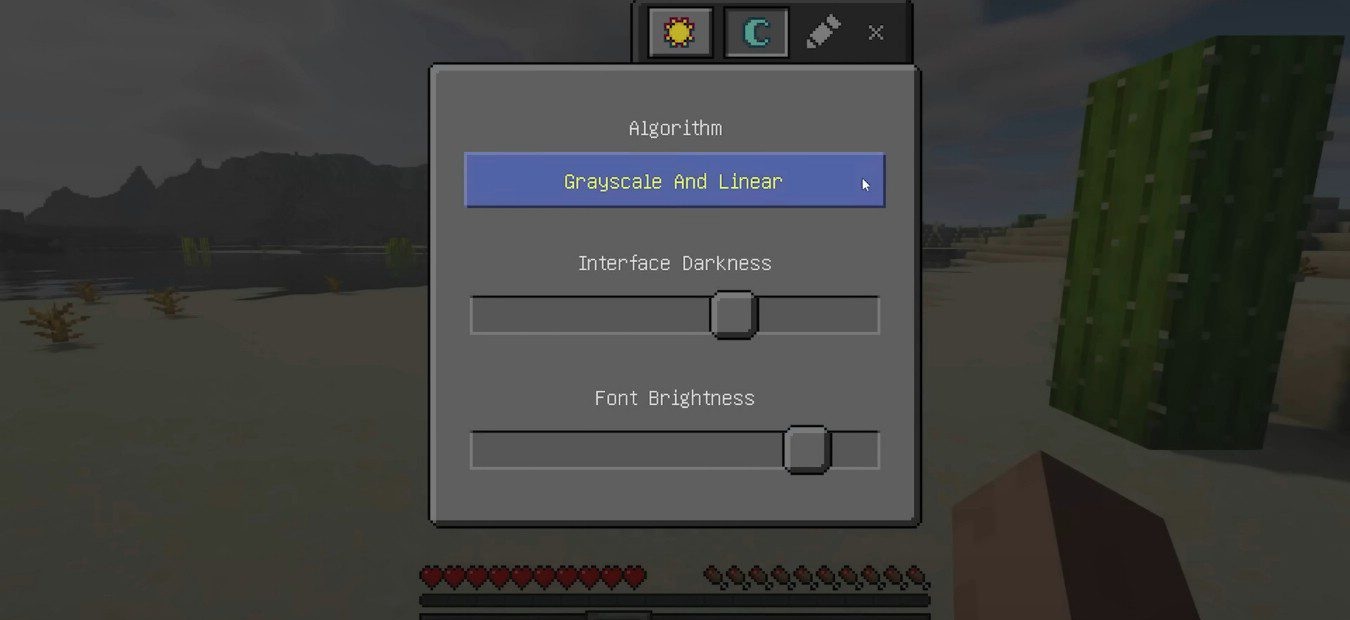
Mindful Darkness adds a convenient dark mode for the Minecraft interface. It is useful for those who often play in the evening or at night and are tired of menus that are too bright. The mod darkens game windows without manually replacing textures and makes the interface softer for the eyes. The main advantage is customization. You can choose the strength of the darkening, turn the effect on and off directly during the game, and also specify which textures should be changed.
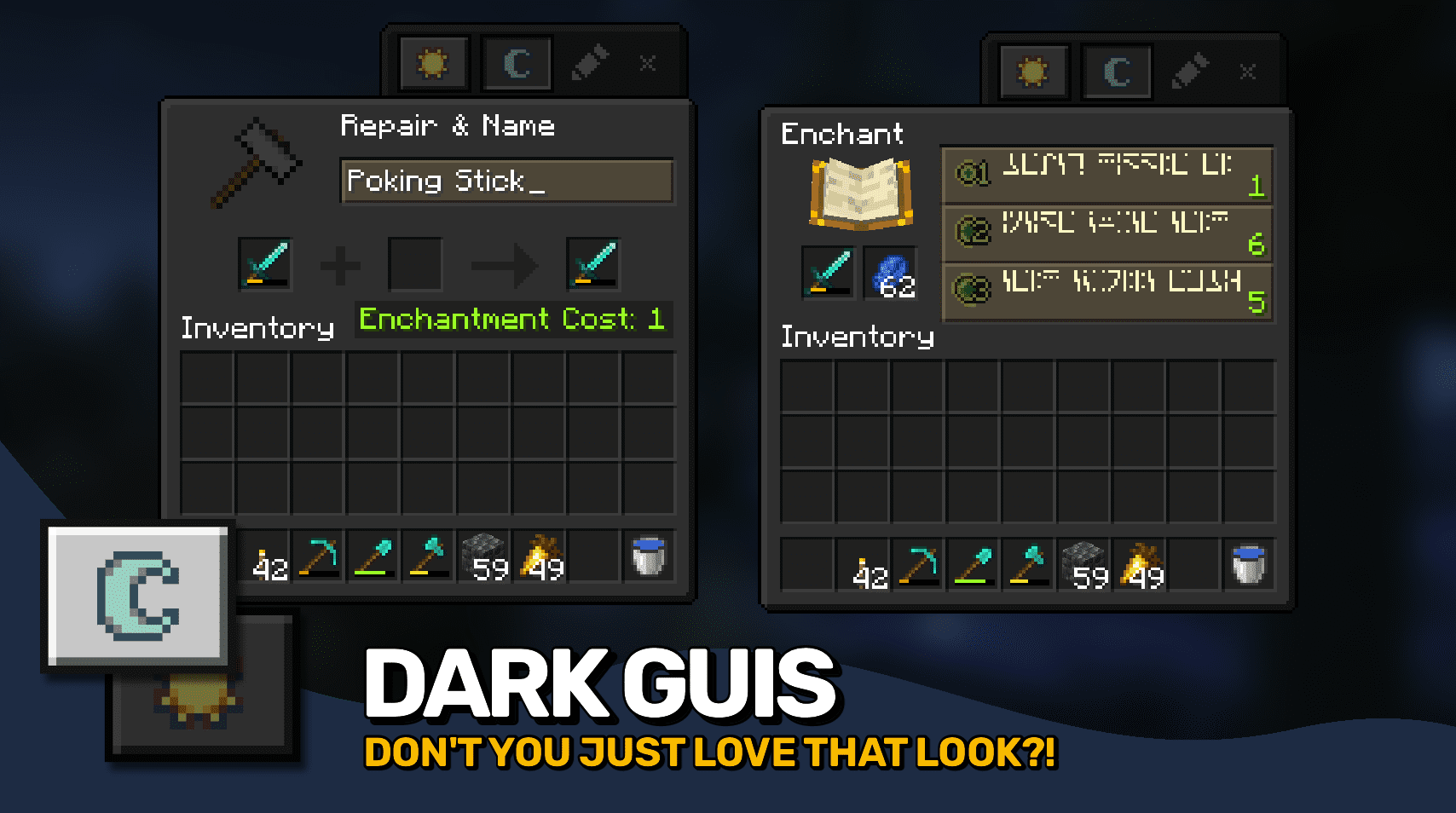
Because of this, the interface can not only be made darker but also adjusted to your taste. The mod does not affect survival, combat, or building, but it noticeably increases comfort. The mod also looks good in dark, nighttime, and atmospheric modpacks where light menus stand out from the overall style.
How to install the modification:
First step: download and install Fabric и Fabric API.
Second step: download the mod file.
Third step: copy Mindful Darkness mod package to the .minecraft/mods folder (if it does not exist, install Forge again or create it yourself).
Comments (2)