



Overflowing Bars for Minecraft 26.1.2
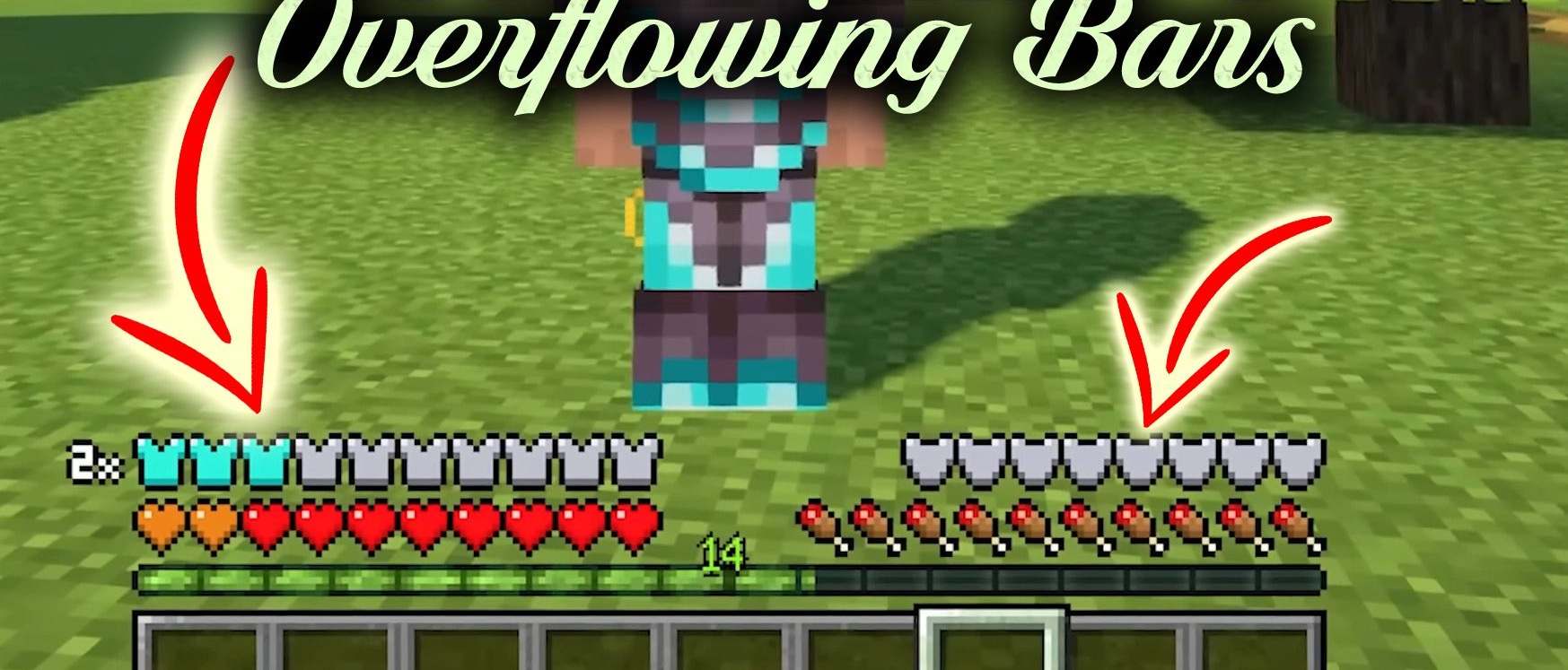
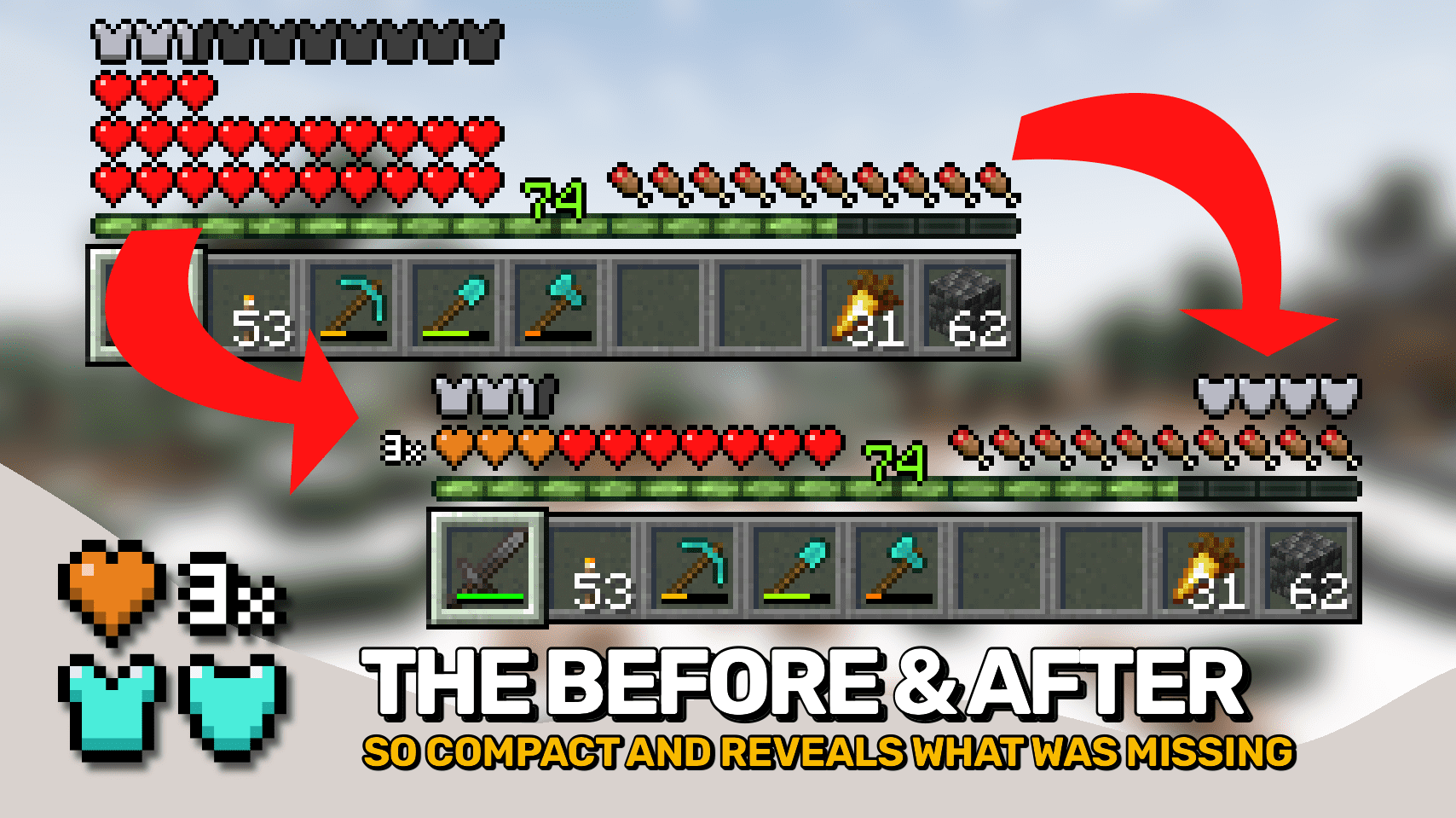
Overflowing Bars organizes the interface when health, armor, or armor durability go beyond standard values. Instead of long rows of icons and color confusion, the mod uses compact layer overlaying. Basic hearts remain in the vanilla color, and the additional layer is shown in orange with a small number on the side. The same principle works for armor, only the additional layer is marked in light blue.
A separate armor durability bar appears above the food bar and shows the state of equipment without opening the inventory. It can be moved if desired. Another useful fix is that chat messages no longer overlap the armor display.
How to install the modification:
First step: download and install Fabric и Fabric API.
Second step: download the mod file.
Third step: copy Overflowing Bars mod package to the .minecraft/mods folder (if it does not exist, install Forge again or create it yourself).
Comments (0)