



Overloaded Armor Bar for Minecraft 26.1.2
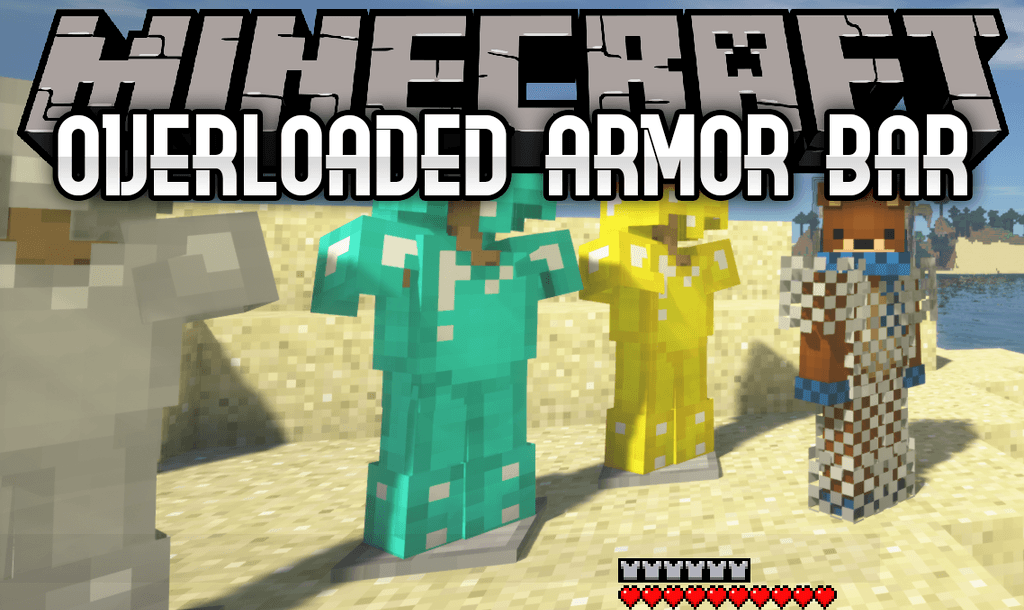
Overloaded Armor Bar fixes the limitation of the standard armor interface. In regular Minecraft, the bar is designed for normal protection values and visually stops being useful when armor goes beyond the standard maximum. In modpacks with enhanced equipment, additional attributes, or armor above diamond level, the player can have more protection than the interface shows.
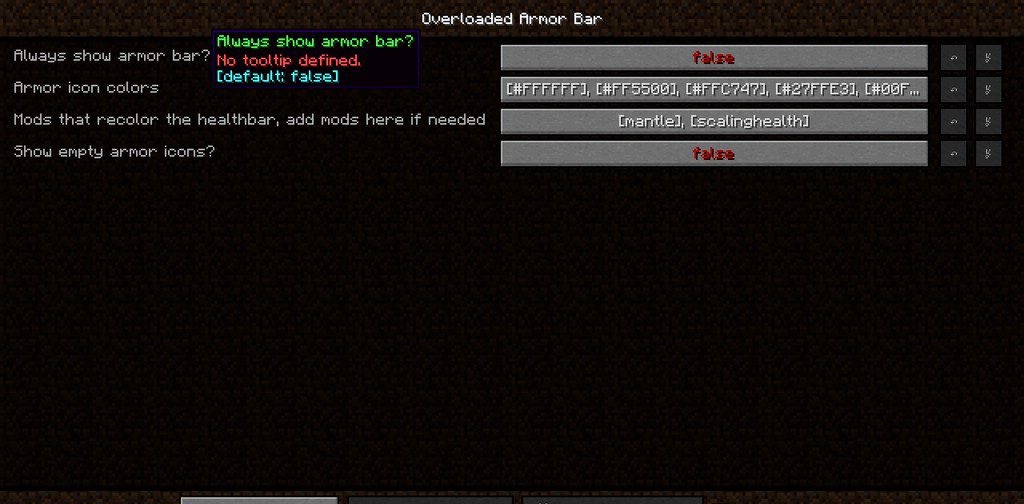
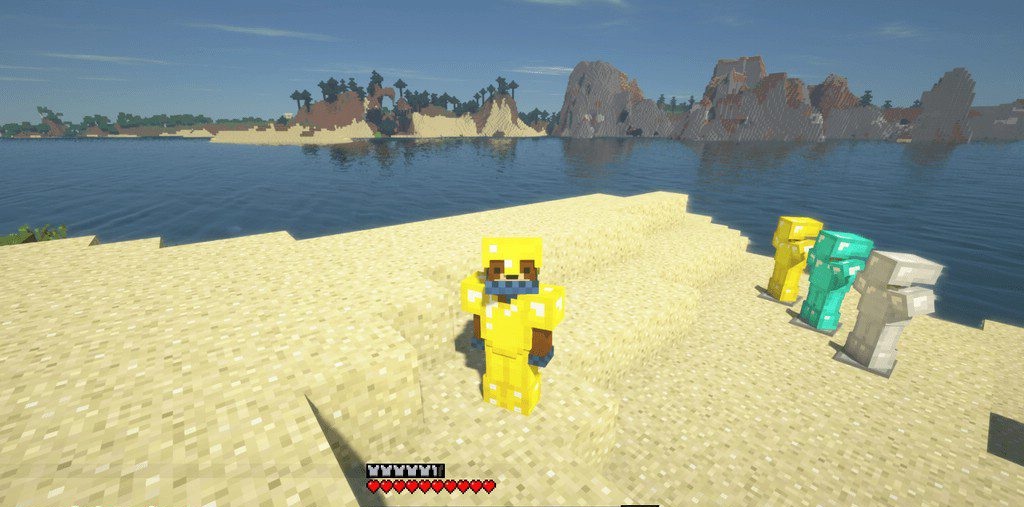
This mod displays the excess by filling the bar again with icons of different colors. Each color shows a new “layer” of armor, so the value becomes readable without opening additional menus.
How to install the modification:
First step: download and install NeoForge.
Second step: download the mod file.
Third step: copy Overloaded Armor Bar mod package to the .minecraft/mods folder (if it does not exist, install Forge again or create it yourself).
Comments (0)