



Sky Aesthetics for Minecraft 26.1.2
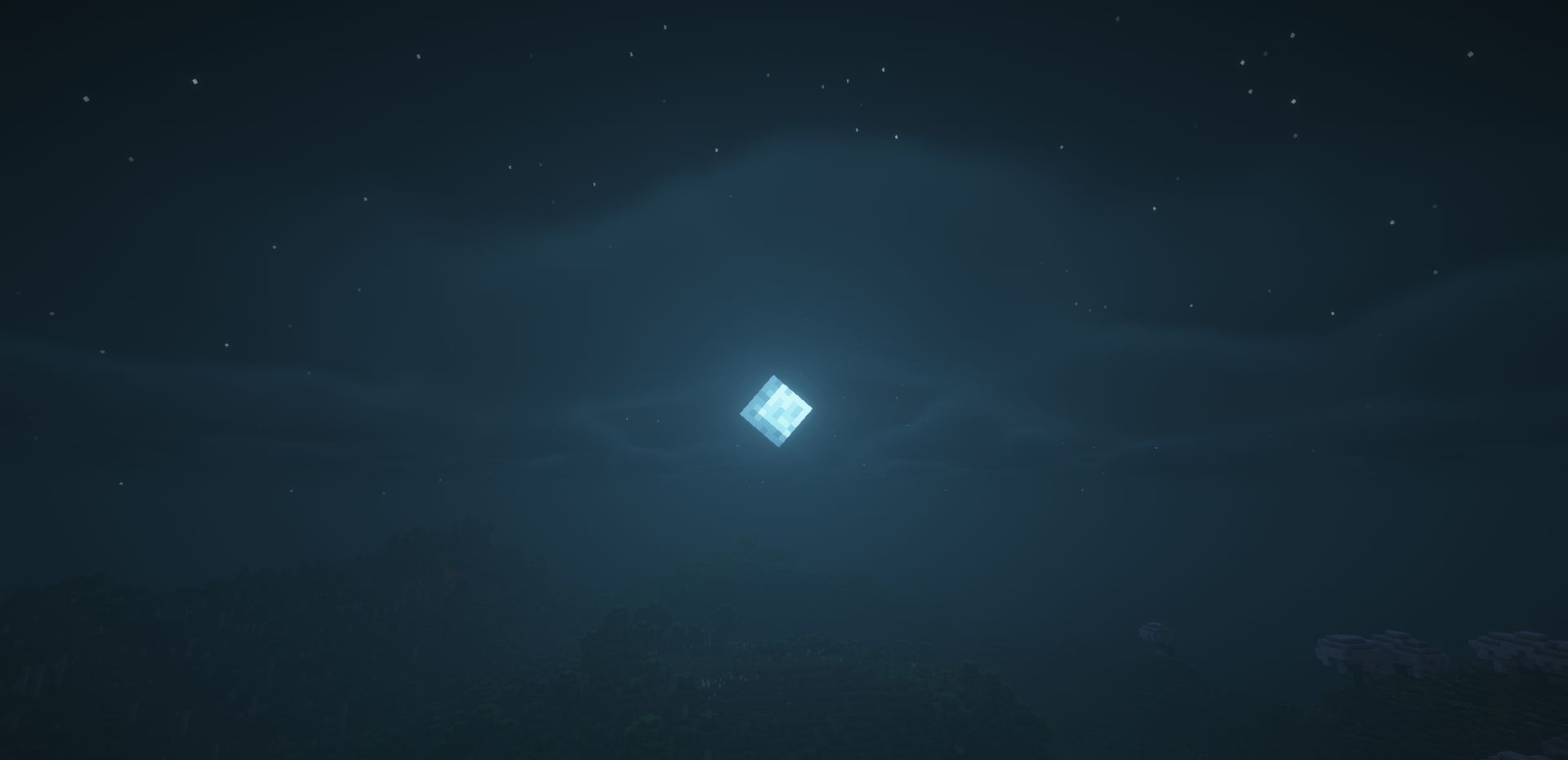
Sky Aesthetics expands the way the sky works and makes its customization clearer without complicated technical actions. The mod allows you to change the textures of sky elements, adjust their size, or completely remove unnecessary details. With it, you can add colorful stars, moving lights, shooting stars, and constellations, making the night sky stop feeling like an empty background.
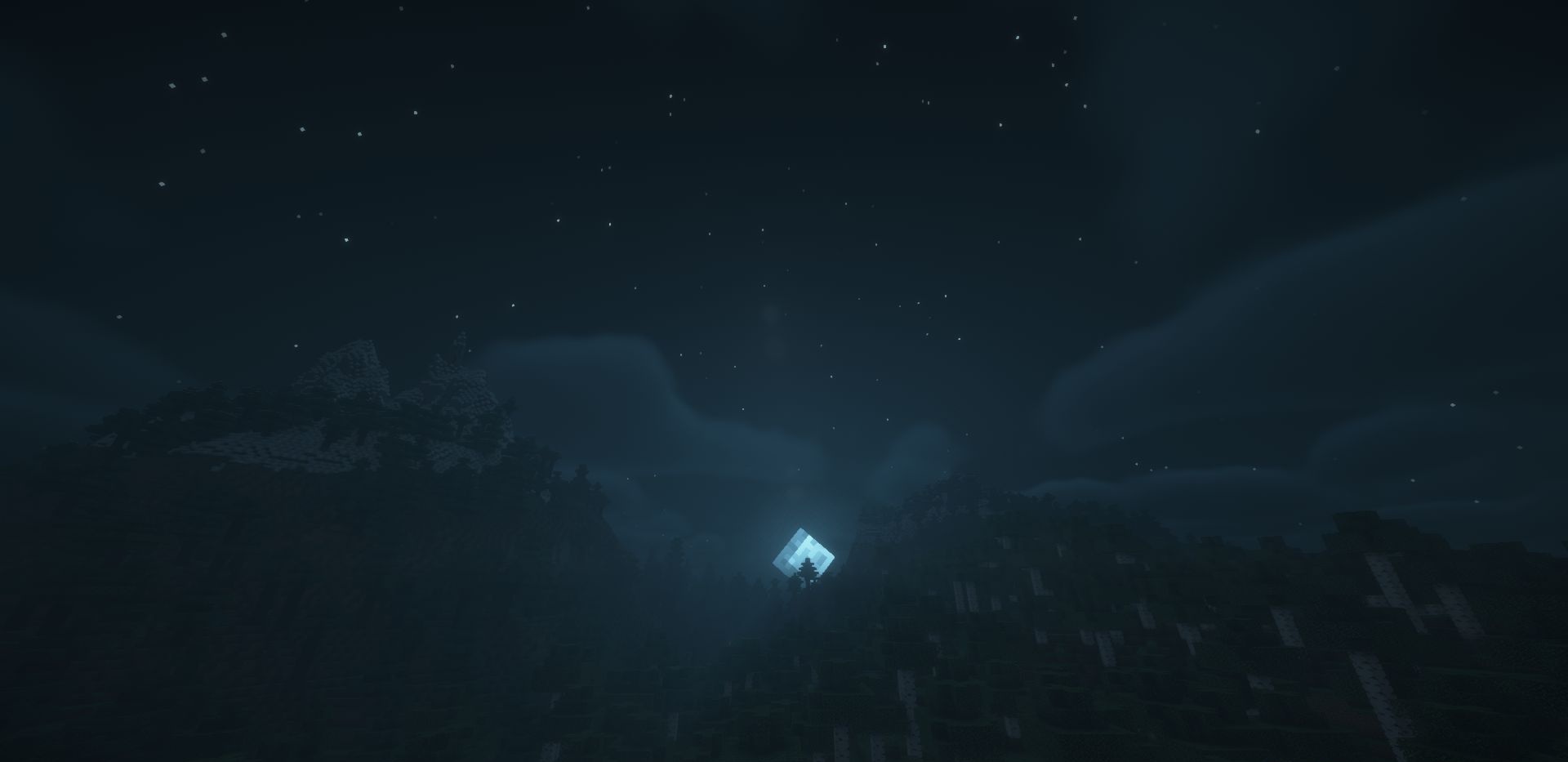
There are also more noticeable changes: disabling clouds, removing rain, or creating an End-style sky. This set of features gives more freedom when designing worlds, maps, and resource packs. The sky can be made calm, fantastic, gloomy, or completely unusual without affecting the other parts of the game.
How to install the modification:
First step: download and install Fabric и Fabric API.
Second step: download the mod file.
Third step: copy Sky Aesthetics mod package to the .minecraft/mods folder (if it does not exist, install Forge again or create it yourself).
Comments (0)