



Smoke Suppression for Minecraft 26.1.2
Smoke Suppression solves a problem that often appears in technical builds and farms with a large number of campfires. Smoke particles can look atmospheric on a small scale, but when used in large numbers, they quickly begin to obstruct the view and load the client. The mod adds a clear rule: if a certain block is located under a campfire, the smoke stops being displayed.
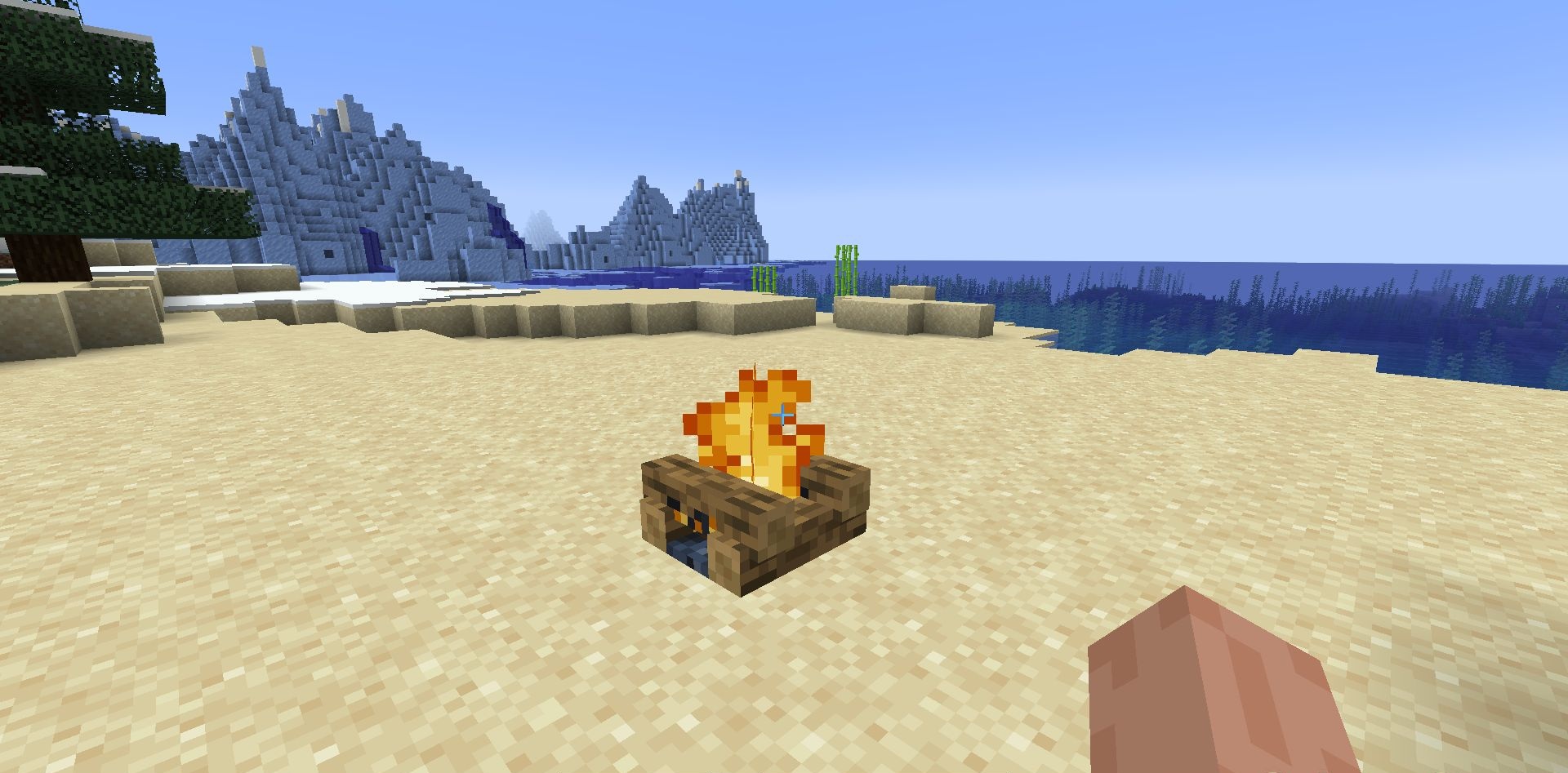
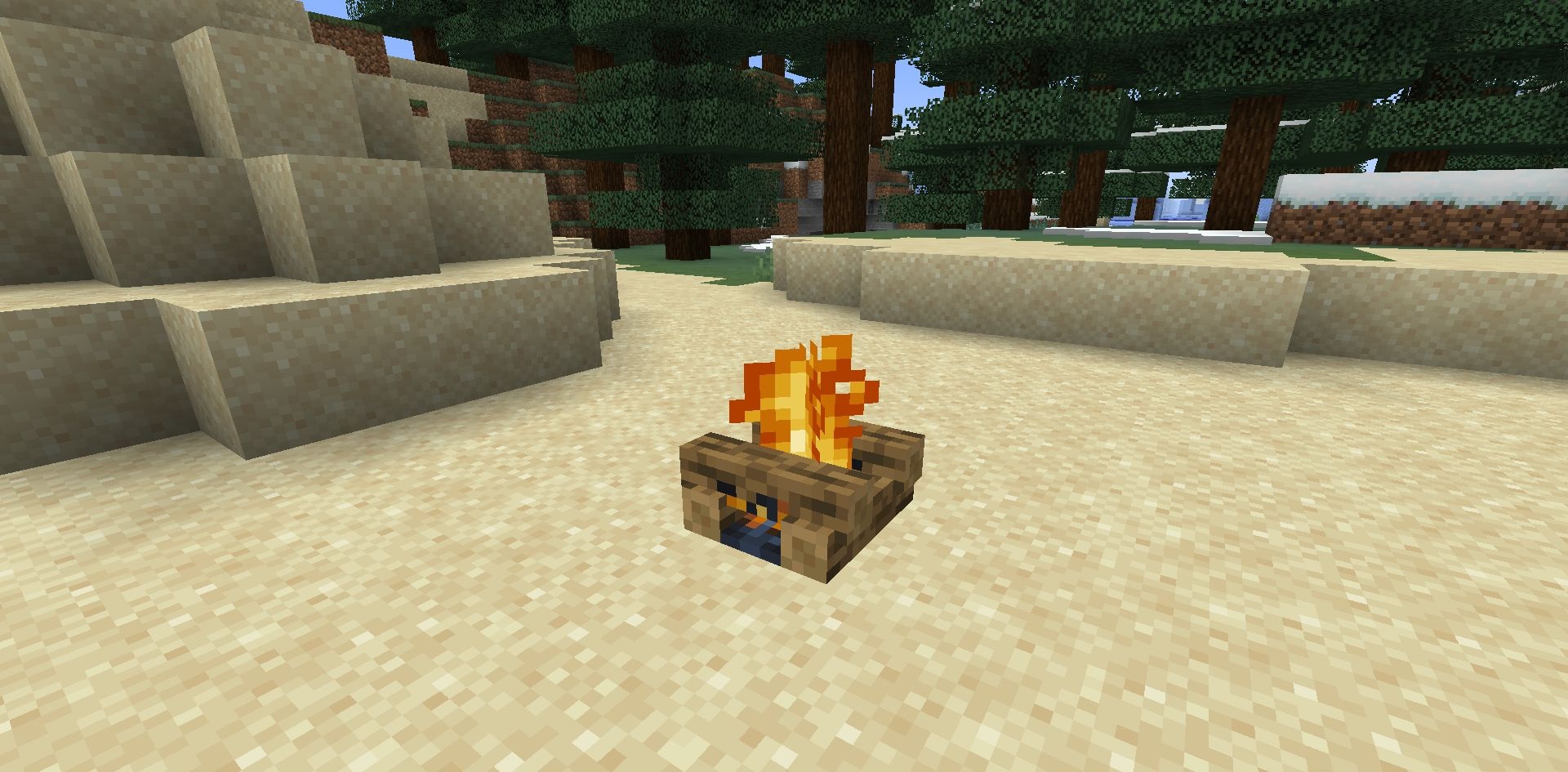
By default, this list includes hoppers and different types of rails, which makes sense for farms and automatic systems where campfires are often used as a working element. The mod works on both regular campfires and soul campfires, keeping the same behavior for both variants.
How to install the modification:
First step: download and install Fabric и Fabric API.
Second step: download the mod file.
Third step: copy Smoke Suppression mod package to the .minecraft/mods folder (if it does not exist, install Forge again or create it yourself).
Comments (0)