



Visual Workbench for Minecraft 26.1.2
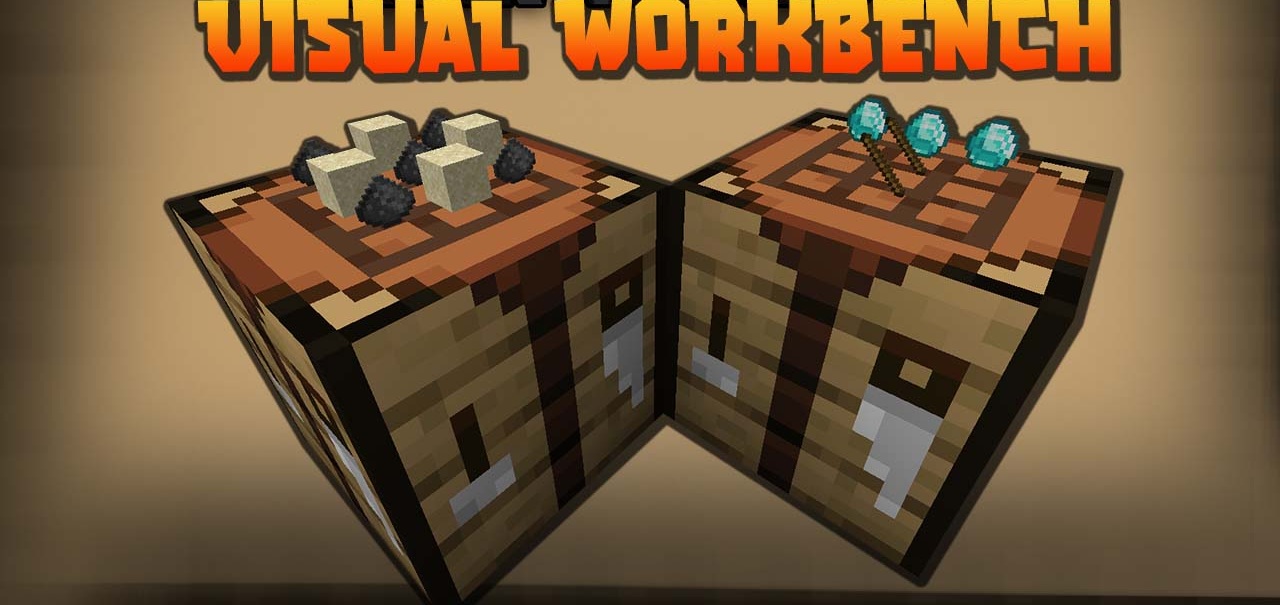
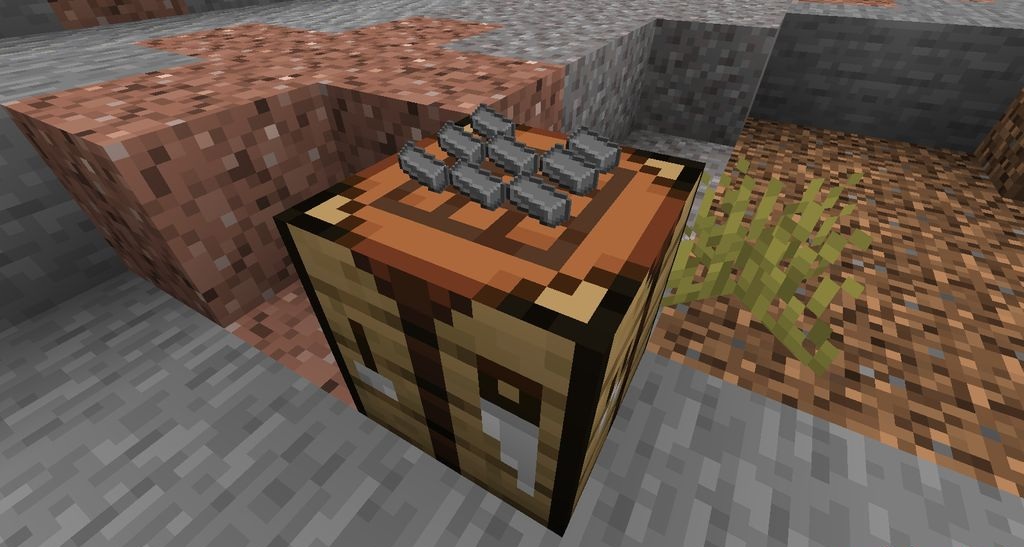
Visual Workbench makes the crafting table not just an interface, but a real working block in the world. Items placed in the crafting grid remain inside even after the menu is closed and are displayed directly on the surface of the crafting table. This is useful when a recipe needs to be left for later, shown to another player, or when materials simply should not be lost after accidentally closing the interface.
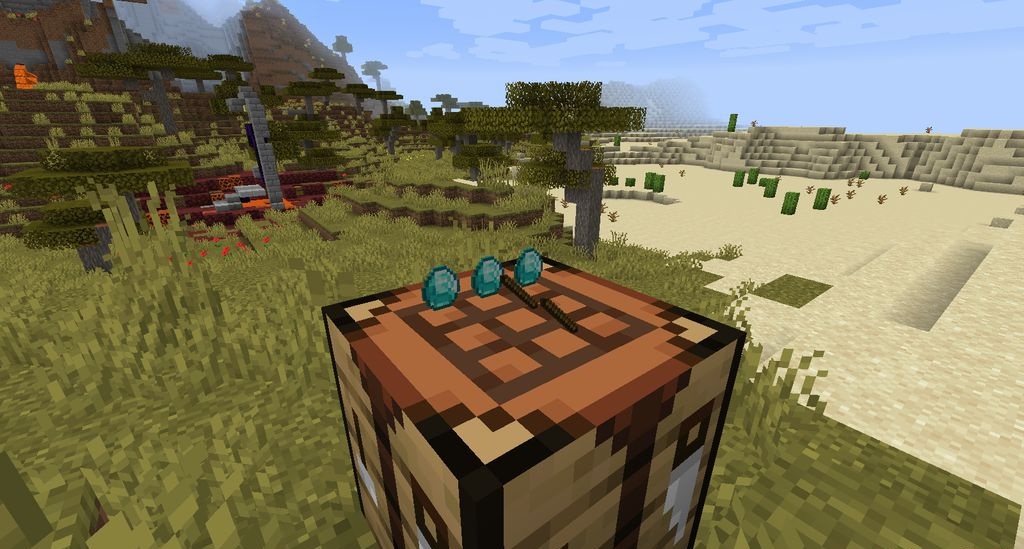
If the crafting table is broken, all items drop, so the contents do not disappear. The main change here is not in new recipes, but in the feeling of the process: crafting becomes visible. On a server, such a crafting table can work as a small showcase, a hint, or part of a workshop where it is clear what the player is currently working on.
How to install the modification:
First step: download and install Fabric и Fabric API.
Second step: download the mod file.
Third step: copy Visual Workbench mod package to the .minecraft/mods folder (if it does not exist, install Forge again or create it yourself).
Comments (0)