



Zume for Minecraft 26.1
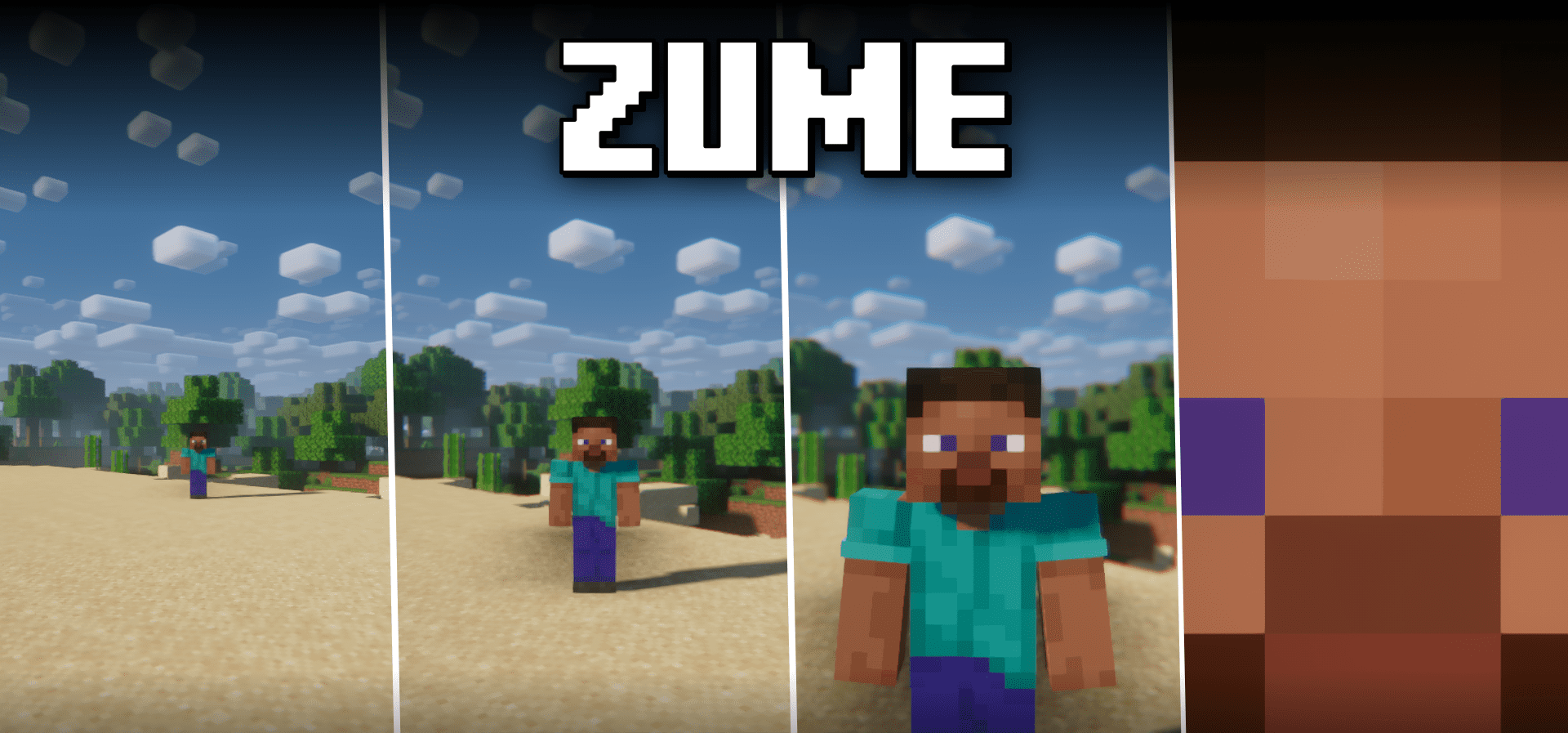
When you need to look at a distant object, the regular field of view in Minecraft is often not enough. This is exactly where Zume shows itself at its best, offering an advanced zoom system that works quickly, smoothly, and conveniently. After pressing the assigned key, the player gets a zoom effect and can then additionally adjust the level of magnification using separate buttons.
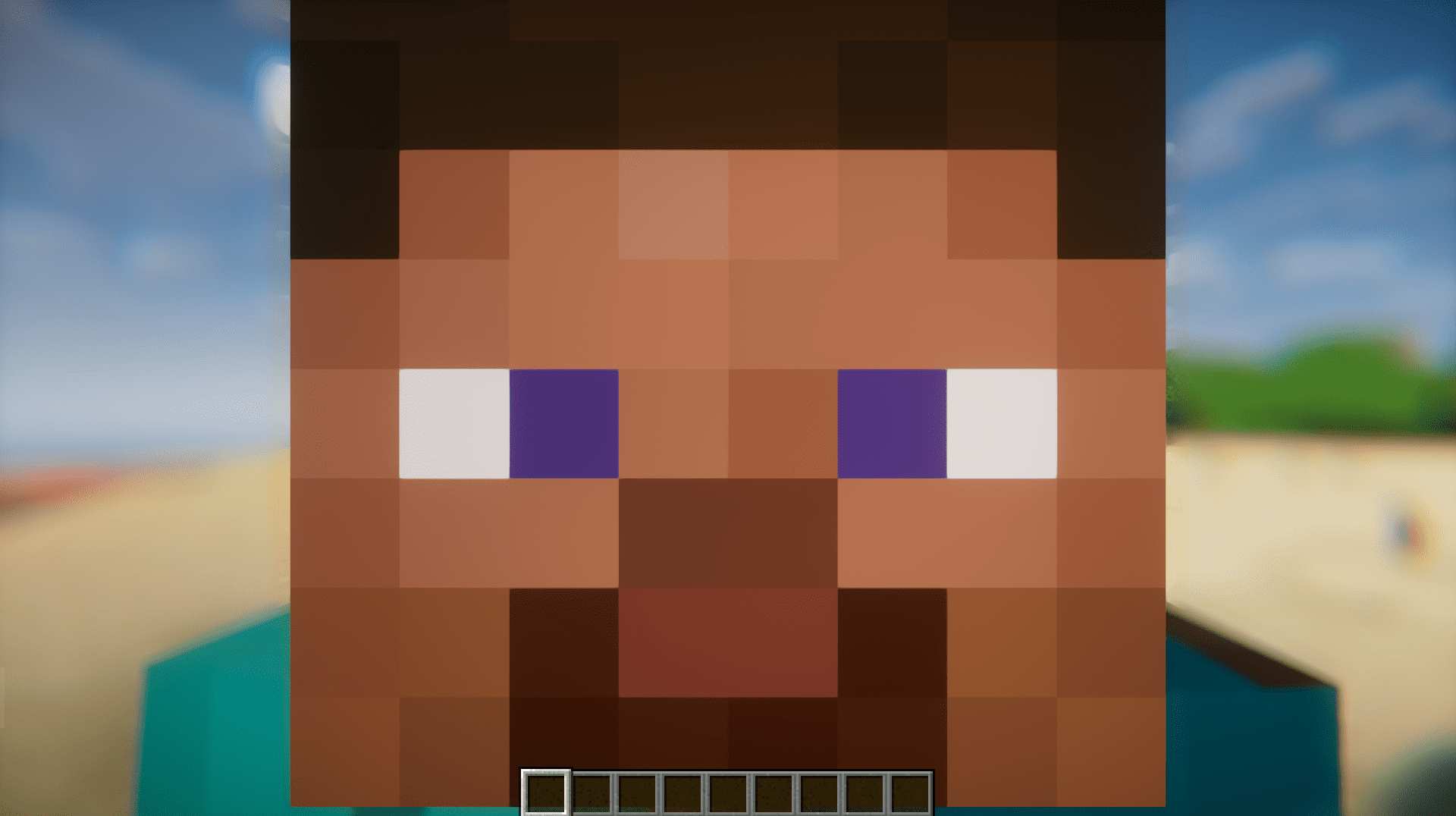
This makes the mod useful not only for admiring landscapes, but also for examining builds, observing distant mobs, or orienting yourself more precisely on the terrain. Unlike simple solutions where only the viewing angle changes, the whole process here feels more flexible and customizable.
How to install the modification:
First step: download and install Fabric и Fabric API.
Second step: download the mod file.
Third step: copy Zume mod package to the .minecraft/mods folder (if it does not exist, install Forge again or create it yourself).
Comments (4)