



Armor Poser for Minecraft 26.2

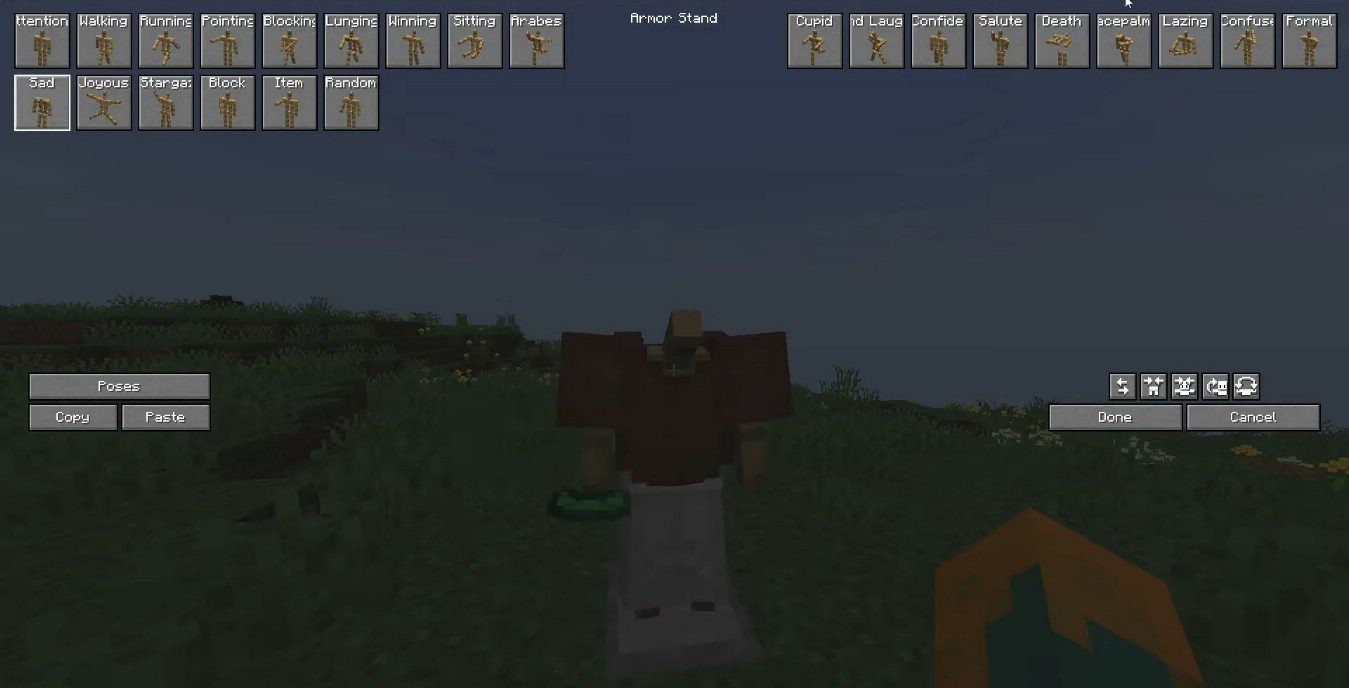
Adjusting armor stands through Armor Poser is done through a separate graphical interface. Access opens through Shift + click on the stand, after which you can change the pose and properties of the object. The mod allows you to add arms, hide the base plate, edit the position of limbs, and place or remove items from the hands.
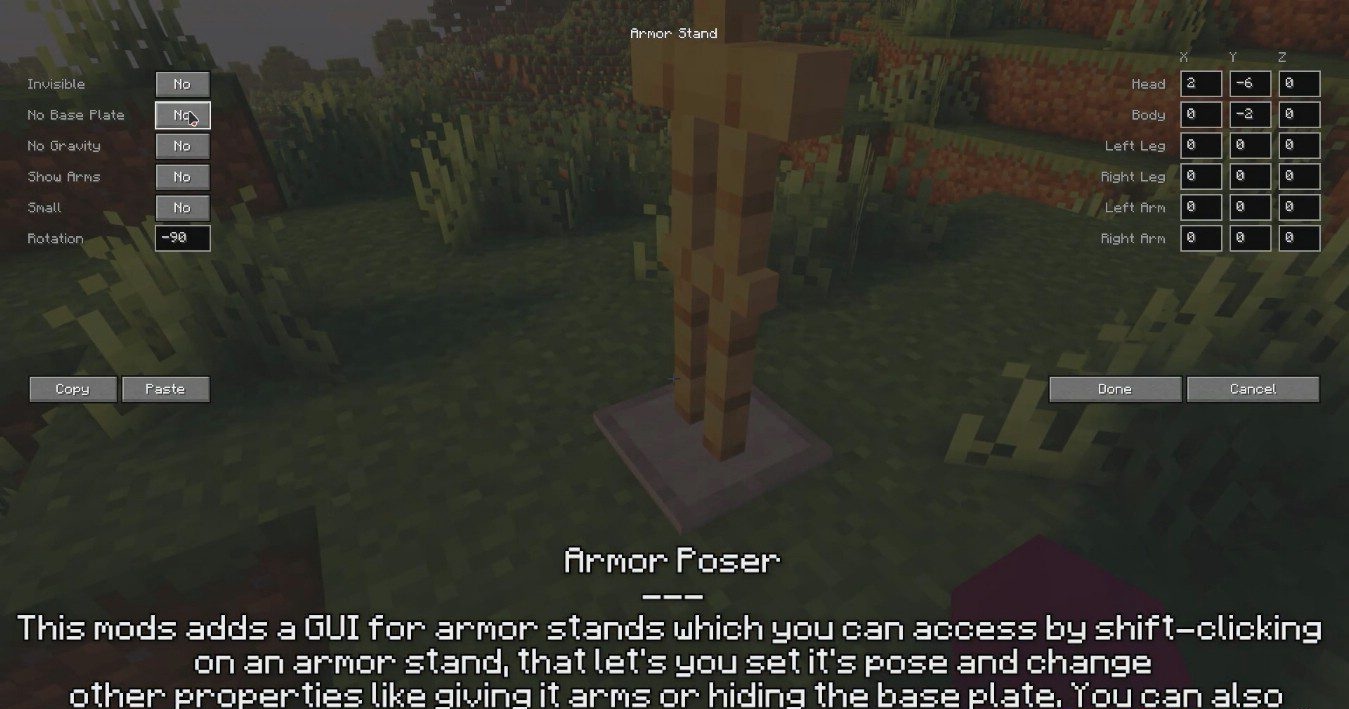
The set of functions turns the stand from an ordinary armor holder into a tool for scenes and decoration. You can assemble a mannequin with a weapon, put a figure into the needed pose, make a guard at the entrance, a merchant behind a counter, or a decorative character in a room. The mod does not require commands and is suitable for survival, where you want to make beautiful details without switching to creative mode.
How to install the modification:
First step: download and install Fabric и Fabric API.
Second step: download the mod file.
Third step: copy Armor Poser mod package to the .minecraft/mods folder (if it does not exist, install Forge again or create it yourself).
Comments (0)