



Armor Stand Editor for Minecraft 26.2
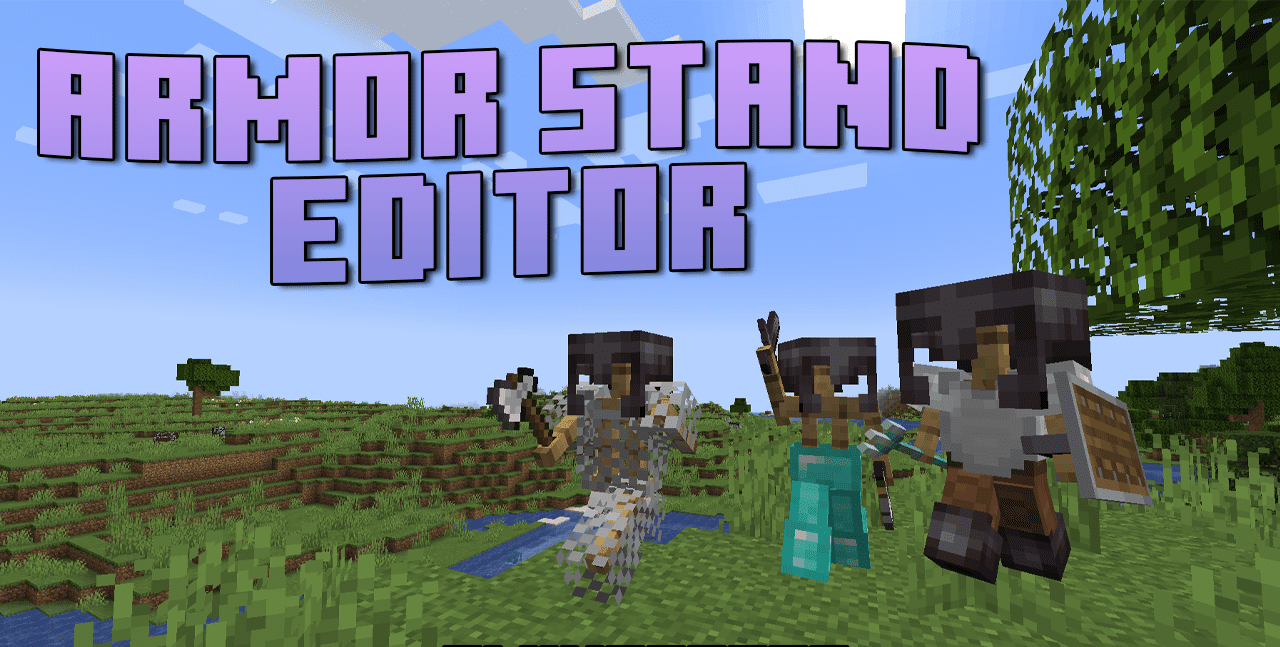
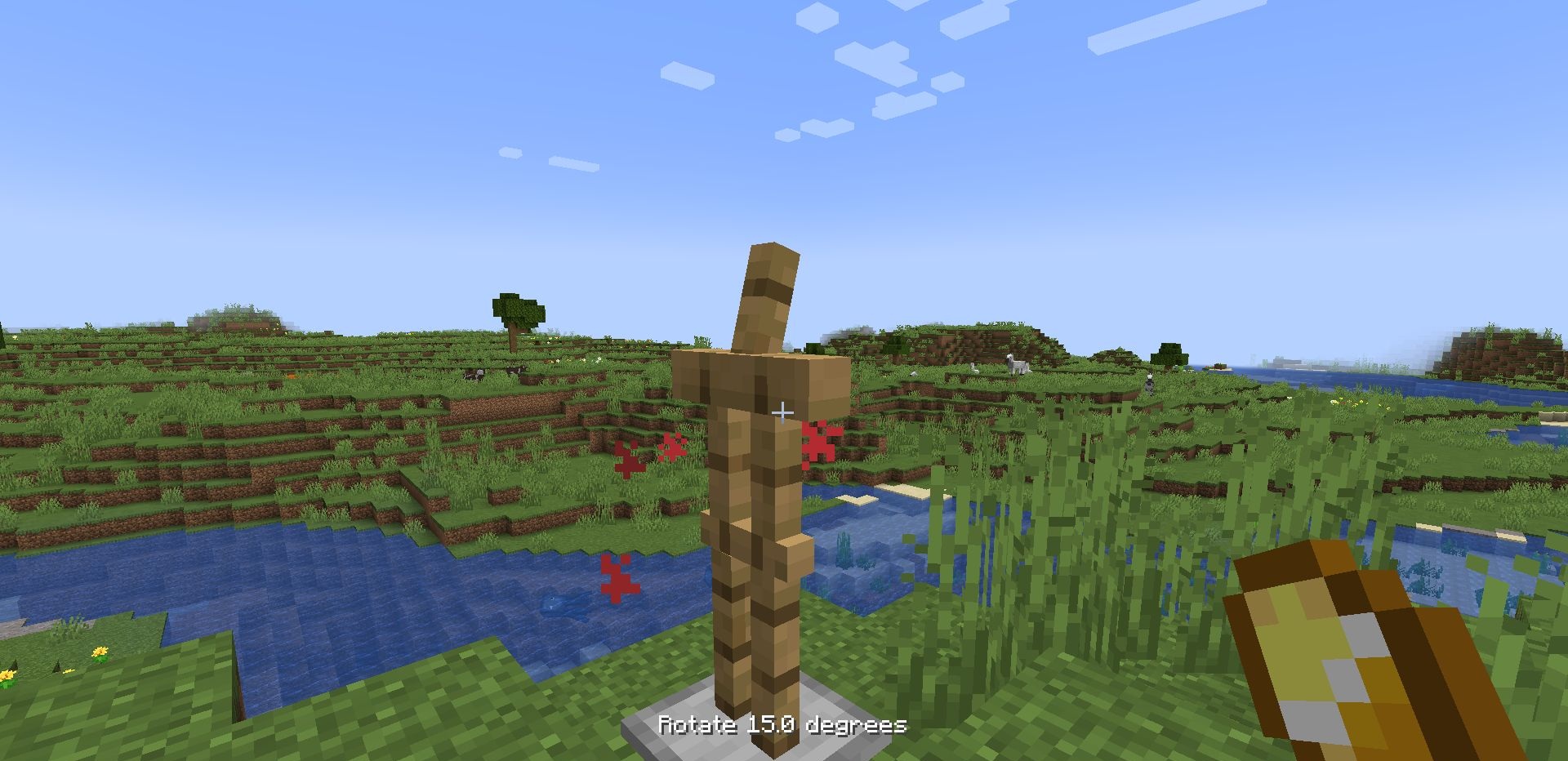
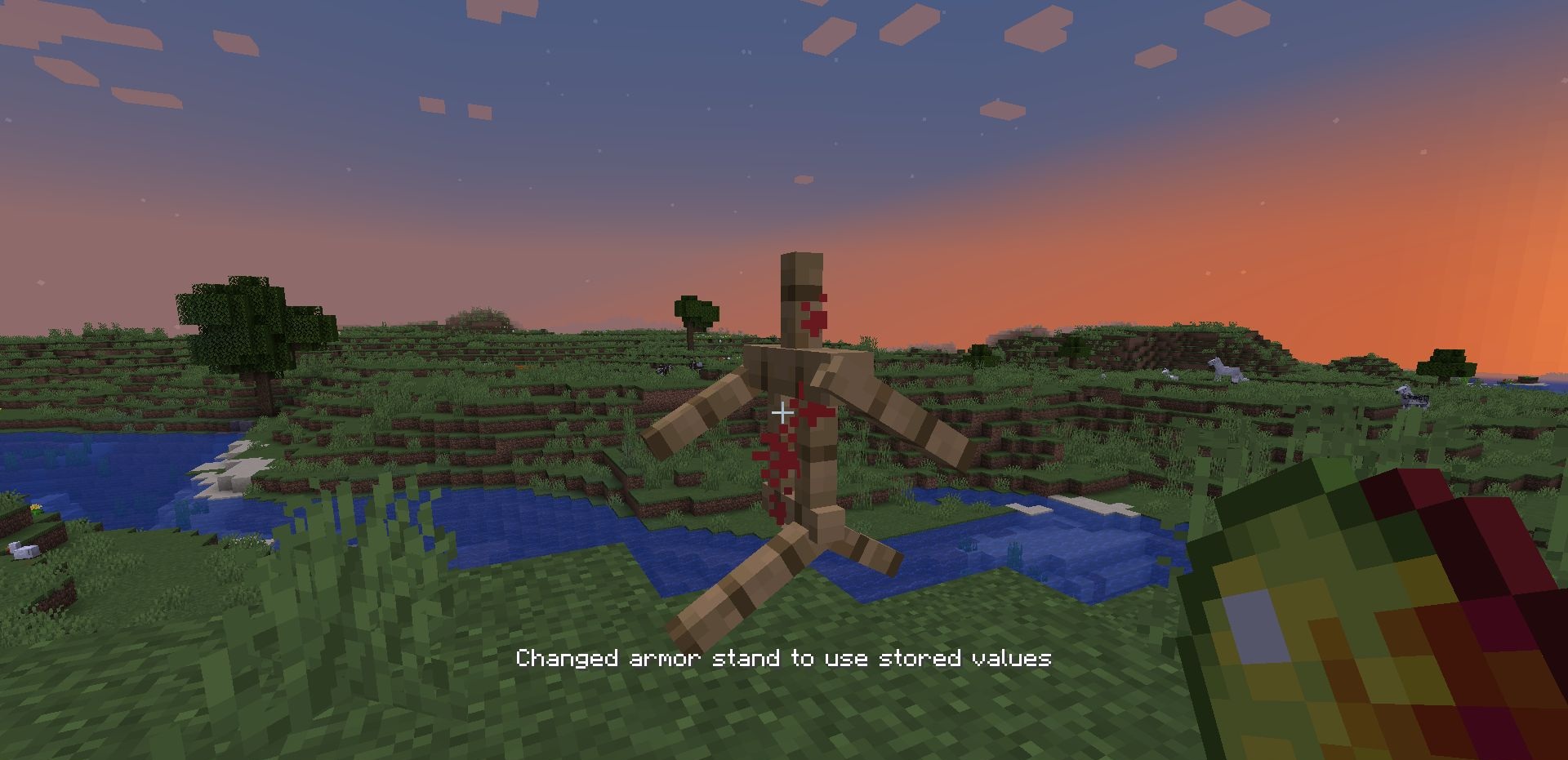
Armor stands are used as decoration, but without commands they are difficult to adjust properly. Armor Stand Editor adds an editor directly into survival. You need to click the stand with flint or another configured item, after which a visual interface opens on the hotbar. Through it, you can rotate body parts, change angles, mirror the pose, move and rotate the stand itself.
Equipment is placed through the regular inventory, so armor and items in the hands are adjusted without extra hassle. There are ready-made poses and manual adjustment. The mod is useful for displays, scenes, shops, training halls, museums, and decorative rooms where the stand should look like part of the composition.
How to install the modification:
First step: download and install Fabric и Fabric API.
Second step: download the mod file.
Third step: copy Armor Stand Editor mod package to the .minecraft/mods folder (if it does not exist, install Forge again or create it yourself).
Comments (0)