



Better Hand Bobbing for Minecraft 26.2
Better Hand Bobbing separates two settings that work together in regular Minecraft: screen shaking and hand bobbing. The vanilla “view bobbing” option disables everything at once, so the player has to choose between a completely static image and movement that can be distracting.
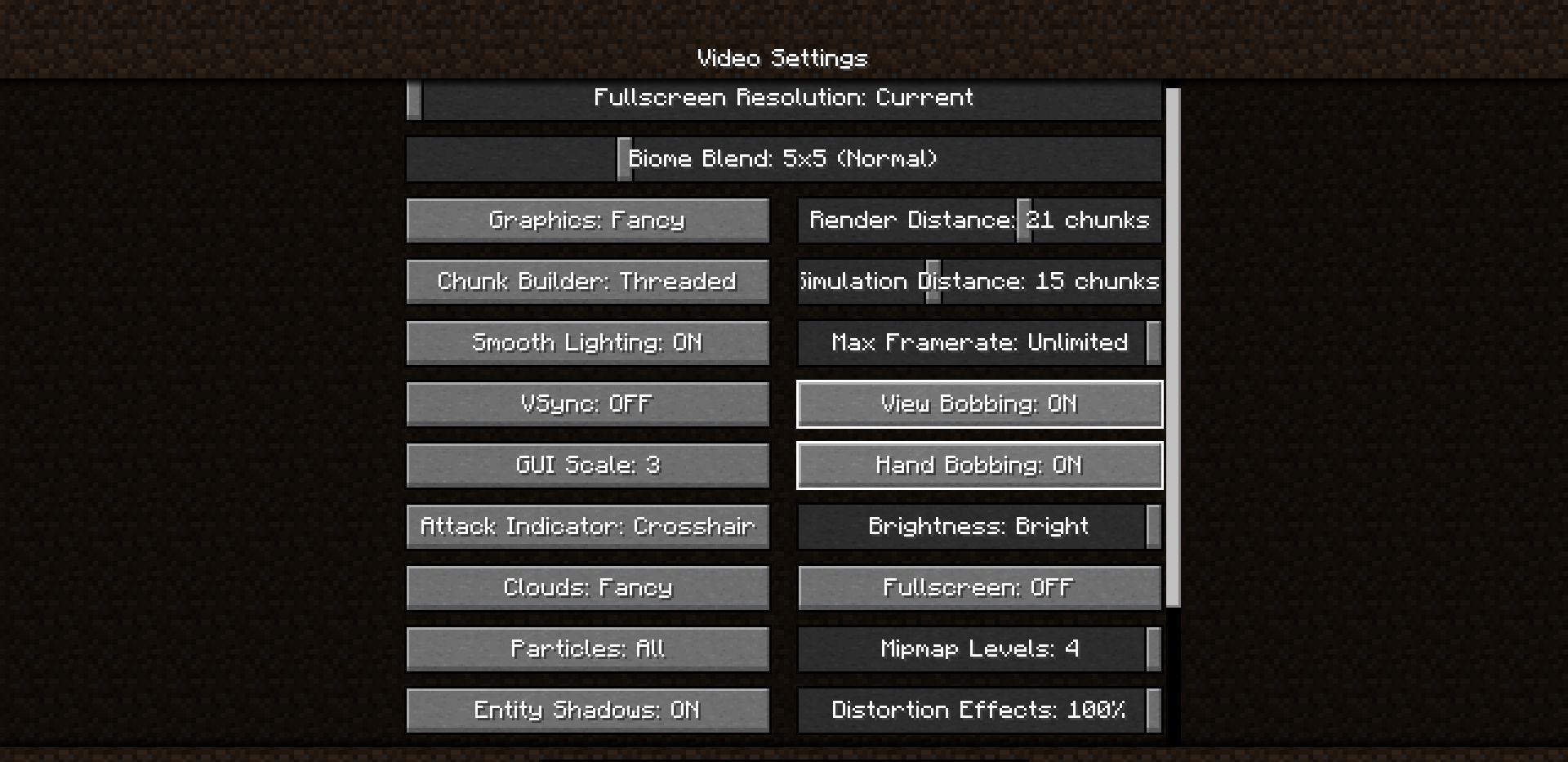
The mod gives more control: you can remove camera shaking but keep the hand animation while walking. This is useful for those who find sharp screen movements unpleasant but do not want to turn the first-person view into a completely motionless interface. The change is small, but it is constantly noticeable during running, mining, combat, and cave exploration.
How to install the modification:
First step: download and install Fabric и Fabric API.
Second step: download the mod file.
Third step: copy Better Hand Bobbing mod package to the .minecraft/mods folder (if it does not exist, install Forge again or create it yourself).
Comments (1)